-
cure - Pixel Art Fundamentals .
-
AA.
-
Dithering.
-
Clusters.
-
Jaggies.
-
Banding.
-
Pillow Shading.
-
Sel-out (selective outline).
-
Palette.
-
HSL (Hue, Saturation, and Luminescence)
-
Color Ramps.
-
A color ramp is a group of colors that can be used together, arranged according to luminosity. A palette can consist of a single ramp of many different ramps.
-
-
Hue Shifting.
-
-
-
Good overview of all fundamentals.
-
Good explanation around shading.
-
-
Derek - Pixel Art Fundamentals-
Too basic and superficial when compared to other tutorials.
-
-
Techniques to verify Pixel Art quality .
-
Flip the sprite.
-
Check the silhouette.
-
Check the palette separately from the art.
-
Check the 'color value' (grayscale range).
-
~Take a break.
-
Lines, Curves, Outlines
-
.gif) .
.
-
By BuggedFrog.
-
-
.gif) .
.
-
By BuggedFrog.
-
-
-
By Saint11.
-
-
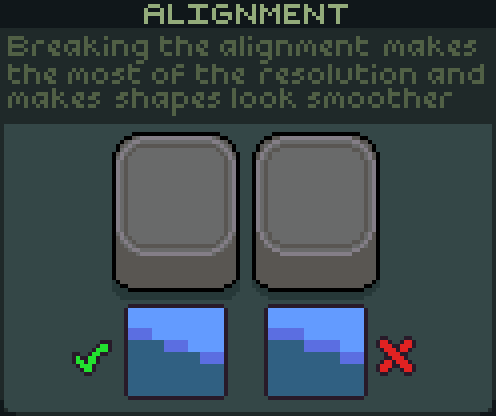 .
.
-
By Saint11.
-
Anti-Aliasing
-
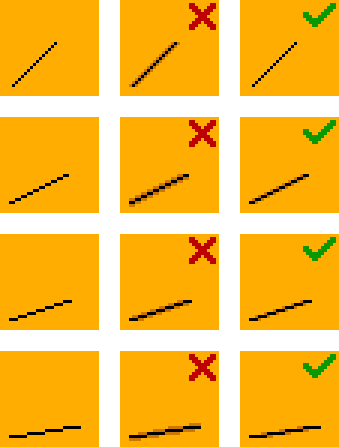 .
.
-
By ?
-
Size
-
-
Tips are aimed at low-res, retro designs.
-
-
.png) .
.
-
By Feichtmeir.
-
-
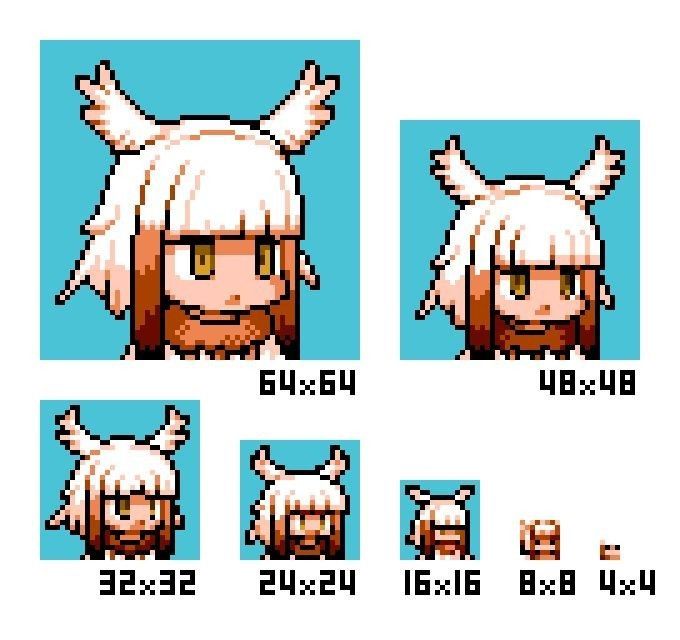 .
.
-
By ?
-
-
.gif) .
.
-
By Saint11.
-
Shading
-
.gif) .
.
-
By Saint11.
-
-
.gif) .
.
-
By Saint11.
-
-
.gif) .
.
-
By Saint11.
-
-
-
By Saint11.
-
-
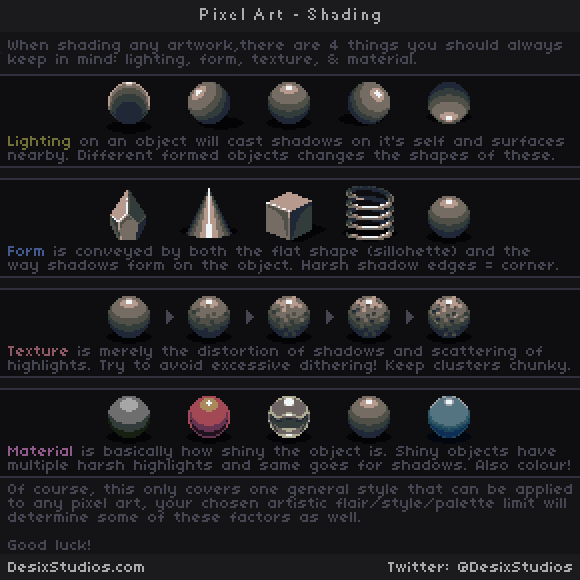 .
.
-
By DesixStudios.
-
-
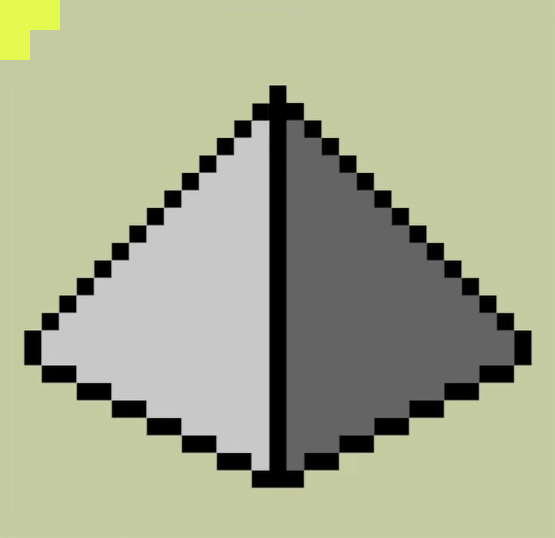 .
.
-
 .
.
-
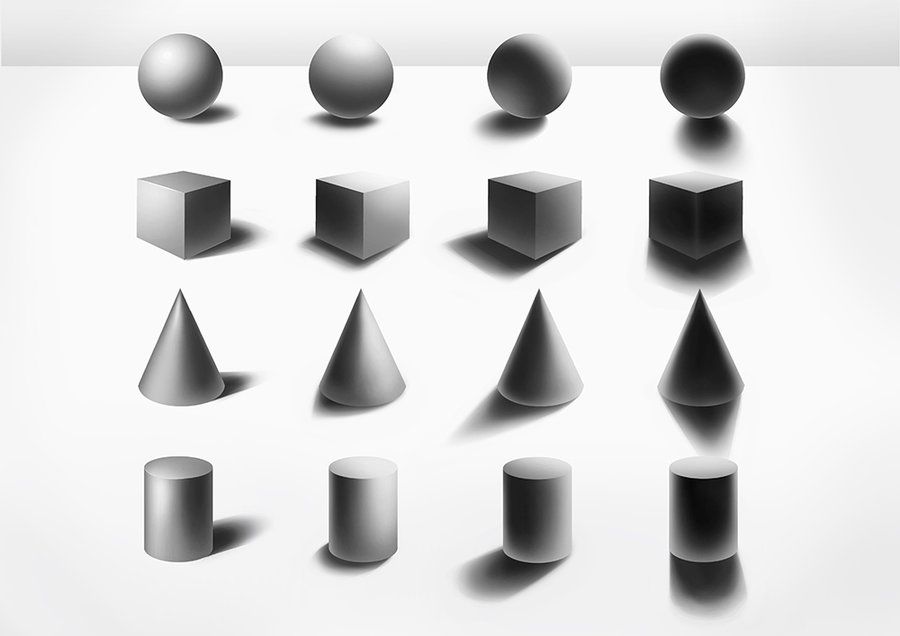 .
.
-
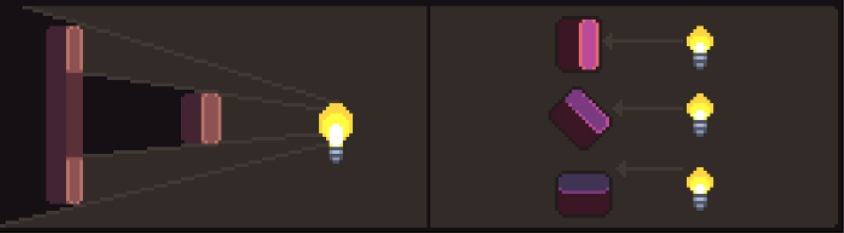 .
.
-
By Saint11.
-
-
 .
.
-
By Saint11.
-
-
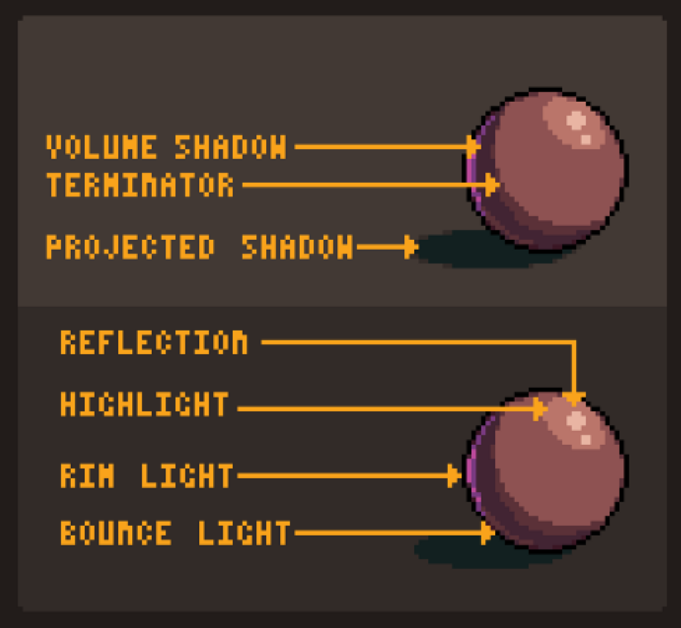
Volume shadow:
-
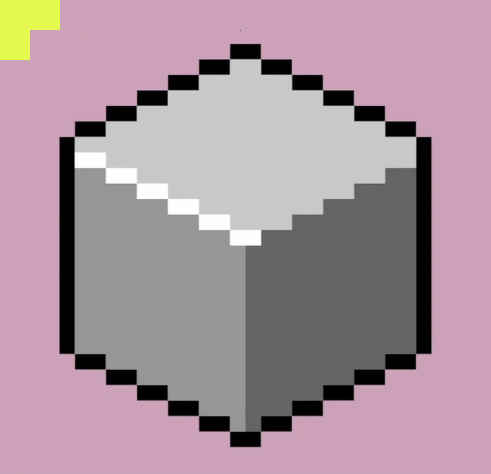
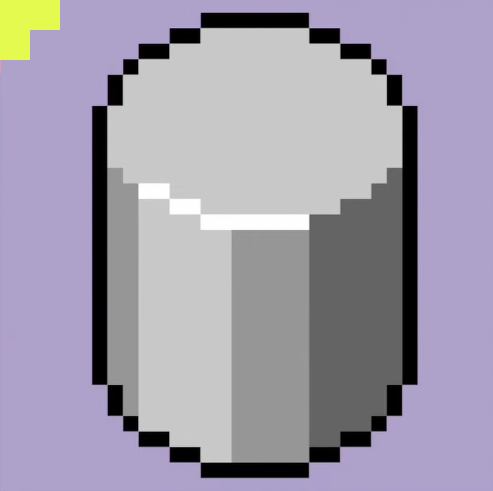
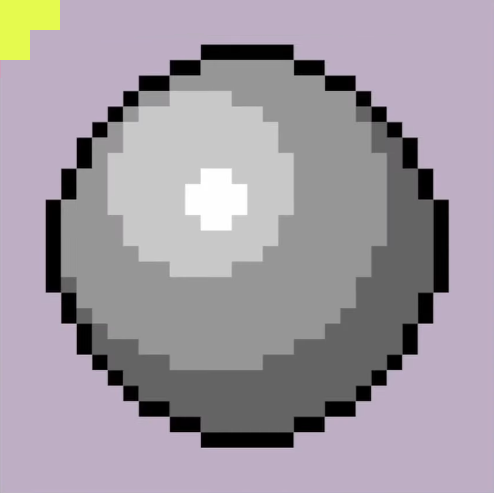
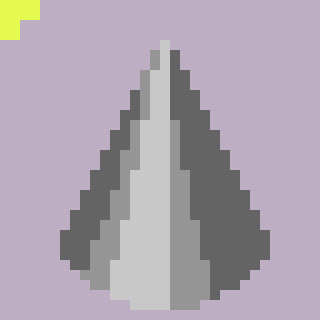
The most common type of shadow, it’s a self-projected soft shadow. It’s the result of the light being blocked by the object’s own volume.
-
-
Terminator:
-
It’s the transition zone between the light area and the dark area of an object. It can be soft or sharp. In pixel art we favor sharp transitions to avoid banding (more about that in the future).
-
-
Projected shadow:
-
When one object projects a patch of shadow into another. This is usually a very sharp shadow.
-
-
Reflection highlight:
-
Also known as specular highlight, it’s the brightest spot in the object. Glossy and reflective objects have small and focused highlights. Rougher objects may not have a reflection highlight.
-
-
Highlight:
-
The basic lighter area of an object, imagine it as the reverse of the volume shadow.
-
-
Rim Light:
-
When the light is coming from the back it looks almost like a bright outline. This is usually cast by a secondary, dimmer light.
-
-
Bounce Light:
-
It’s a little hard to see sometimes but this is a slightly brighter spot in the volume shadow, caused by the light bouncing off the ground and back onto the object. By no means you need to memorize this, but if you are not sure on what to do on your painting, check this list. Another thing to keep in mind is that all of this will not even fit in most pixel art pieces, especially the lower resolution or the lower color count ones. As always, remember: good pixel art eliminates all unnecessary detail.
-
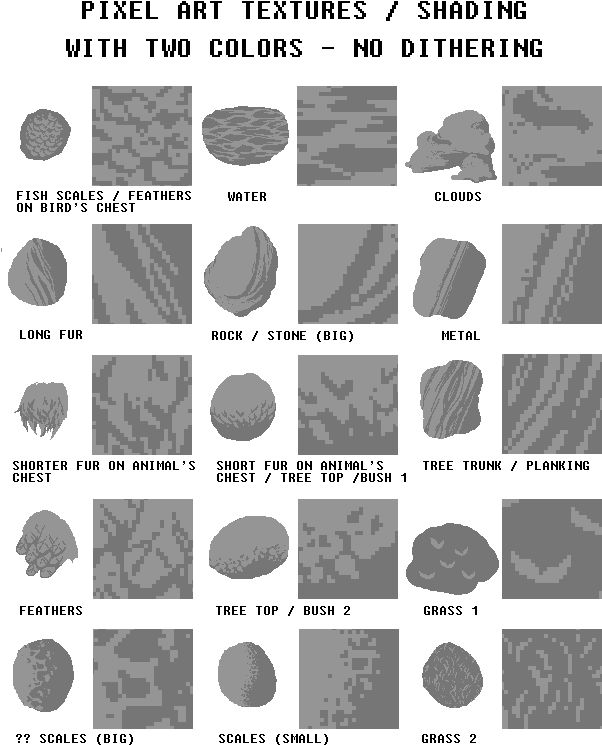
Texturing
-
-
{00:00->11:24} Great explanation of how to reproduce the textures.
-
Grass.
-
Foliage.
-
Stone.
-
Bark.
-
Planks.
-
Metals.
-
Water.
-
Snow.
-
Ice.
-
Clouds.
-
Lava Rocks.
-
Glass.
-
Material tips to convey roughness, smoothness, transparency, solid, liquid, viscosity, reflections.
-
Cloth.
-
Folds come in cylindrical shapes or cone shapes.
-
-
-
{11:24->20:36}
-
Coin.
-
Arrow.
-
Sword.
-
Pot.
-
Potion.
-
Shield.
-
Torch.
-
-
{20:36->21:16}
-
Tip for palette shifting when shading something.
-
-
-
 .
.
-
By ?.
-
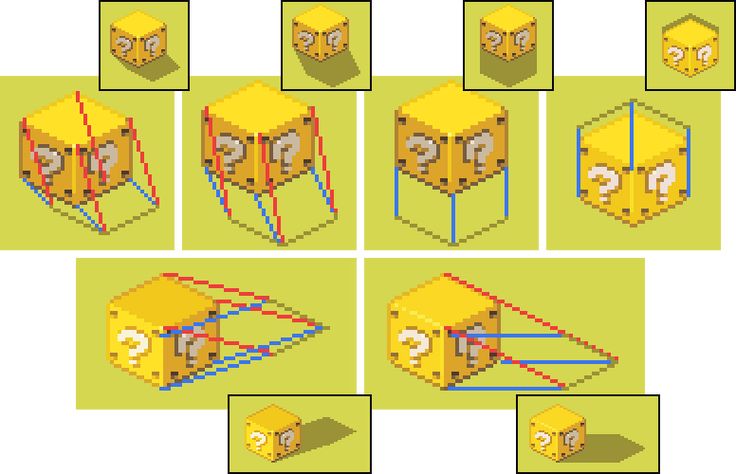
Shadow Casting
-
 .
.
-
By ?.
-
Palette
-
.gif) .
.
-
By SadFaceRL.
-
-
.png) .
.
-
By Feichtmeir.
-
Palette Creation
Hue Shifting
Palettes
Details
Dithering
-
.