Import
-
You can drag and drop a
.blendfile and you'll be asked with the available options.
Copy / Paste
-
You can copy elements from one
.blendfile to another, just by using ctrl+c and ctrl+v. -
Everything is local; unlinked-copy.
Append
-
Basically a fancy way of "copy / paste".
-
Everything is local; unlinked-copy.
-
Ideally, you append a Collection, not individual Objects / Meshes.
-
The reason for that is organization.
-
Link
-
Brings an instance from another
.blendfile, and every time you make a change to the original file, the instance will be updated. -
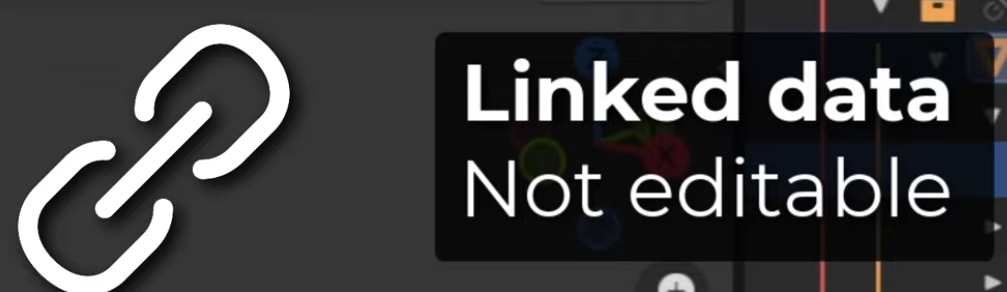
How linked data looks :
-
 .
.
-
Cannot be edited.
-
-
 .
.
-
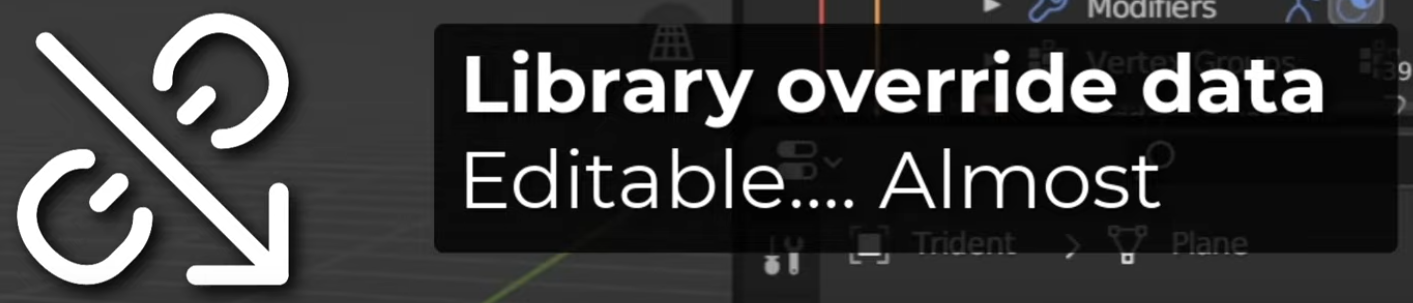
A Library Override was made.
-
The data can be edited, but will revert to the original data once the file is reloaded.
-
Edits made after a Library Override are not saved anywhere, so this is only useful for testing; as changes are not saved.
-
Despite this, you can still make Poses and create new animations (old ones cannot be modified).
-
The idea is that you cannot modify the data, but you can animate the data.
-
These new animations are stored in the current Blender file, not in the source file.
-
-
-
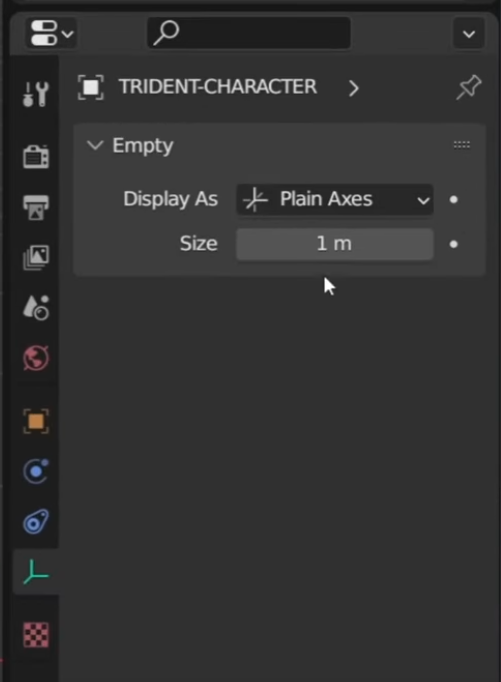
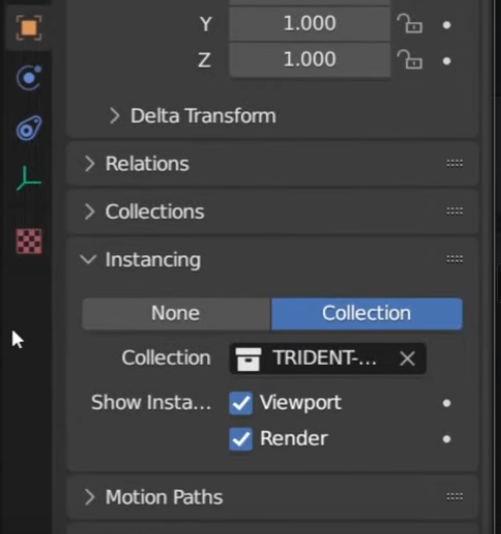
A Collection is instanced as an Empty.
-
 .
.
-
 .
.
-
To see its contents, you have to make a Library Override .
-
-
-
Good workflow :
-
"An animator would work on a linked version of the file, while a modeler / rigger would work on the original file."
-
"A level designer would work on a linked version of the file, with the low-poly mesh, while the modeler would work on the original file."
-
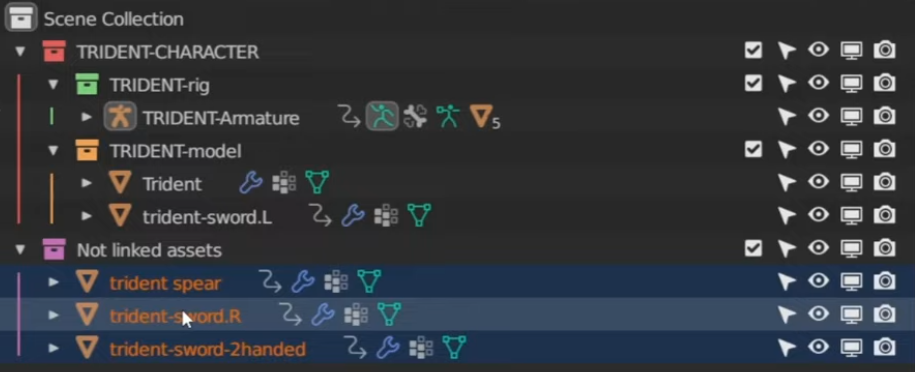
You should link Collections , not just anything.
-
"You can easily add or remove assets from a Collection. Objects can only store their own data."
-
An Object cannot even be moved.
-
-
 .
.
-
"Use a master collection", etc.
-
-
 .
.
-
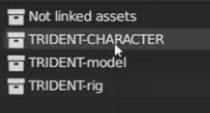
Name your collections as obviously as possible, to not link wrong collections.
-
My Master Collection is fully capitalized.
-
-
-
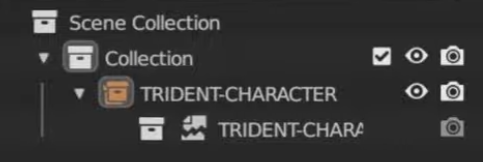
Fixing Broken Link :
-
 .
.
-
 .
.
-
 .
.
-
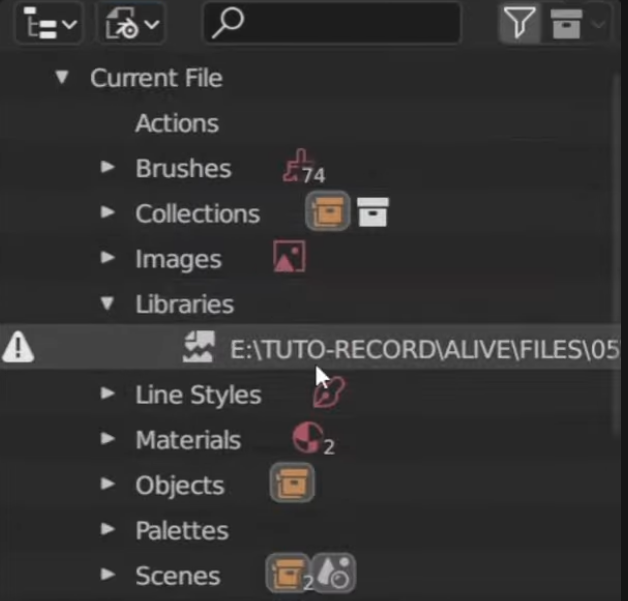
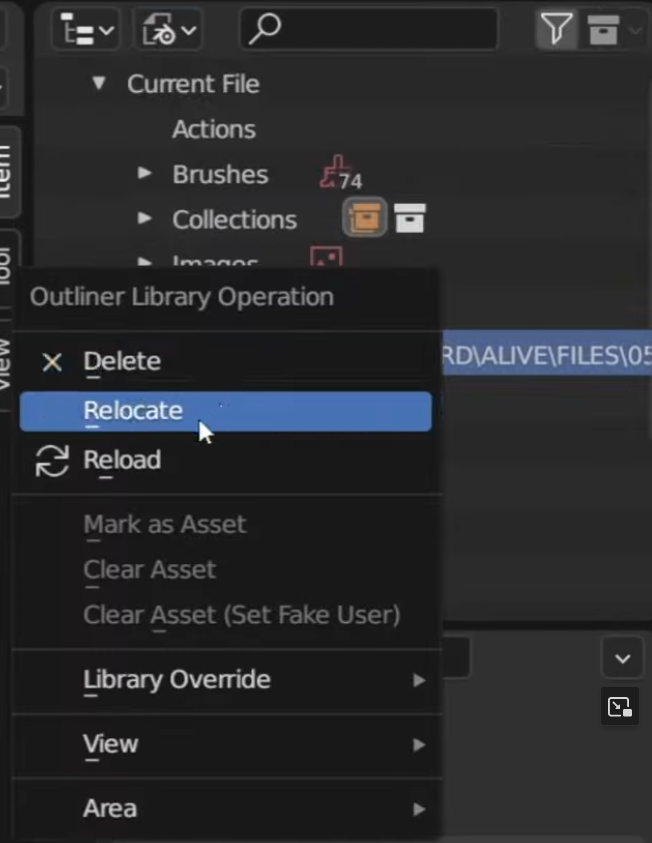
If the path of the linked
.blendfile is changed/renamed, this will make the object have missing data, showing the 'missing data' icon (torn paper). -
The path can be fixed by going to
Outline -> Blender File -> Libraries -> ~file -> Relocate.
-
-
Remove Link :
-
Assumption: Clicking the 'chain icon with arrow' breaks the link, allowing edits to be made normally, as the file becomes saved locally.
-
If you Shift + Click the icon, something else happens, but I don't know what.
-
Asset Library
-
 .
.
-
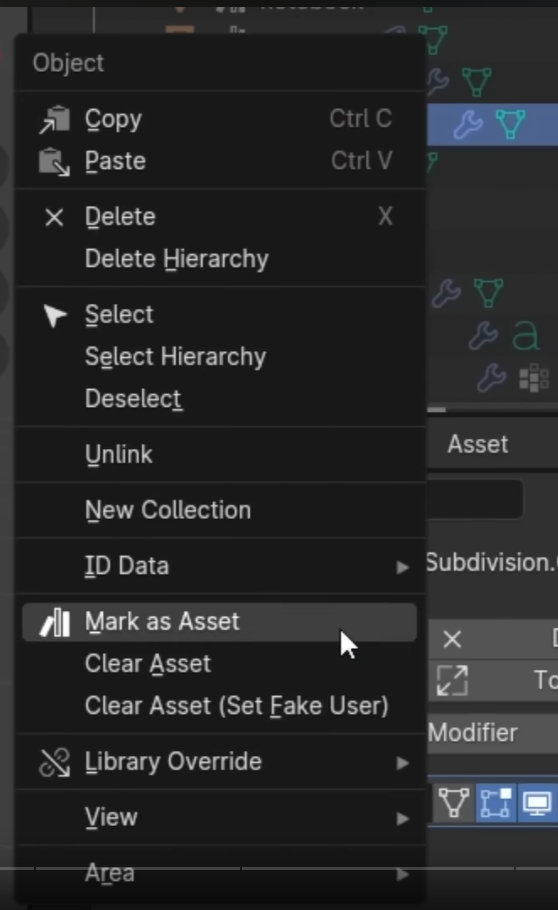
"Mark the Collection as Asset".
-
-
 .
.
-
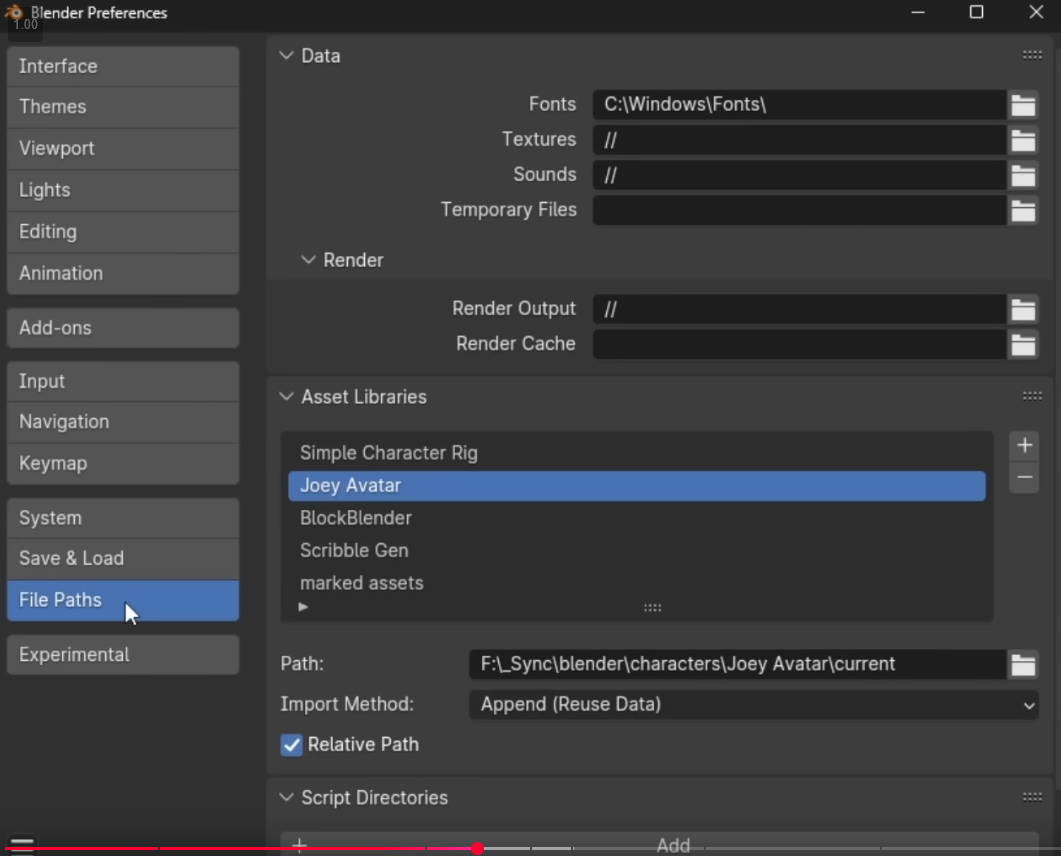
Add this file to the asset library, so I can access all this stuff more easily in other files.
-
-
 .
.
-
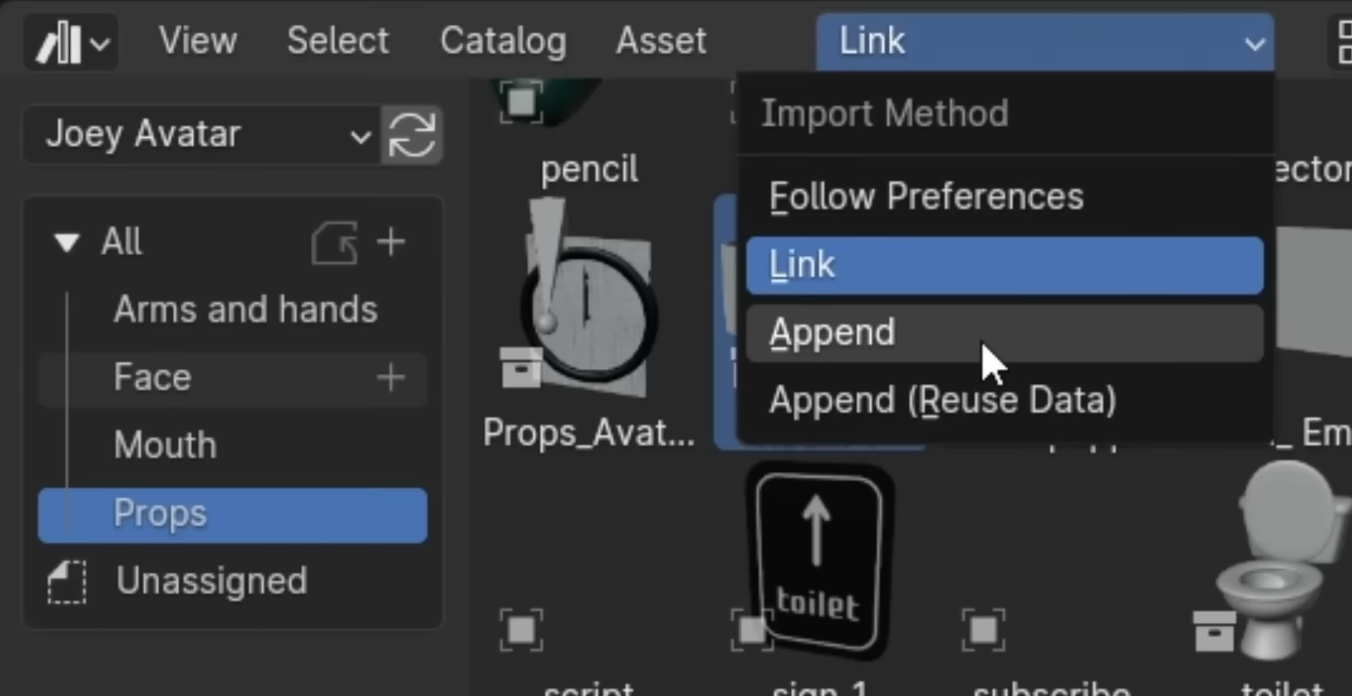
You can change the import method in the Asset Library.
-
Link will make it so that if the asset is updated in the original file, all other files will change as well.
-
Library Override can be used. For what?
-
-
For something specific for my current scene, I go for Append, so I can edit the file here, without having to edit the original model.
-
Export
glTF
-
-
Inspired by this: Blender Super Batch Export .
-
-
What is not exported by default :
-
Collections.
-
It's as if they don't exist. The content of a Collection "comes out" of the Collection during export.
-
-
-
Export glTF -> Data -> Scene Graph -> Full Collection Hierarchy:-
Each Collection becomes a Node in the glTF.
-