Version
-
Use Scoop or download the standalone executable.
-
I placed the downloaded folder in
C:\Users\caior\appsand added it to the user path.
-
-
For dev versions, often it only works via the executable.
-
The exercises repo and the gamedev examples repo only use the dev version, so it makes more sense to use master right away.
-
-
I installed via.winget
VSCode
-
Installing Zig, the Zig extension in VSCode and the LSP in VSCode was smooth, no problem at all.
-
 .
.
-
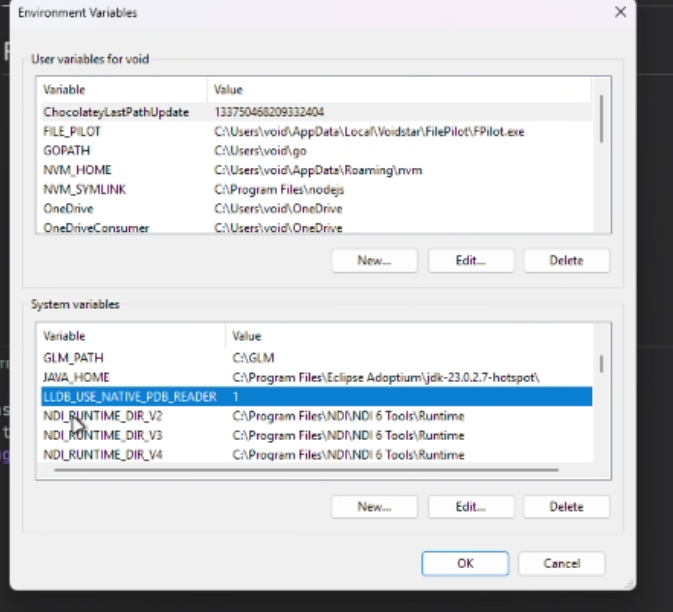
Apparently you have to do this for the debugger to work in vscode.
-
(2025-03-15) I did this, the same way as in the image.
-