FMOD Integration and Low-Level Audio API
Audio middleware for adaptive audio
-
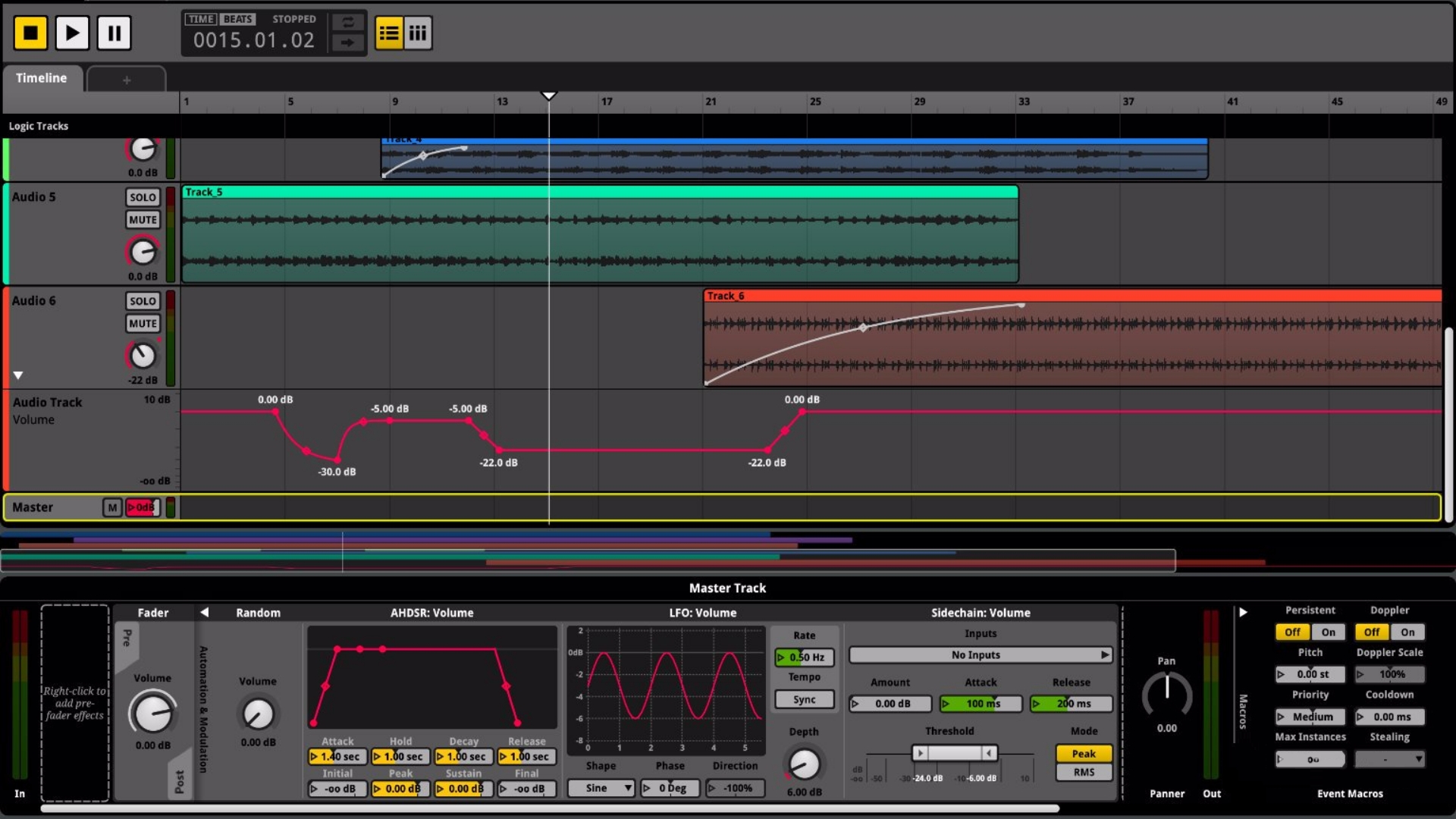
First it was implemented a low-level audio API using miniaudio as the backend. I opted to use its low-level API to have direct control over audio physical devices and better understand how audio is processed under the hood. More about that is found in my notes about Audio Programming.
-
Right after that, I decided to work on a higher abstraction library with fmod, which is the industry standard Audio Middleware for adaptive audio in games. The result is great audio control, giving the engine support for spatial and adaptive audio.
-
It's worth noticing that I don't love how memory and threading are hidden from the programmer, but that's usually the price to pay for working with third-party software; I thought about creating my own audio middleware software, but I decided against it as that's quite unreasonable for now.
-
More information on the FMOD API implementation, check my notes: FMOD API.
Frozen Sprouts
2D Renderer with Vulkan, Extensive Multiplayer Techniques, Old-school 2D Combat, Game AI, Physics-bases Puzzles
2D Renderer
Multiplayer
-
Coop Peer-to-peer -> Dedicated Server, login system, authentication server, gateway server, dedicated databases for credentials and world data.
Entity Component System (ECS)
Level Editor
Game AI
ECS Library with Sparse Sets
Data Oriented Design with Entity Component System
-
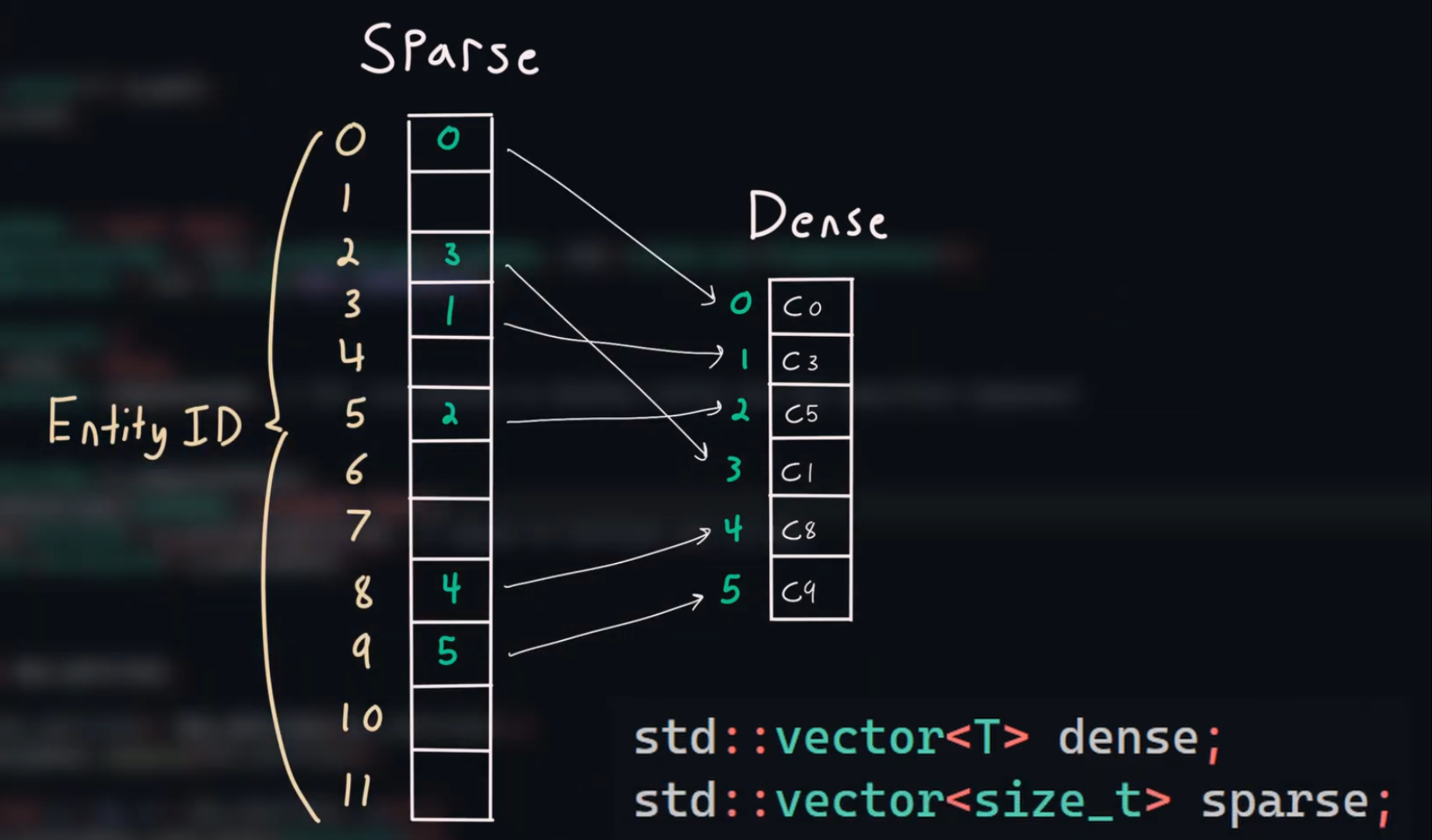
An ECS (Entity Component System) library using Sparse Sets.
-
A detailed explanation of ECS and the challenges I faced during implementation can be found at: Data Oriented Design - ECS. I also highly recommend the read on Data Oriented Design for a better understanding of the core philosophy around data-driven techniques.
-
As a result of this library, performance is much more scalable and easy to be parallelized, both in the CPU or GPU. Data is also now much more packed and cache efficient.
-
One of the main advantages for me, and one of the main driving forces to opt for this strategy, was the flexibility around entity creation that the technique gives. Components can easily be inserted or removed at internal, without any friction whatsoever. This was a breeze of fresh air when compared to object-oriented techniques, which dyn_array.create code maintance to be a nightmare in some situations.
-
The hardest challenge for me in this design was how to deal with extra layers of indirection while maintaining all forms of data normalization from relational databases, mainly for N->N relationships. A study about that can be found at ECS - Designing N->N Relationships and Relational Databases - Data Normalization.
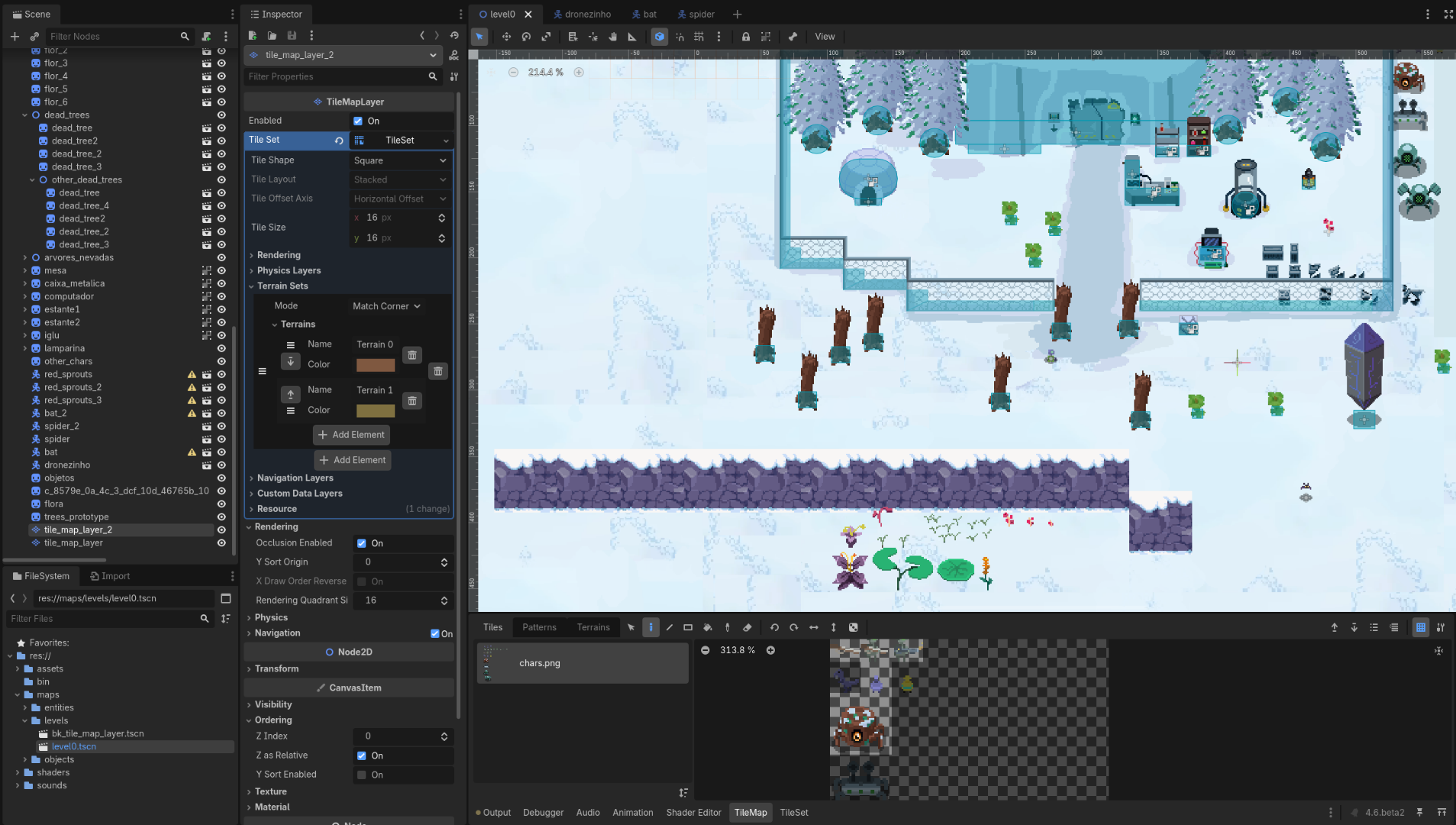
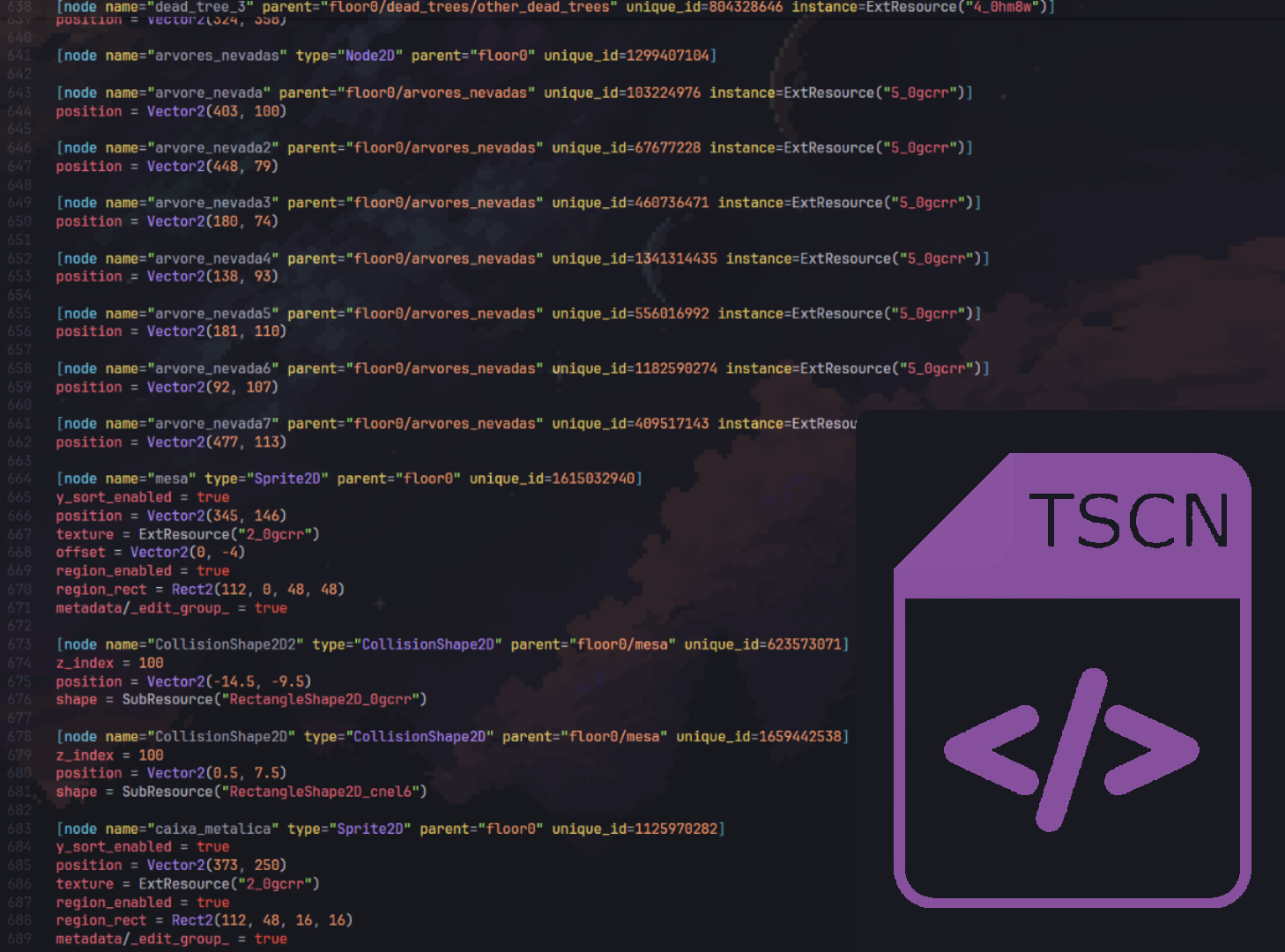
Godot as an External Level Editor with a TSCN File Parser
Improving level creation
Odin Lang Fork
Language design and safer code
-
Odin Language fork focused on exploring language design, memory safety, explicitness and other subjective things.
-
A detailed explanation of the changes is documented in the fork located at: caioraphael1/Odin.
-
There was a lot of investigation and discussions around the main topics of change in the fork. For more information see my studies on Odin, or more specifically about the usage of context.
3D Vulkan Renderer
Exploring modern rendering techniques with Vulkan, using Odin Lang
-
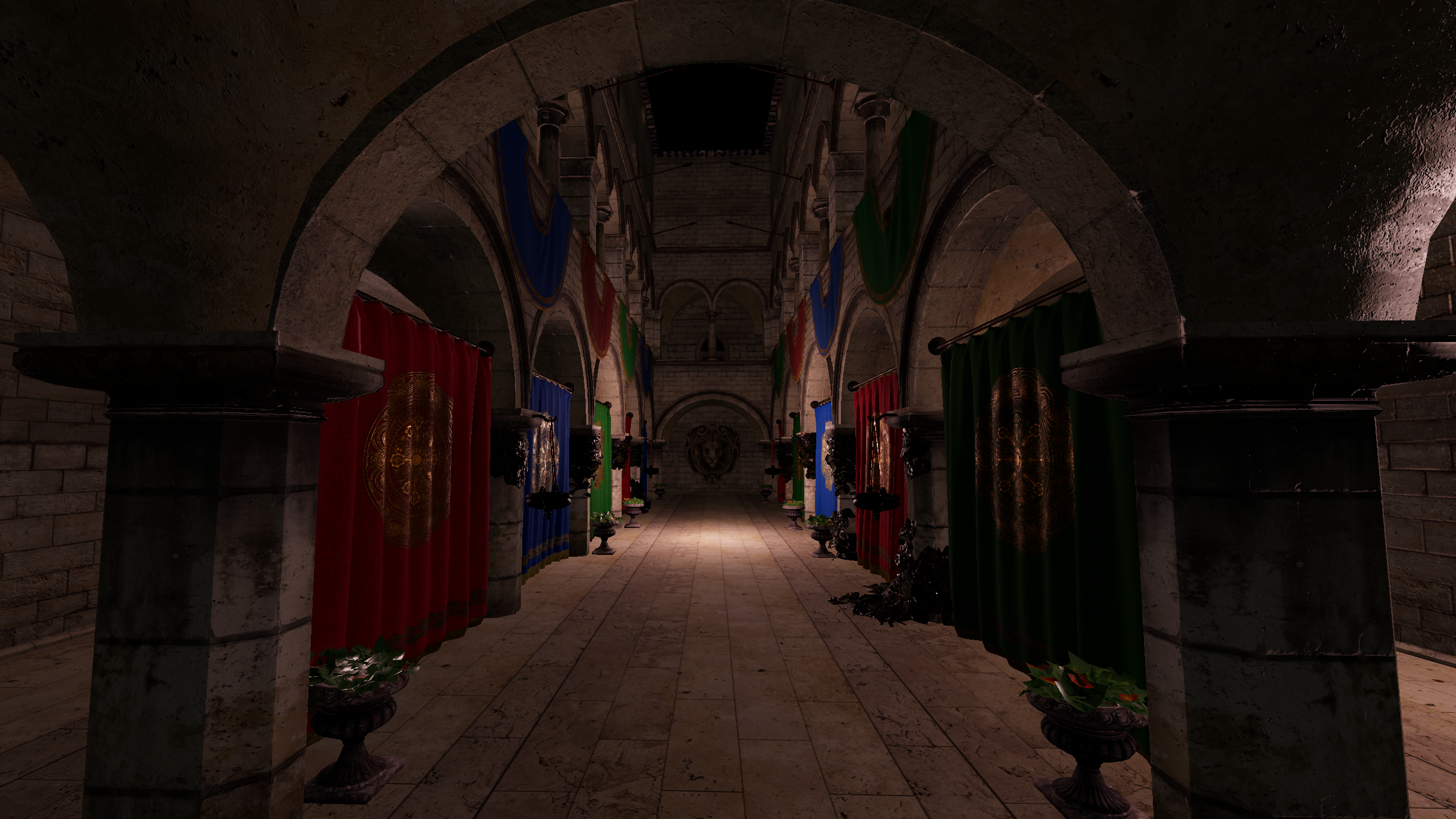
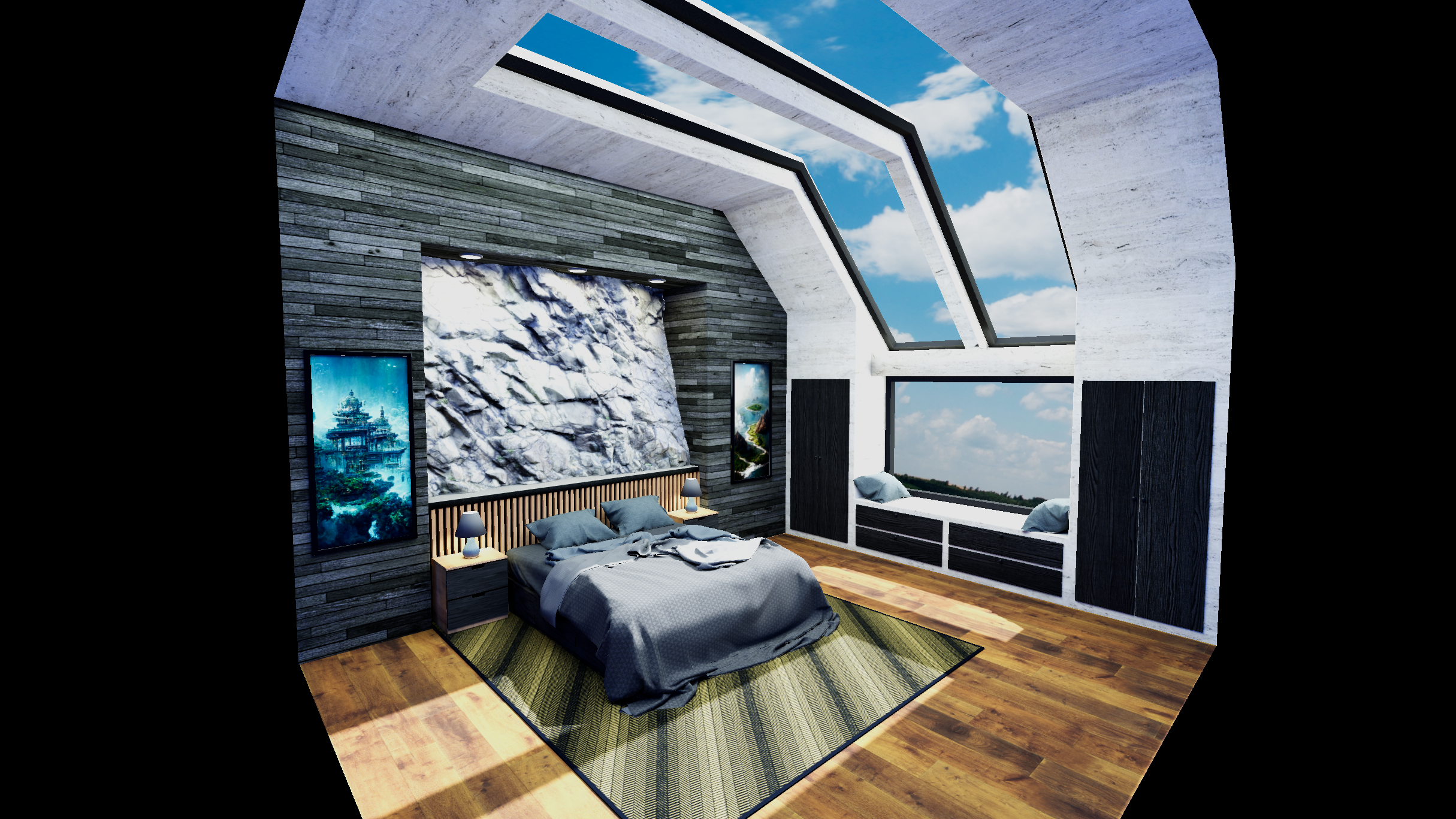
A custom 3D renderer built to explore modern real-time rendering techniques while addressing the complexity of designing an easy-to-use API on top of Vulkan. The renderer emphasizes performance through aggressive CPU task parallelization using a custom job system and an ECS-based architecture.
-
It implements advanced GPU-driven techniques such as bindless textures and indirect drawing. It was instrumented from the start, with extensive profiling and debugging using RenderDoc, Tracy, and RadDbg.
-
Future work includes implementing Radiance Cascades for global illumination and Screen Space Indirect Lighting with Visibility Bitmask for ambient occlusion. A strong focus is placed on atmospheric lighting, neon-inspired post-processing effects, and support for heavy visual stylization.
Read more
Implemented Features
-
Camera system
-
Ponctual Lights.
-
Forward renderer with PBR materials
-
ORM Textures.
-
Ambient Occlusion.
-
Metallic Map.
-
Normal Map.
-
Tone-Mapping
-
Skydome
-
Pre-recording of commands
-
Bindless with Descriptor Indexing.
-
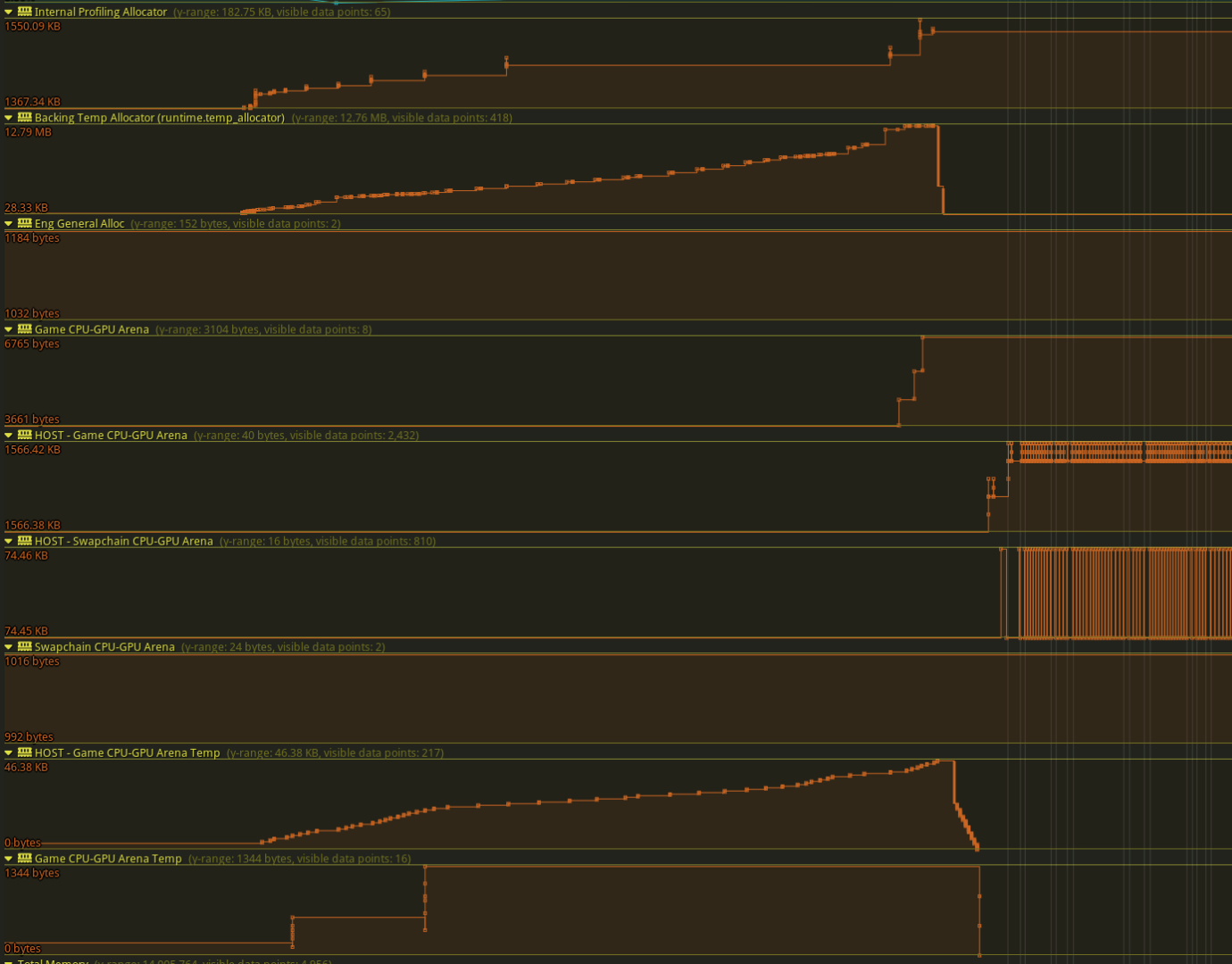
Custom Vulkan Allocator and custom CPU Allocators, for general tracking of memory usage/peaks with Tracy.
-
GPU memory arenas.
-
Multithreaded texture loading
-
glTF/glb models with the gltf2 parser
-
Tangent generation for models missing tangents
-
I settled for an implementation based on https://terathon.com/blog/tangent-space.html, by Eric Lengyel. The MikkTSpace's tangent generation is probably a better algorithm, but the current Odin binding for it was quite a mess, so I opted for something a little bit more sane.
-
Multi-window system
-
Wrapper around image transitions and pipeline barriers, to improve synchronization consistency and API usability.
-
Descriptor Indexing / Bindless
-
Entity Component System (ECS)
-
Multi-Sampling Anti-Aliasing (MSAA)
-
Mipmapping
-
GLFW input system.
-
Easy-to-use graphics pipeline creation via shader reflection with spirv-cross.
-
Depth Prepass
-
HDR composite pass
-
Custom Multiplayer library
-
Completely focused on server-side authority.
-
Custom RPC system with raw TCP packages
-
Supports authentication systems with a gateway and tokenizers, user databases and world databases.
-
I got good performance for a server-side prediction, reconciliation, interpolation/extrapolation, and a soft-rollback system. To dyn_array.create that work, I use it side by side with the fixed cycle system and some multithread + jobfication
-
Support for UDP packets and CPU drifting corrections will be implemented in the future.
-
Cached transforms system
-
Cycle and Fixed Cycle system
-
Crucial for multiplayer, and a way to manage input processing, draw times, etc. Used in conjunction with a sleep scheduler system to avoid using too much CPU time.
-
Tween System
-
Event System
-
UI
Future plans
-
Tiled Forward Shading
-
Clustered Forward Shading
-
I plan to have lots of lights for great creative expression, and Clustered Forward Shading sounds the best options for performance and flexibility when comparing to modern techiques. I also considered Deferred Shading, but I decided for something that doesn't weight so much on the bandwidth.
-
Radiance Cascades
-
VBAO/SSILVB.
-
Directional Lights, Spot Lights, Area Lights (without soft shadows for now).
-
HDRI Skies with .exr files
-
Emission / Bloom shader
-
Frustum Culling on GPU other 'Approach Zero Driver Overhead' techniques
-
Investigate a bit more into Buffer Device Address techniques.
-
Custom Font Rendering.
-
New UI layer with Clay
-
Remove GLFW and replace it with a new OS layer.
-
Shadows.
-
Fog.
-
Volumetric Fog.
-
Particle System
-
Mesh Skinning.
-
Anti-Aliasing solution that doesn't blur, and doesn't over-complicate the pipeline.
-
The renderer has support for MSAA, but the performance is not great, as expected.
-
TAA is probably out of the question. FXAA seems too simple. I want to investigate how to implement some options like SMAA or CMAA, but that will be for later.
-
Support for VR with Variable Refresh Rate techniques (VRS).
-
Mobile support.
-
Support for HDR output, not only for high precision in the graphics pipeline and composite.
-
Explore Raytracing.
Tracy Profiler Integration
Real-time CPU and GPU Profiler with nanosecond resolution
-
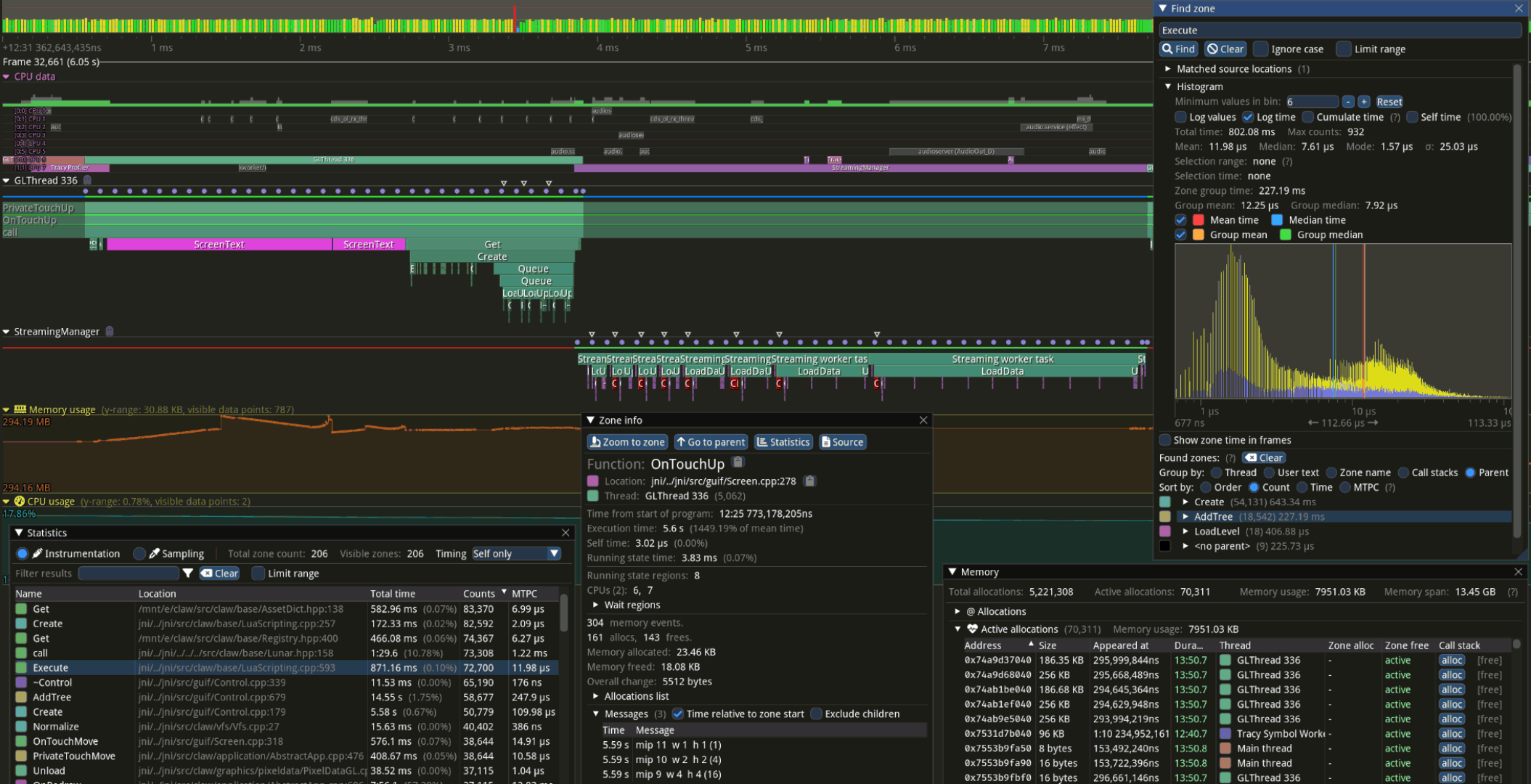
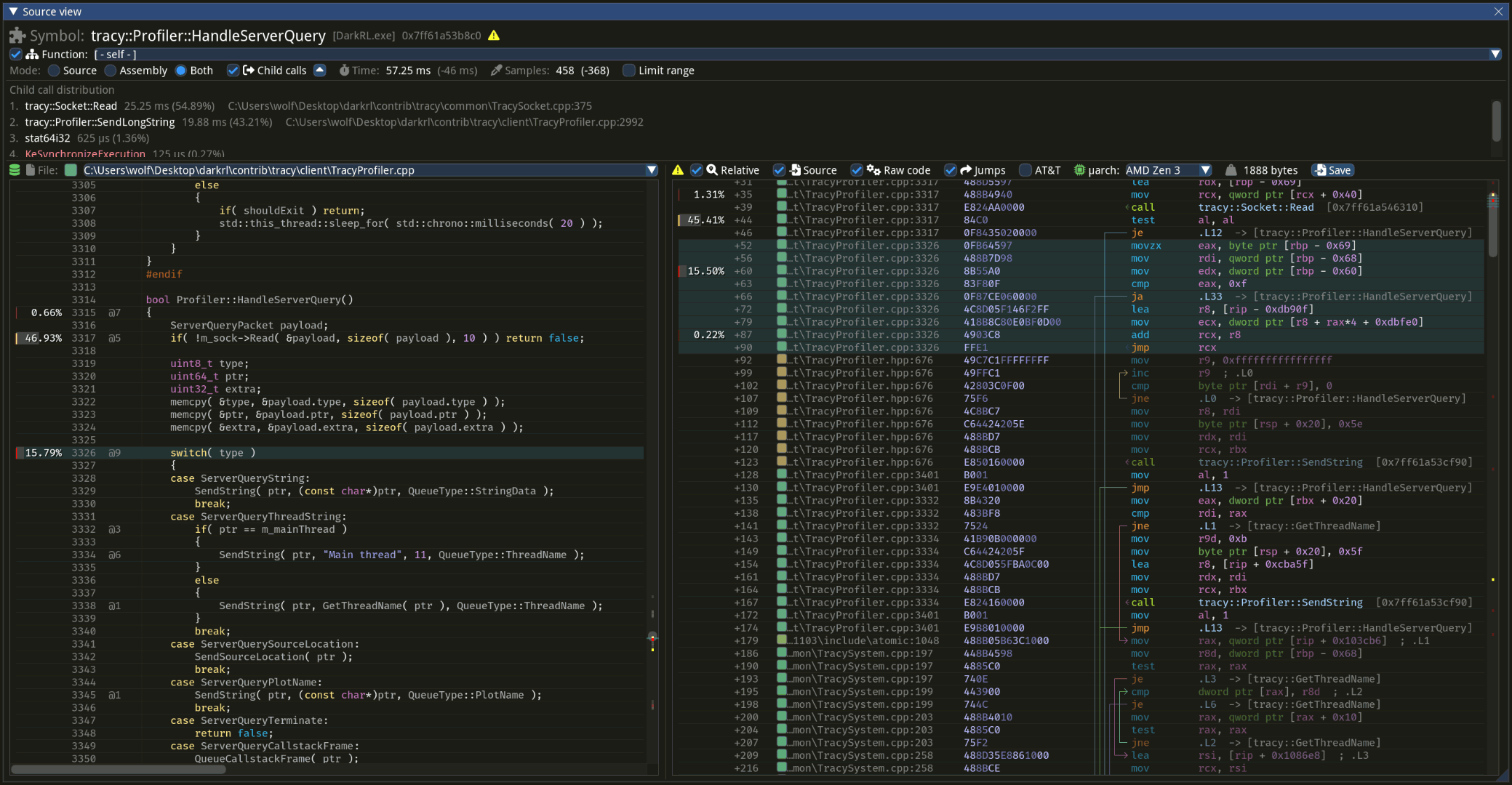
Tracy is a real-time, nanosecond-resolution remote telemetry profiler that combines frame and sampling analysis for games and other applications. For more information, see the Tracy repository and my notes on the Tracy API.
-
Before adopting Tracy, I experimented with Spall and Nsight Graphics GPU Trace. Tracy ultimately became my preferred tool due to its feature set and high-resolution timing.
-
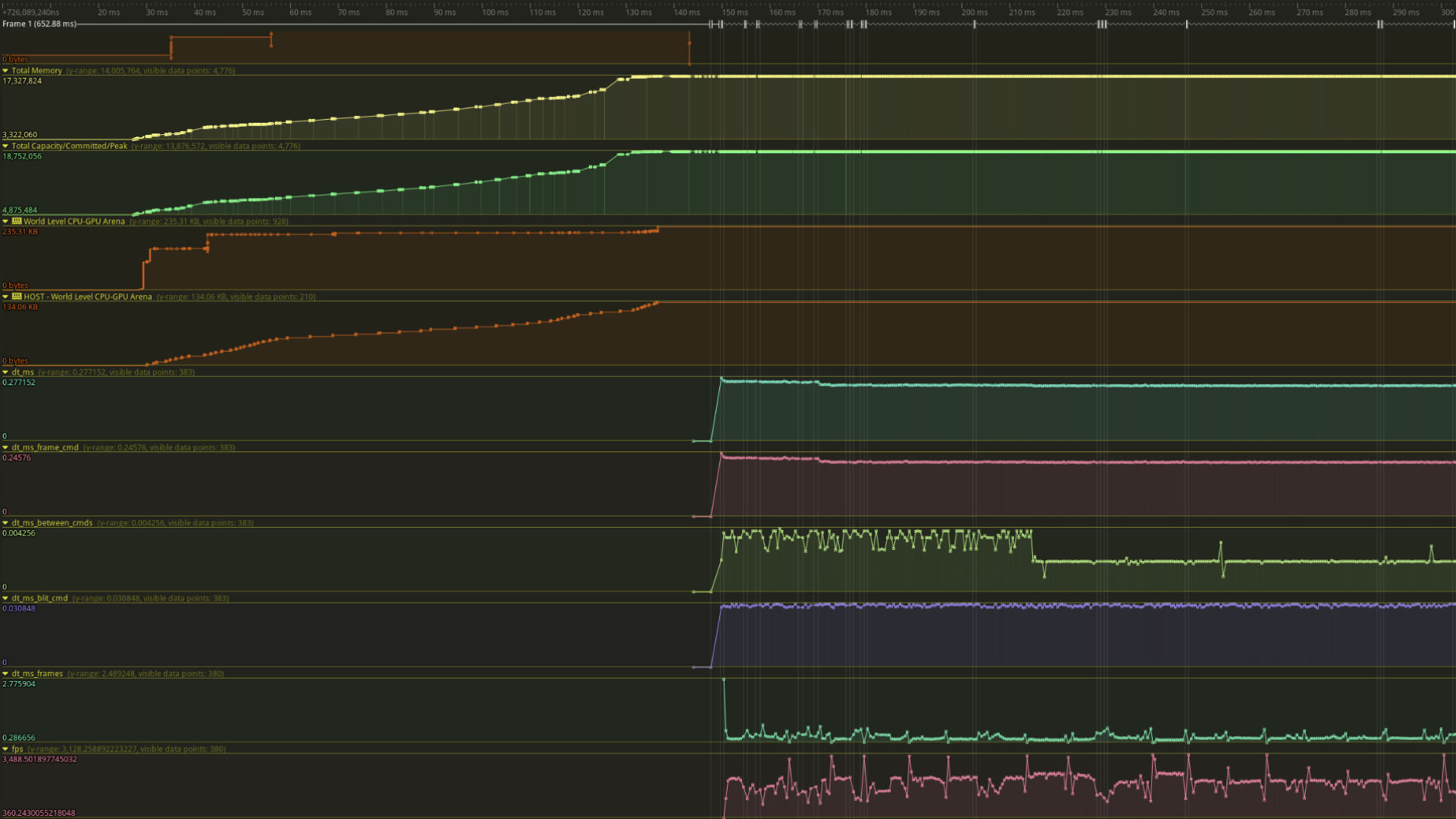
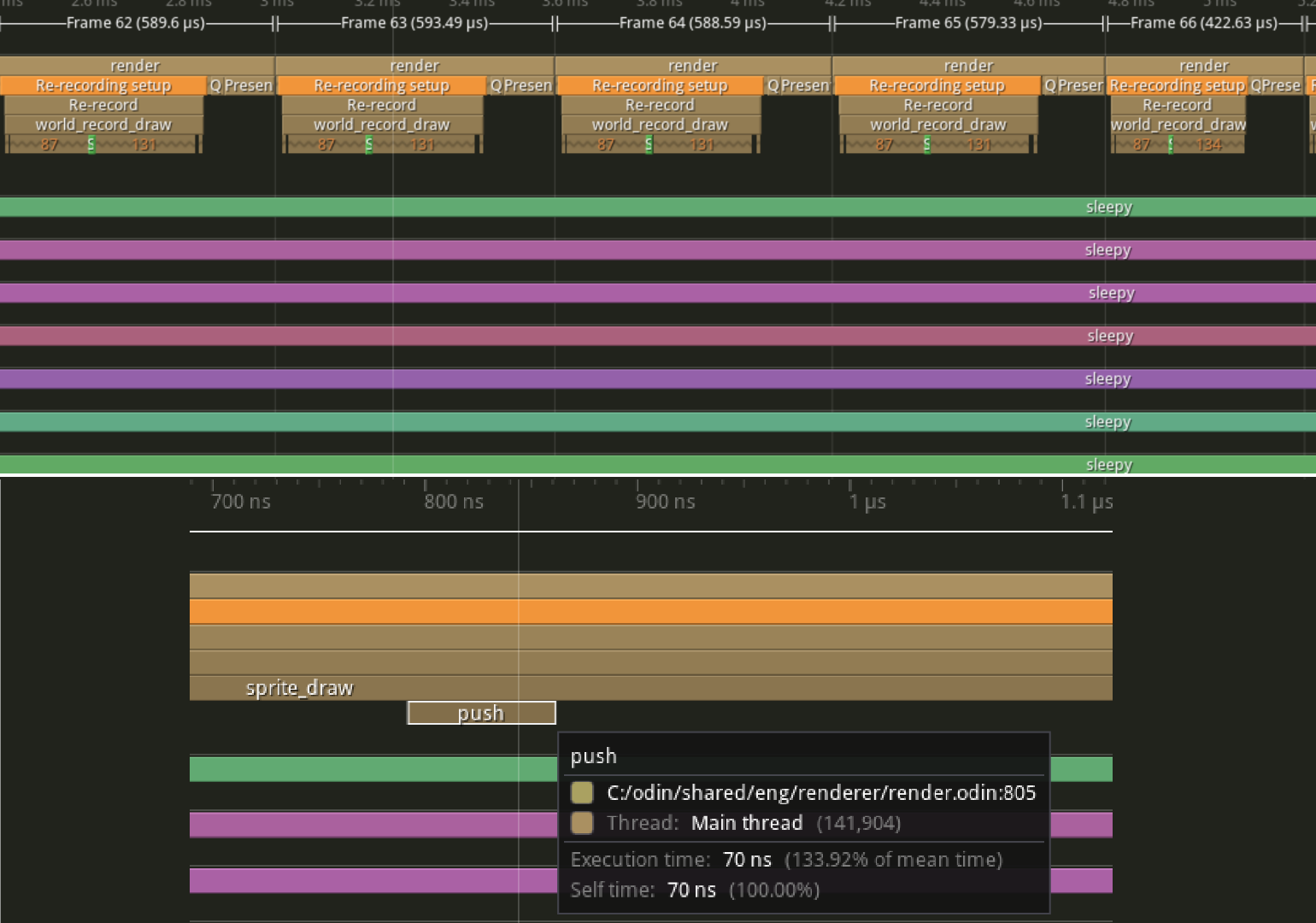
Tracy makes it easy to visualize performance bottlenecks and track memory evolution over time. This helps me use temporary allocators more effectively and reduce the application's overall memory footprint. I also use Tracy as a logger, since it can capture call stacks and provide precise timing for each event.
-
One particularly valuable use case was identifying GPU driver bottlenecks when not using vkDrawIndirect or other batching techniques. Tracy also helped demonstrate the performance benefits of moving to a bindless/bind-once GPU design.
Multithreading Job System Library
Atomics, CPU intrinsics, Job Stealing
Mystical Forest V2
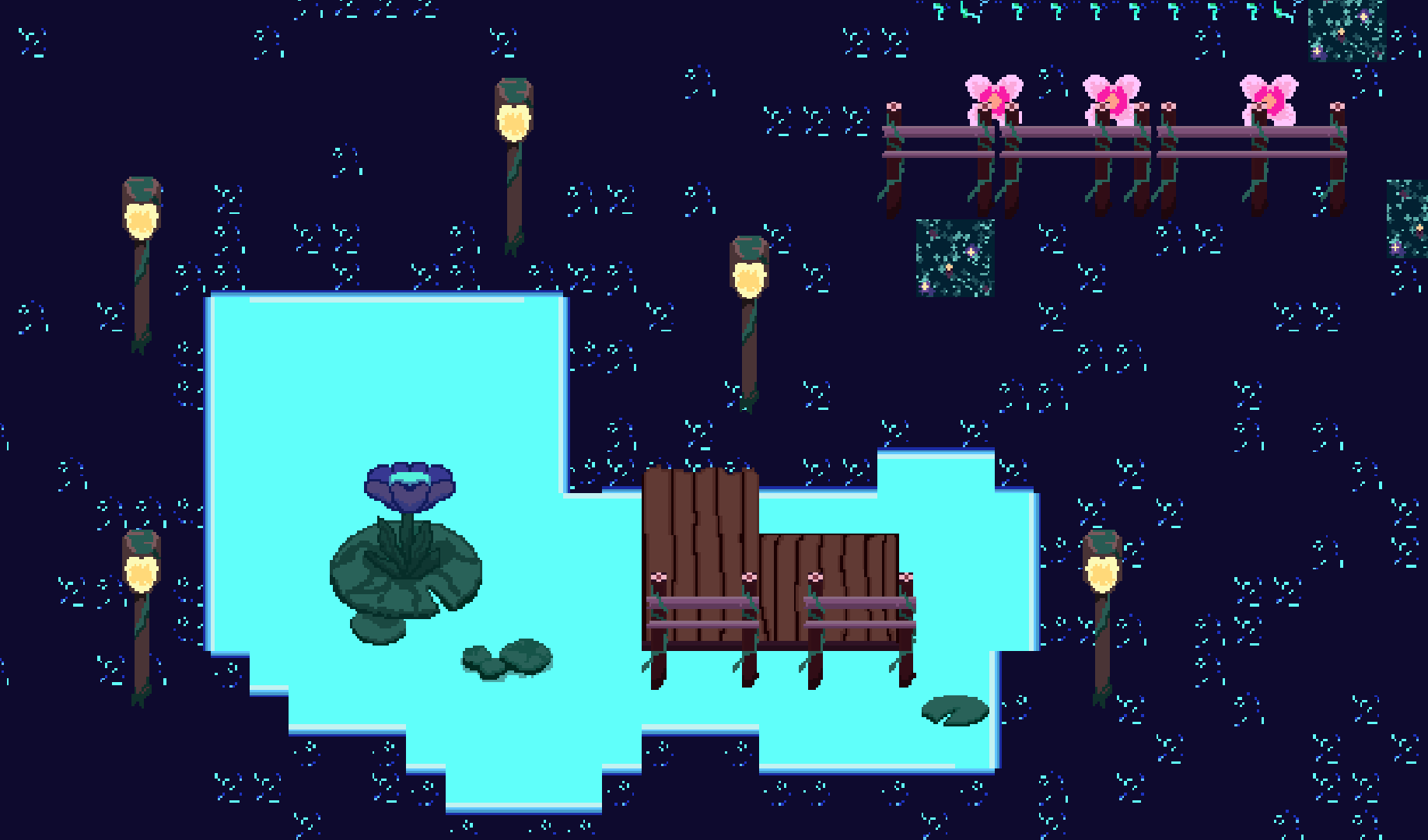
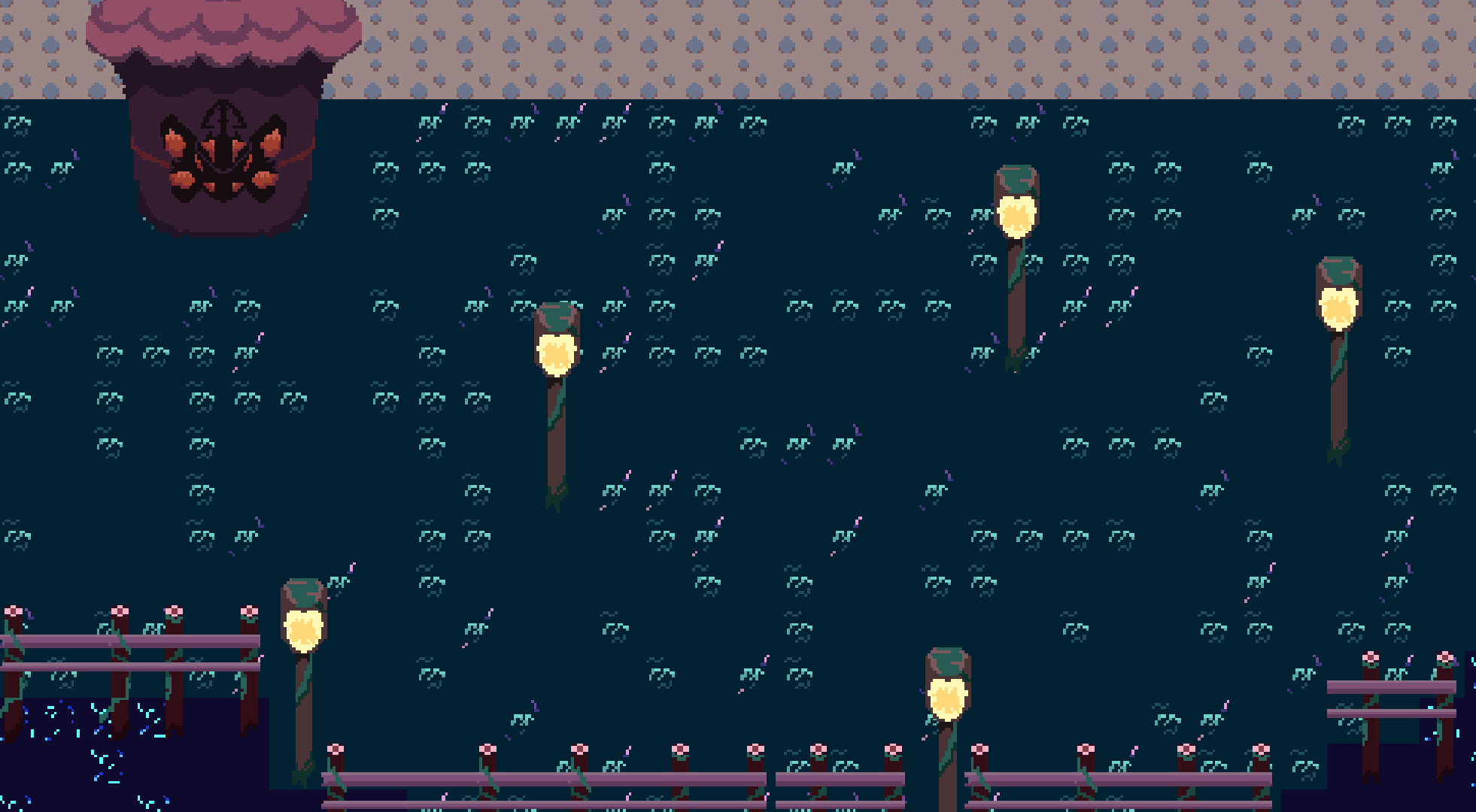
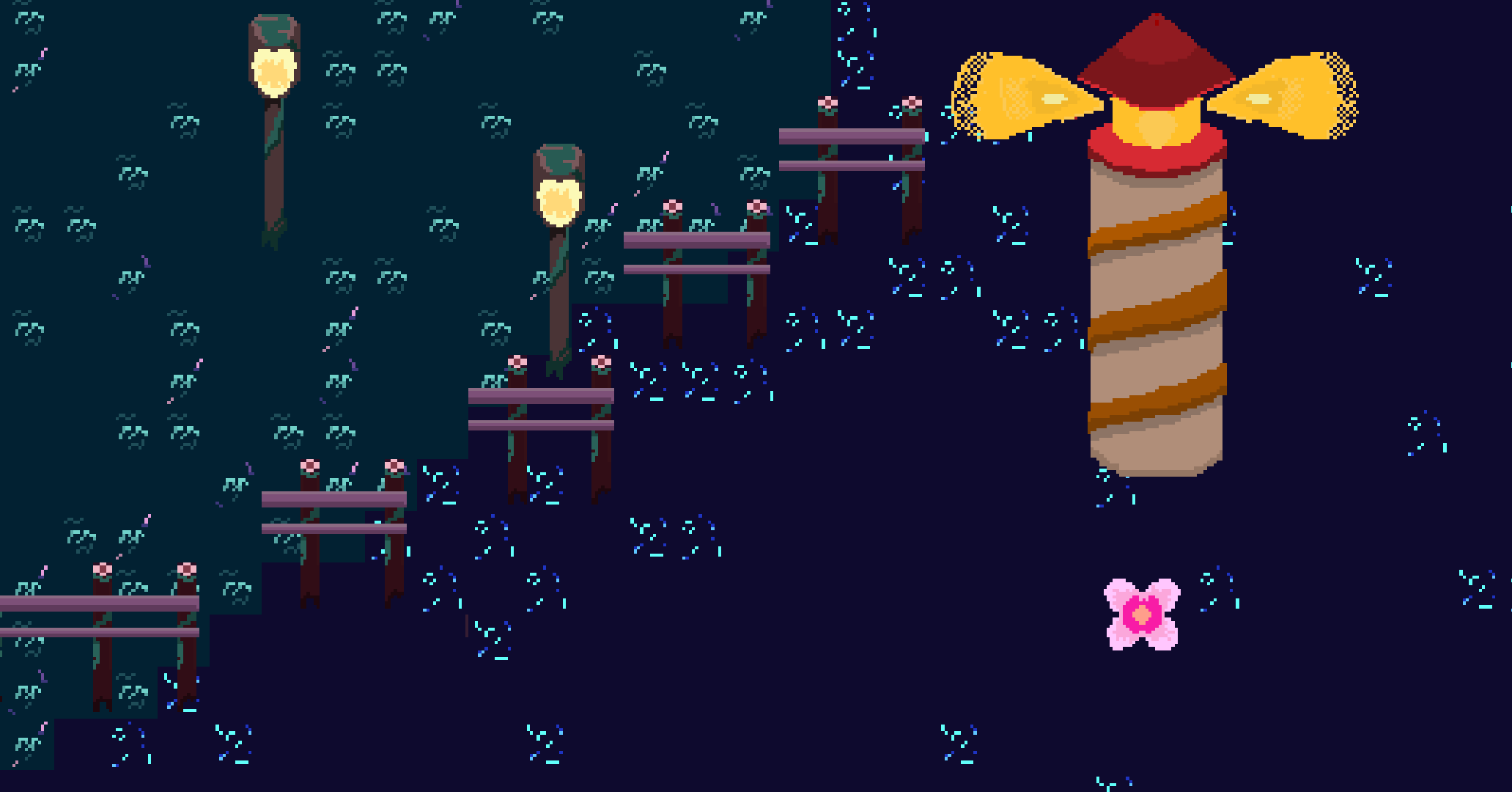
Extensive Multiplayer Techniques, Procedural Animations, Pixelart
-
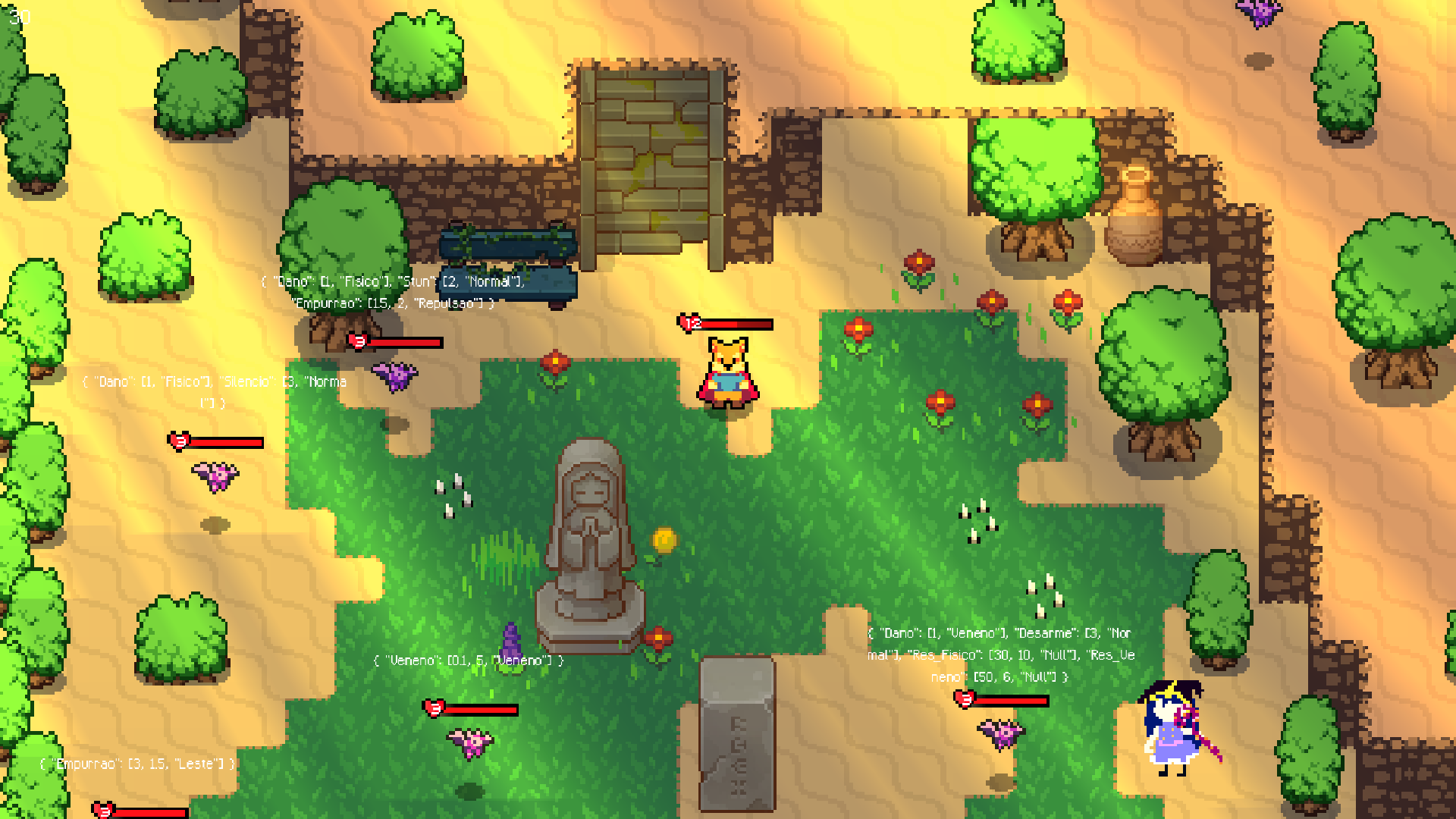
A multiplayer 2D game built with Raylib (OpenGL) and Odin Lang.
-
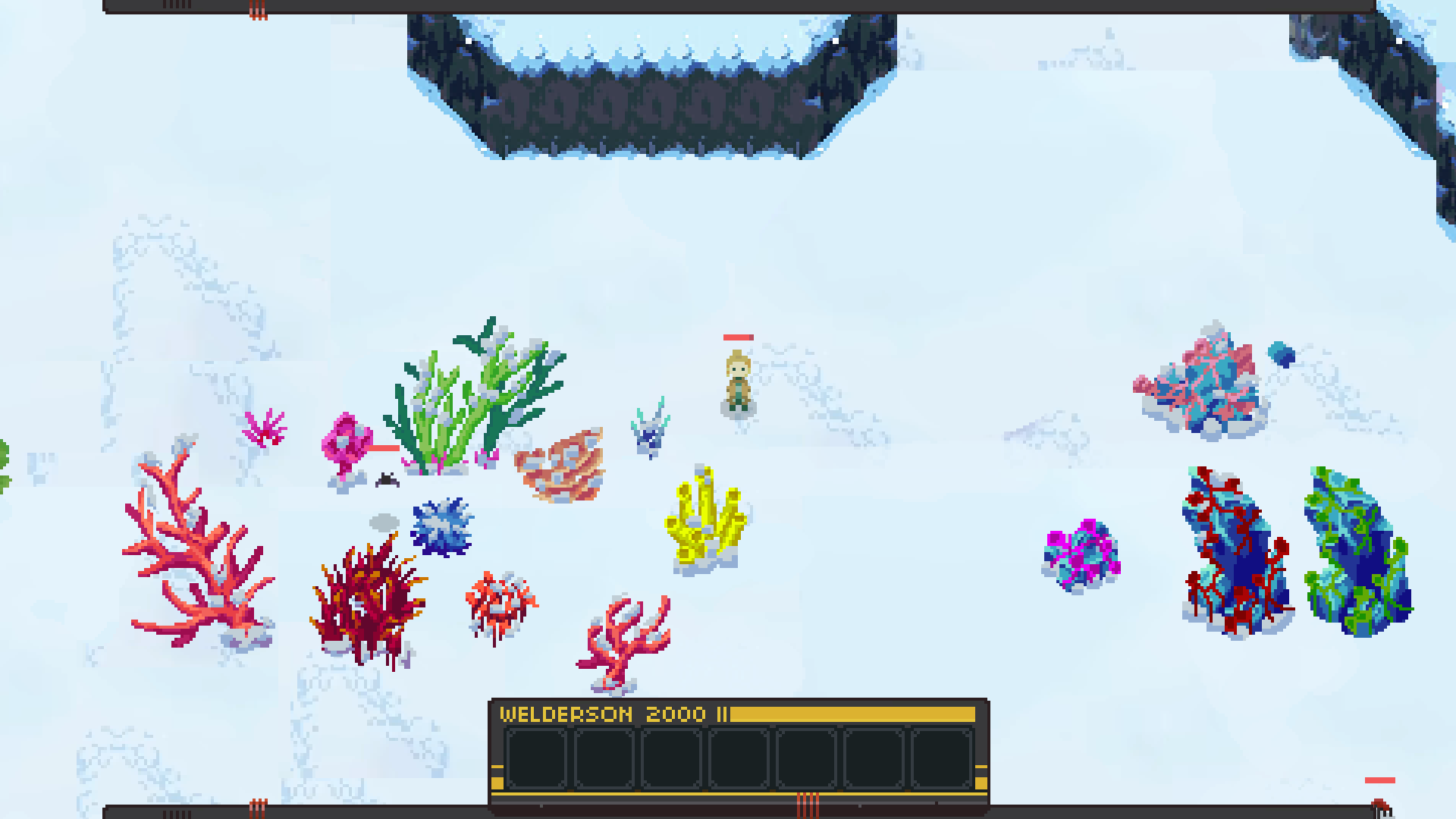
It used the previous libraries made in Odin (Jolt Physics Binding, Multiplayer, Skeleton 2D, etc) as a way to create a top-down shooter with procedural animations and physics-based system.
-
I was really proud of what I've accomplished with the Multiplayer, but after not being quite satisfied with Raylib and LDtk I decided to try something different and learn Vulkan in 3D, so I could finally answer my questions about the world of rendering, and in the mean time I could think of a better solution to improve the workflow of 2D or 3D tools to keep making games with less friction.
-
I wish I had more images to show for this project, but as I later rebuilt the engine in Vulkan and hadn't recorded videos in a while, I ended up not having footage of the last stages of this game. Once I have time, I'll rollback the engine so there are better screenshots of this prototype.
Skeleton 2D Library
Dynamism with 2D Procedural Animations
-
Easy-to-use API for constructing Joint Segments and Skeletons, using Inverse Kinematics with FABRIK (Forward And Backwards Reaching Inverse Kinematics), including IK Foot Placement and Chained Constraint algorithms for procedural movement.
-
Supports representation of grab motions, fish-like movement, and a wide range of creatures such as arachnids, drones, lizards, and snakes.
-
Planned features include physical motion constraints and multiple solvers tailored to different scenarios. The long-term goal is to keep the concepts simple and approachable so the library can later be adapted for 3D games.
Jolt Physics Engine Binding
The Jolt Physics Engine, now for Odin Lang
-
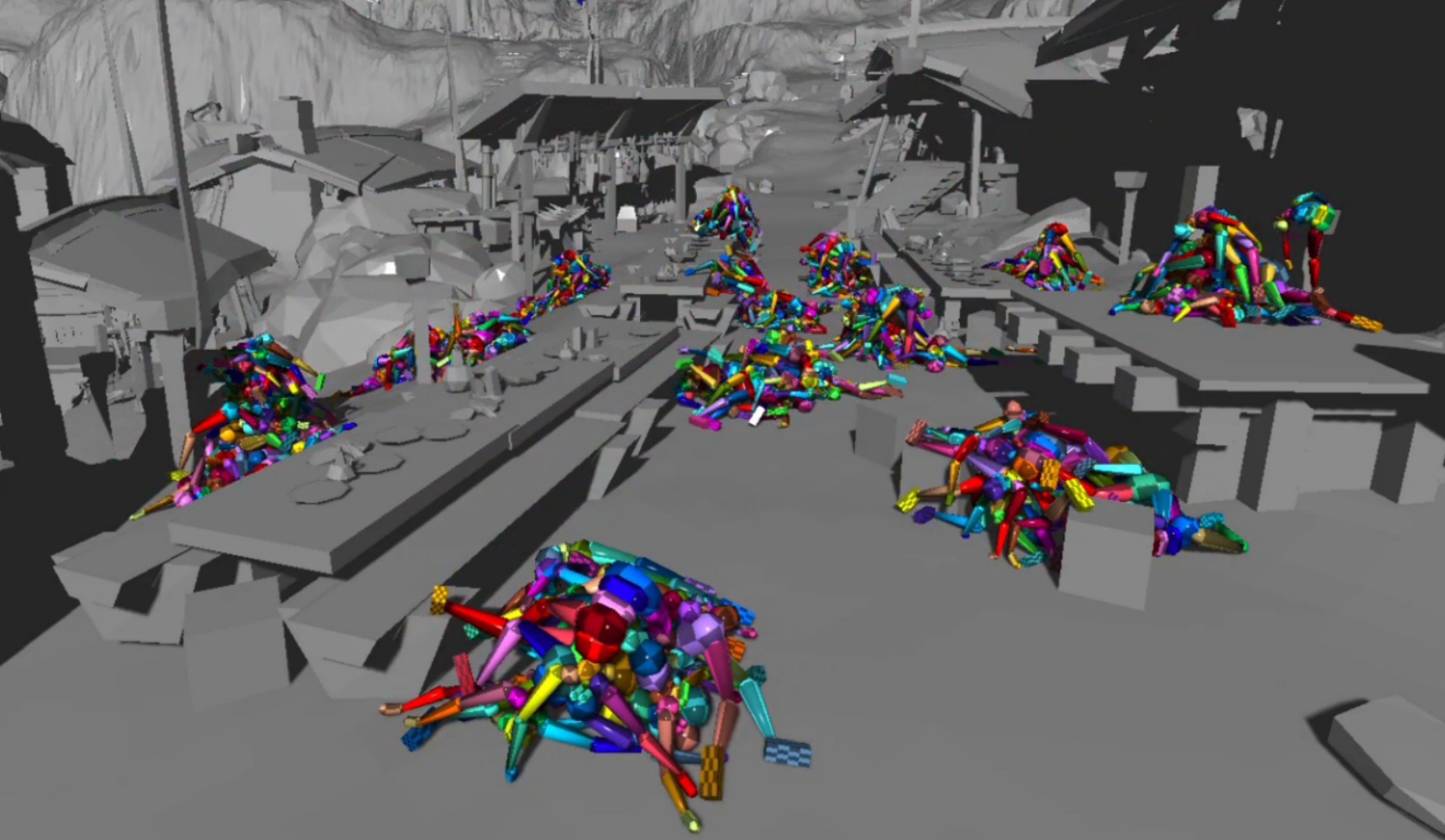
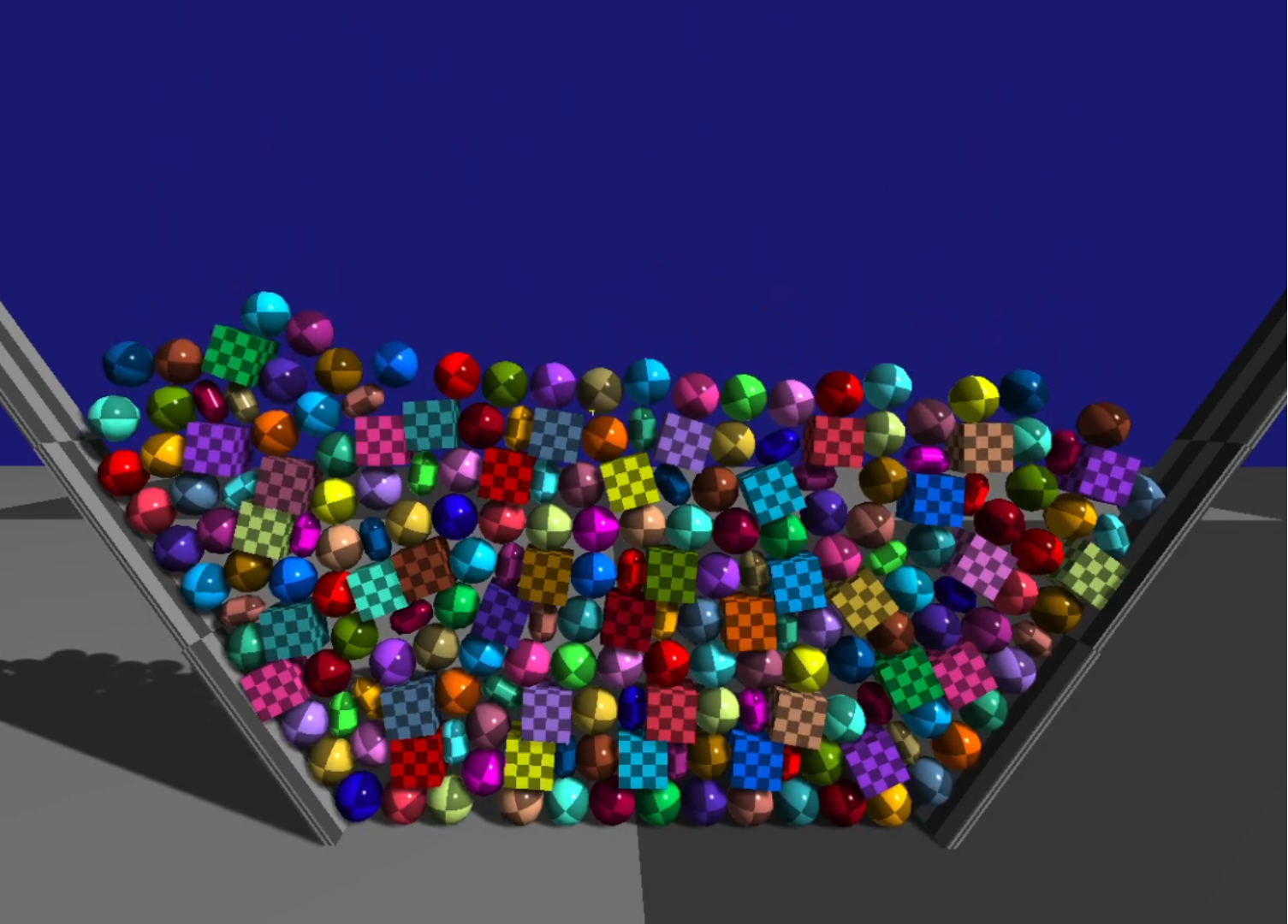
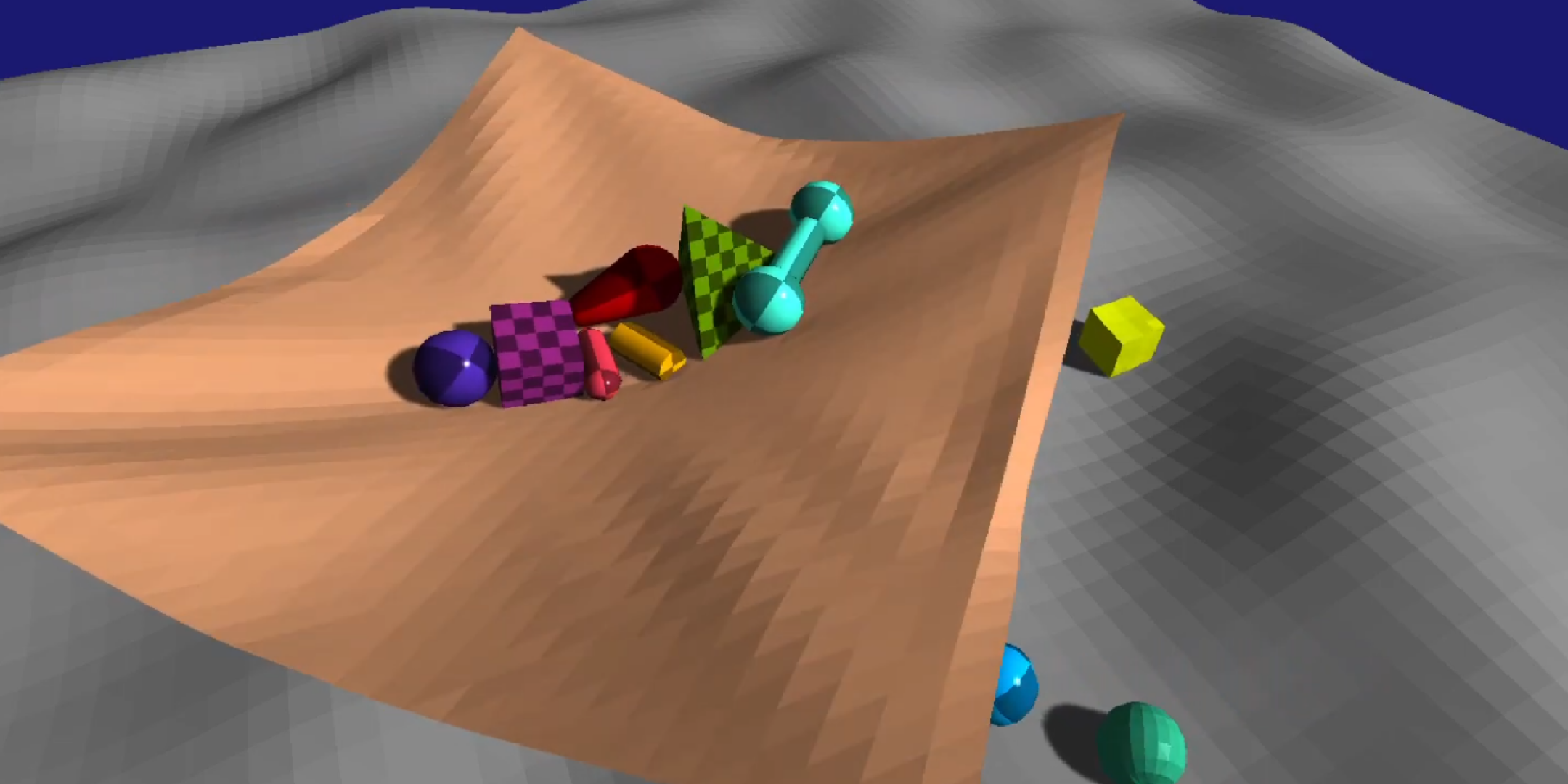
The physics engine used in Horizon Forbidden West and Death Stranding 2, now in Odin Lang.
-
The binding is open-source, found at caioraphael1/jolt-odin.
-
An additional wrapper was created for my engine, as a way to store body states, to integrate the geometric system into the existing Spatial Library, to have safe handles to entity/key for the ECS implementation of the engine, and also to have a better API for 2D games by limiting the physics simulation to a 2D plane.
-
Further details from the physics engine can be found at:
Low-level Multiplayer Library in Odin
Server-Authoritive architecture and Netcode techniques
-
Multiplayer would be the foundation for my future games, so I took good care of it right in the beginning of my transition from Godot to my custom engine in Odin. I wanted to dyn_array.create sure to treat netcode as a priority and have the multiplayer scale well with time.
-
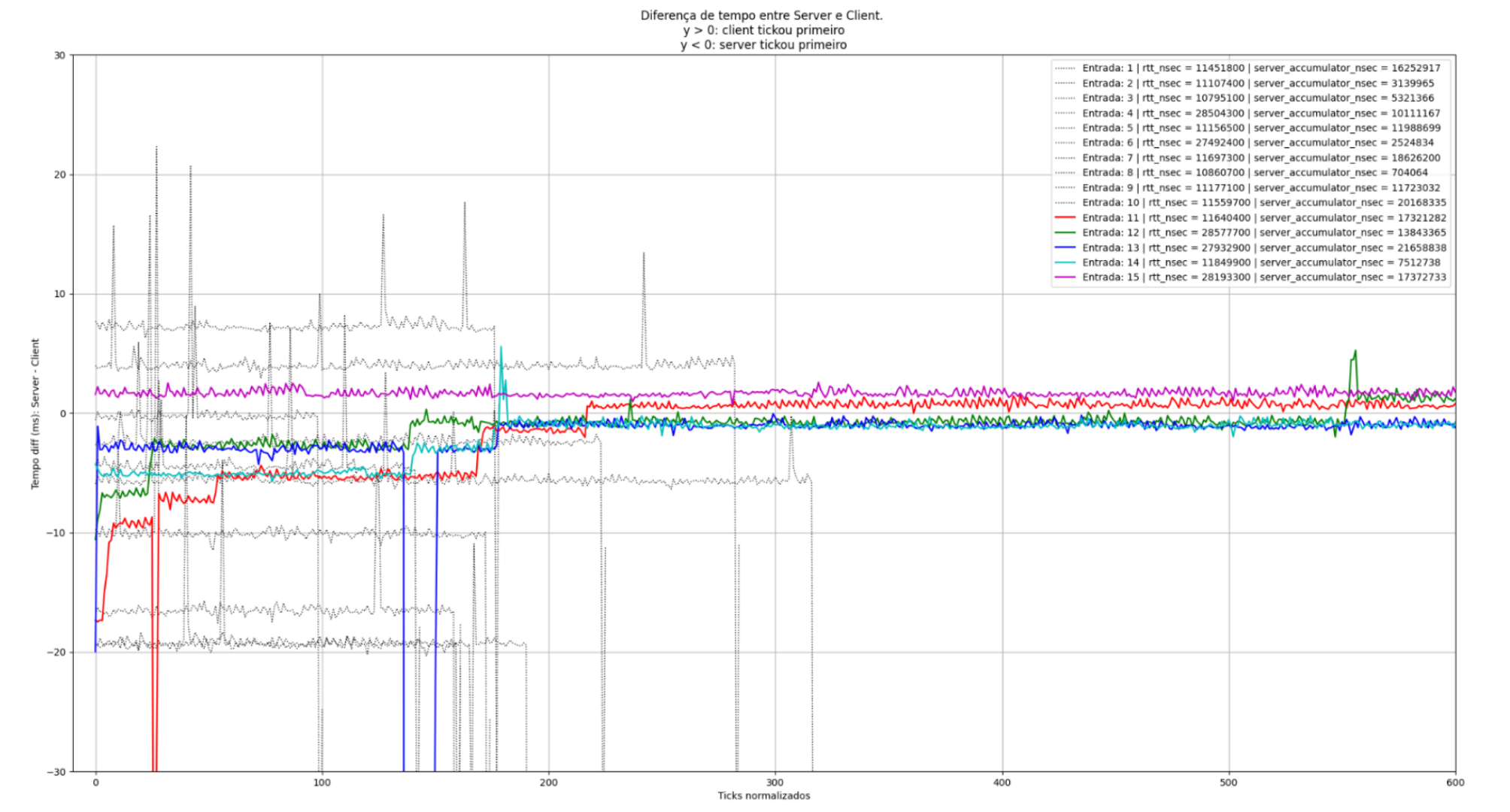
Even though I later added to the engine a pretty robust physics engine via JoltPhysics, that wouldn't matter if the client felt laggy or if the client and server couldn't agree on the current physics state, leaving the client to be rolledback constantly. This was one of the first big challenges I had with netcode. To fix this issue, I decided to completely separate the updates inside the server and client via well-defined "cycles" and "fixed cycles", in a way that a single clock-sync when the client logs in would be enough to keep latency to a minimum. This, of course, only works in a vacuum, as CPU drift can occur and latency is not constant in time. For that reason, a series of measurements is taken at a fixed rate to identify delta spikes in latency, so the client can process faster or slower to properly have the physics update synchronized.
-
The result is shown in the graph below: a much smaller delta ratio comparing gray entries (old) vs colorful entries (new), indicating a big improvement in synchronization. Not all was solved, as there was still a "minimum ms delta" due to restrictions around the server update frequency, as well as problems of "over-compensation" if the client has a delta-ms too large due to high RTT, but I believe that both could be solved with improved temporal metrics.
-
Beyond the solutions I talked about, I worked on creating my own encoding/decoding through a specialized serialization system, using CBOR for something more complex, such as the custom RPC system I created, or using something as compact as a single u8 to identify instructions.
-
With that, the multiplayer was much better than before, while also requiring much less from the the server, as now not only the bandwidth is improved, but the server can process a lot slower as the client has now the tools to compensate for the increased latency without losing input/action precision.
-
This could also be improved even further by better utilization of UDP packets for non-crucial tasks, as well as better utilization of the TCP payload when considering the size of the header. I also want to add a better system for handling CPU drifting depending on the machine's performance.
Authentication System
LDtk Parser for Odin and Godot
Separating level creation from engine logic
-
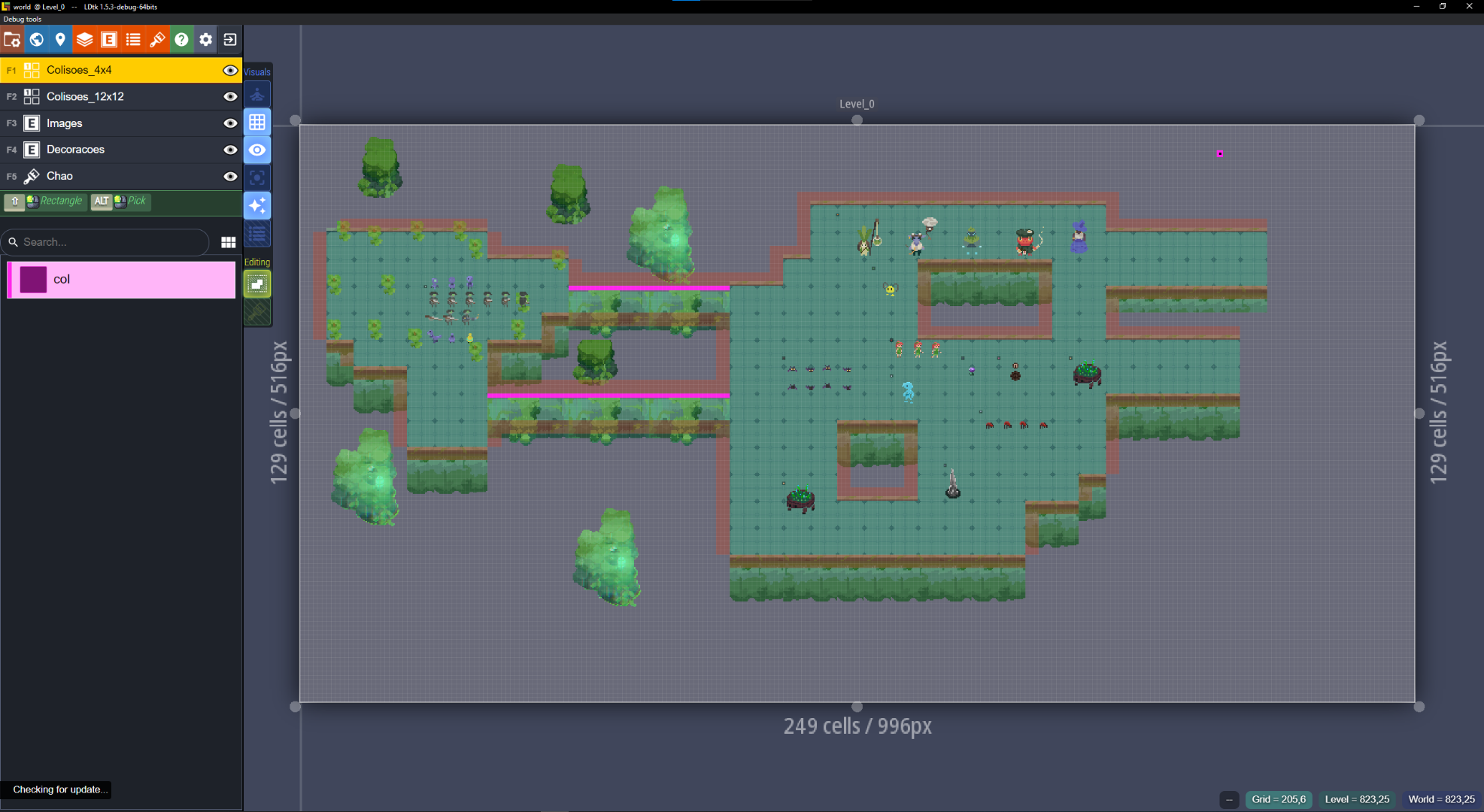
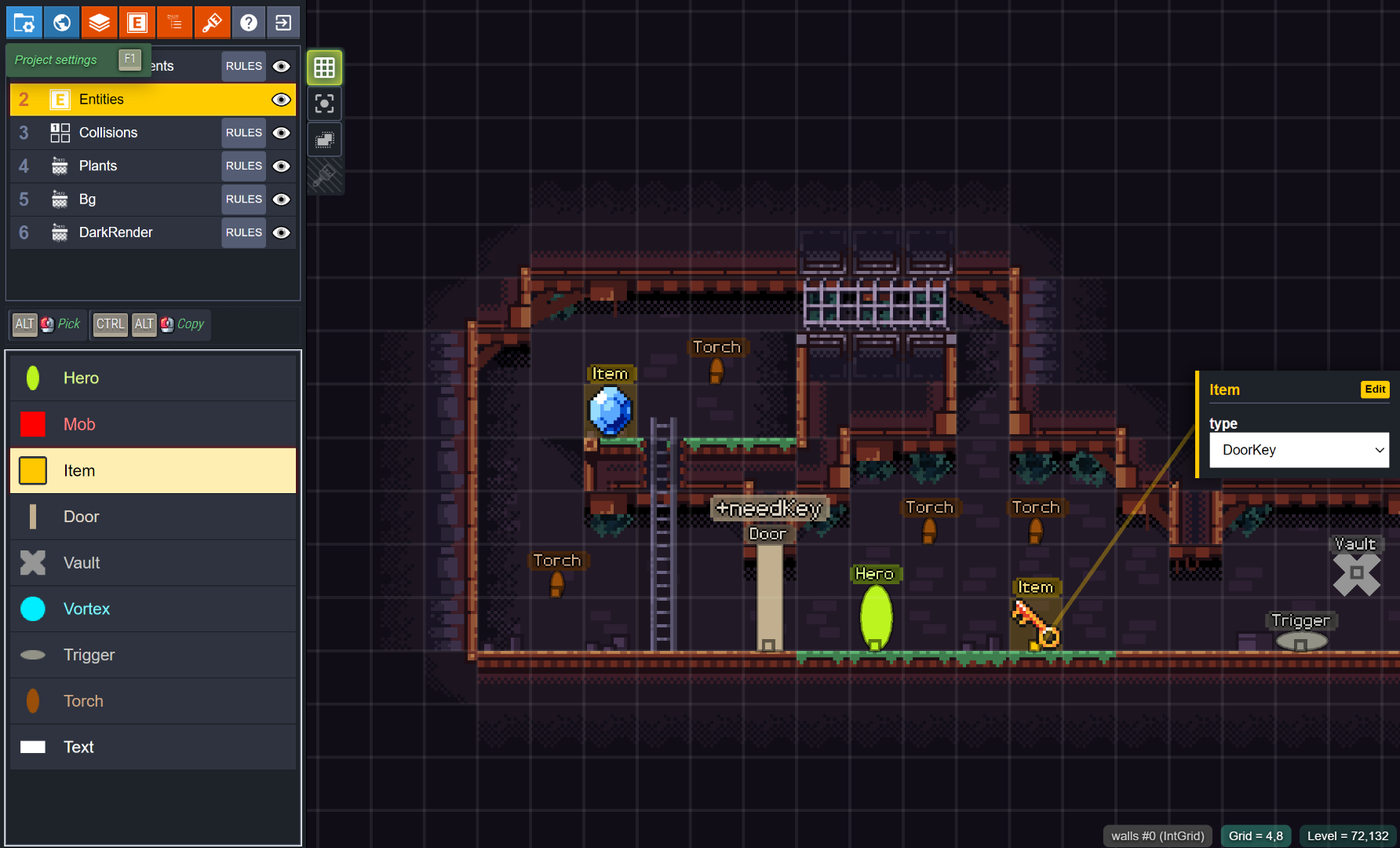
LDtk (Level Designer Toolkit) is a 2D level editor writen in Haxe, from one of the creators of Dead Cells.
-
More information can be found at LDtk / LDtk Repository.
-
A parser was initially created for Godot and later ported to Odin when I transitioned to the language and began focusing on lower-level game development.
-
At the time this was a great improvement from previous solutions. Separating level creation from gameplay logic was a breath of fresh air, orienting programming towards data and not objects. I'm also of the belief that external editors are much better choices when it comes to customization and artistic choice.
-
With time, I required something more complex for level creation, and LDtk was simply not being enough. The app, even though beautiful, was really buggy, with a complicated UX and a had ton of missing features.
-
LDtk development was stalled, so I started working on my own fork of the level editor, which required using Haxe and some JavaScript; not a pleasant experience.
-
I implemented new features and UI elements to expose additional metadata workflows, along with a prototype for defining collision shapes within tiles. However, this proved difficult—not only due to the less friendly ecosystem, but also because I constantly felt I was working against the app’s core design.
-
I also worked on some PRs, such as LDtk#1159, but they were ultimately denied.
-
For these reasons, I eventually moved to a different solution for handling 2D level design.
Mystical Forest V1
Exploration of Multiplayer Techniques, Game AI, Real-time 2D Combat
-
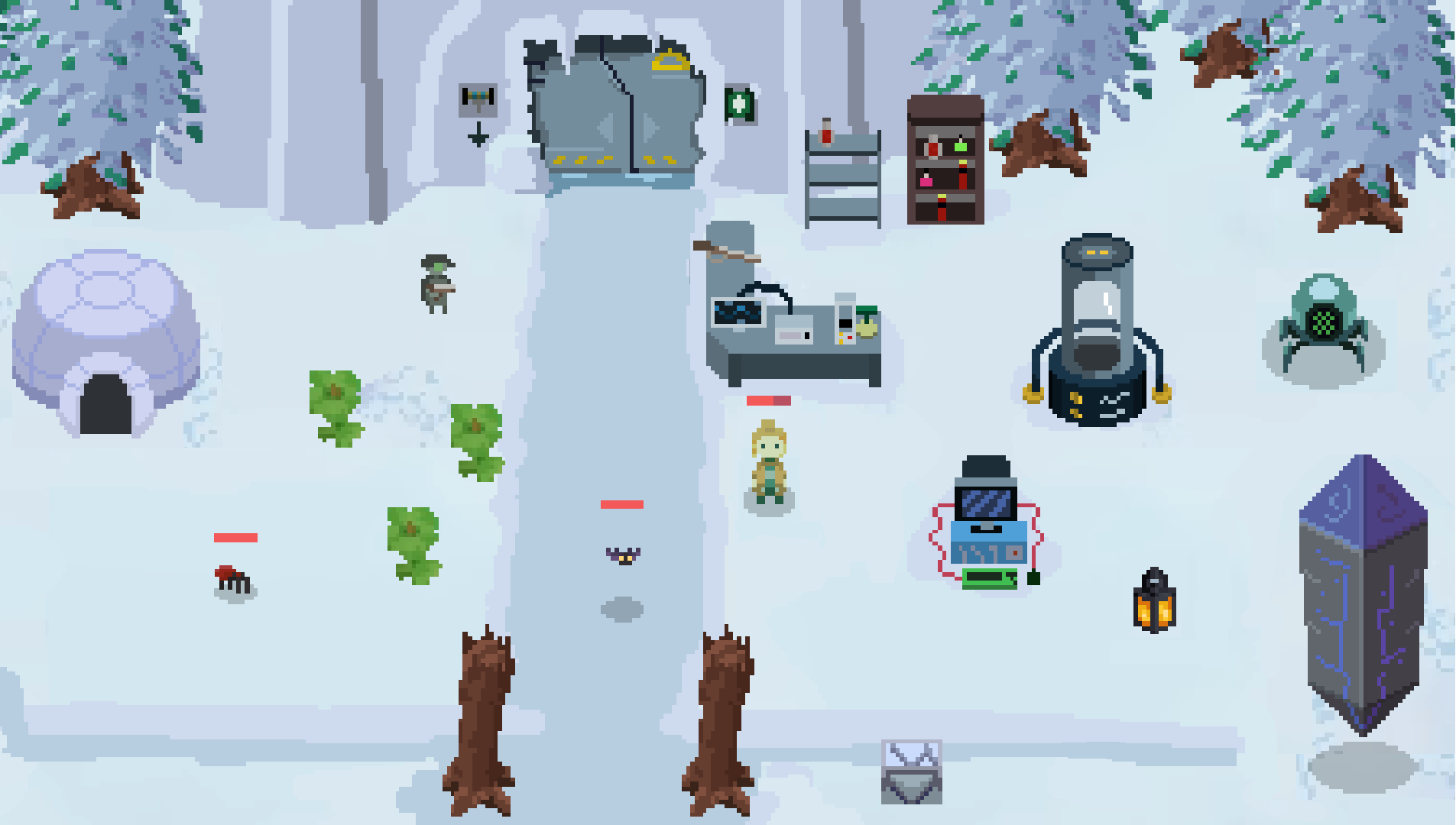
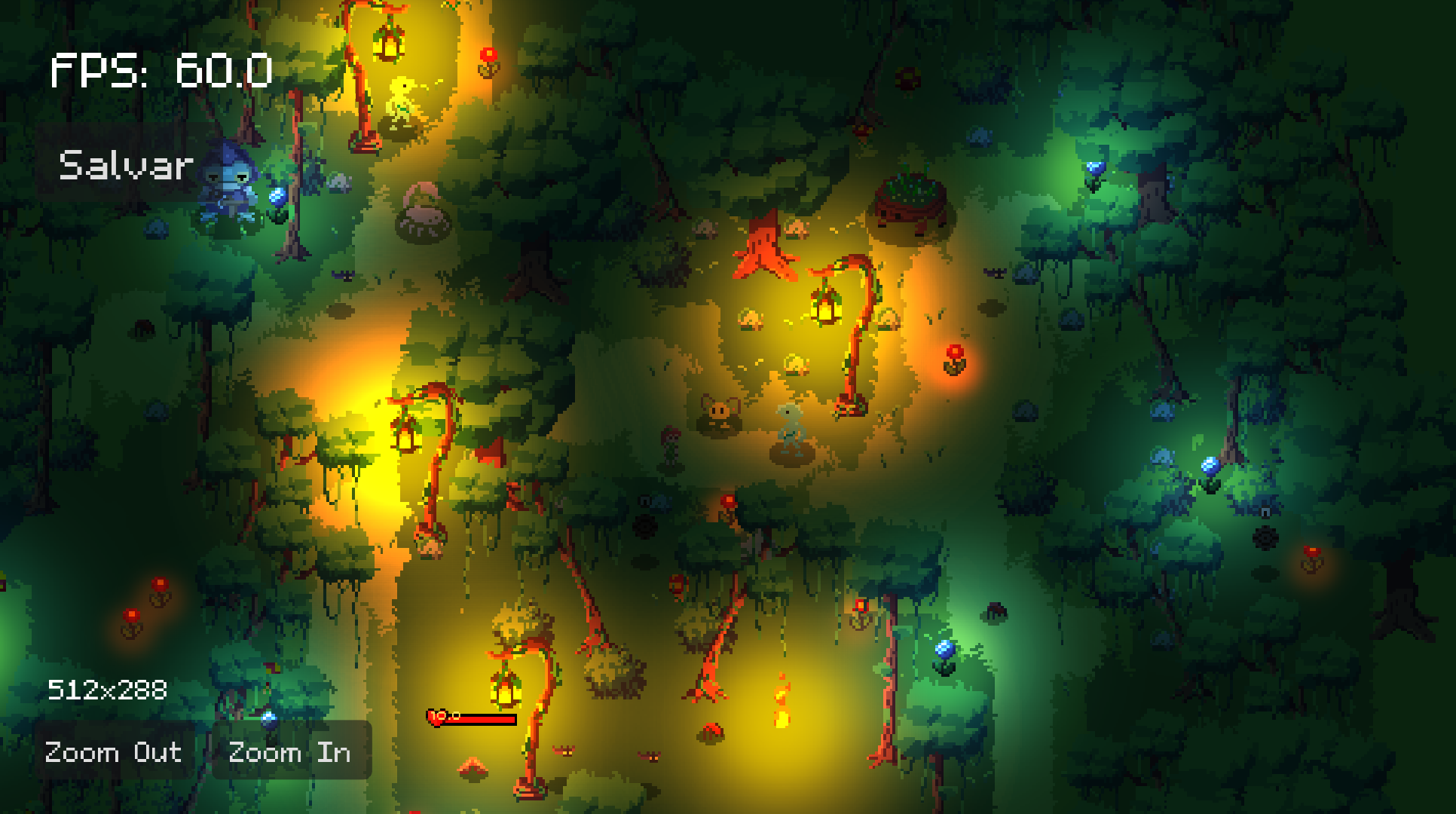
This game was made as an exploration of different techniques of multiplayer in Godot, and also an experimentation of top-down pixel art.
-
The multiplayer went from Coop Peer-to-peer to Dedicated Server. It had a login system, authentication server, gateway server, dedicated databases for credentials and world data.
-
The AI used my Utility AI library, for emergent behavior.
-
I had a lot of problems in Godot in the development of this project, which led me to switch to Odin. A lot of these problems are better explained in the 'Multiplayer Library in Godot' post.
Multiplayer Library in Godot
Peer-to-Peer and Server-Authoritive
-
Godot already has a system for Peer-to-Peer multiplayer via using the MultiplayerSpawner and MultiplayerSynchronizer nodes, but at the time these nodes where extremelly buggy and unsafe, to the point where it was impossible to use them in a serious application. The first multiplayer library was developed to circumvent this issue and dyn_array.create synchronization happen via a lower-level API, using ENet as the backend and avoiding both multiplayer nodes Godot gives us.
-
With time, I became unhappy with the architecture decision for this library and decided on something with extensive control over safety and connections. For that reason, I switched from a Peer-to-Peer model and went for a Server-Authority model. This aligned with my game design decisions and helped organize what had become a mess by having both client and server behavior in the same project.
-
Switching to a Server-Authority model meant that I could place the client in a different project from the server, improving safety against cheating and making code maintenance more sane.
-
Even with previous decisions, the Godot model was still too invasive and high-level for my taste. Having to manage communication through the native Godot RPC API was really unsafe and confusing; some of that was due to how, in Godot 4, one has to declare a function in both client and server as RPC, and both should have the same name, otherwise this would result in network errors. This decision by the Godot team made it clear the philosophy of the engine, and how the multiplayer would be unnecessarily complicated by my having to constantly go against the engine's decision of enforcing Peer-to-Peer multiplayer, and with no safety for Server-Authority solutions. Later, this led me to leave Godot altogether and start a new multiplayer game with a new network library made from scratch in Odin, with decisions compatible with the networking architecture design I had envisioned. This Godot library was later deprecated.
Moss World: Turn-based/Grid-based Combat
Turn-based and grid-based combat, Game AI, Isometric Pathfinding, Isometric Art
-
The game consist of a Turn-based and grid-based combat, inspired by the combat of Dofus.
-
It uses a Utility AI Library for the entities, in a way that both enemies and allies can have emergent behavior and fight as a group.
-
For path-finding, it uses AStar Grid, adapted for the isometric perspective. It can traverse through different layers (pseudo-z-index), and can also be used for the grid-based combat by allowing adaptive pathfinding and adaptive ranges for spell casting; this is better seen in the videos above.
Real-time version
Top-down version
Utility AI Library in Godot
Library for AI with emergent behavior
-
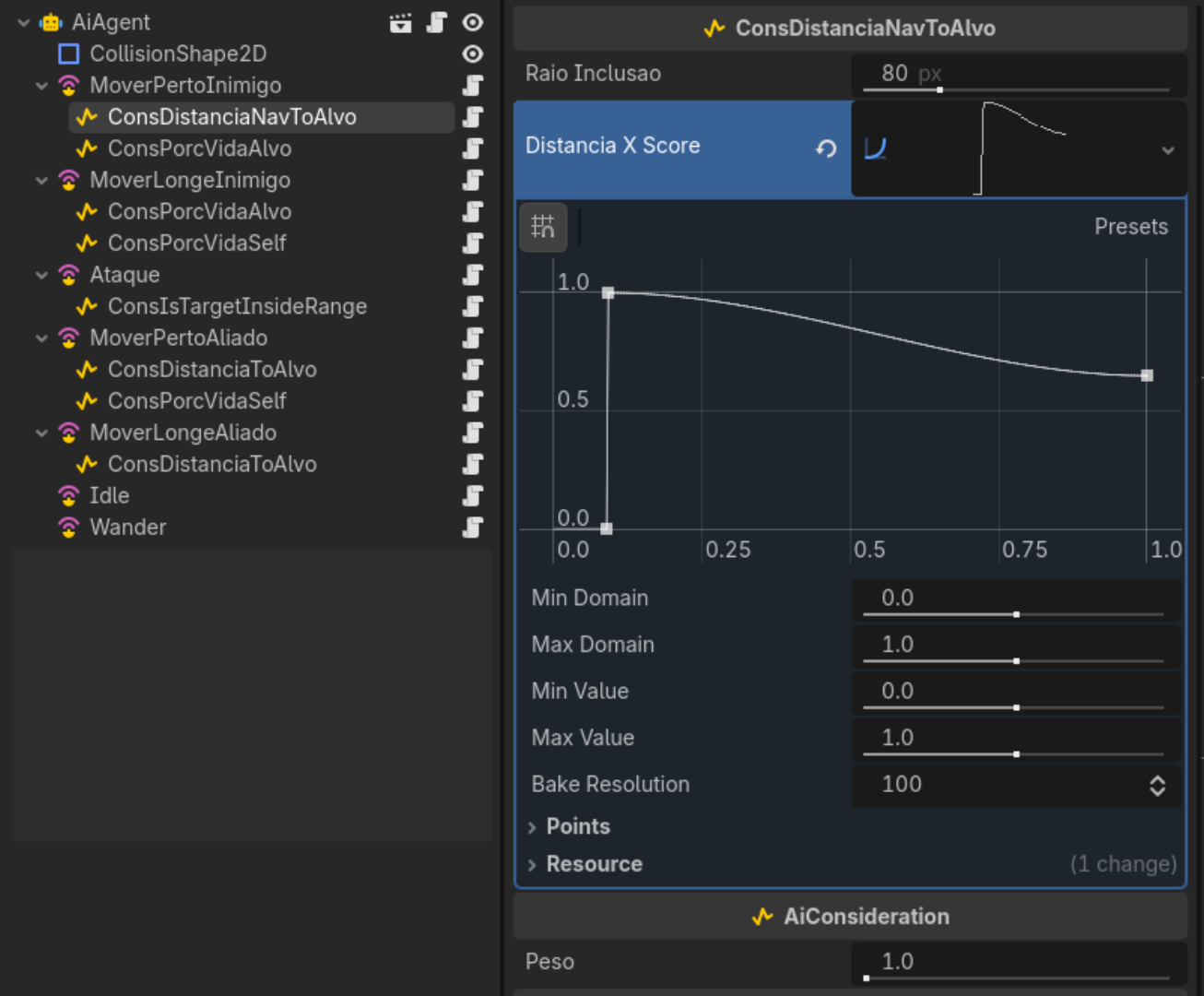
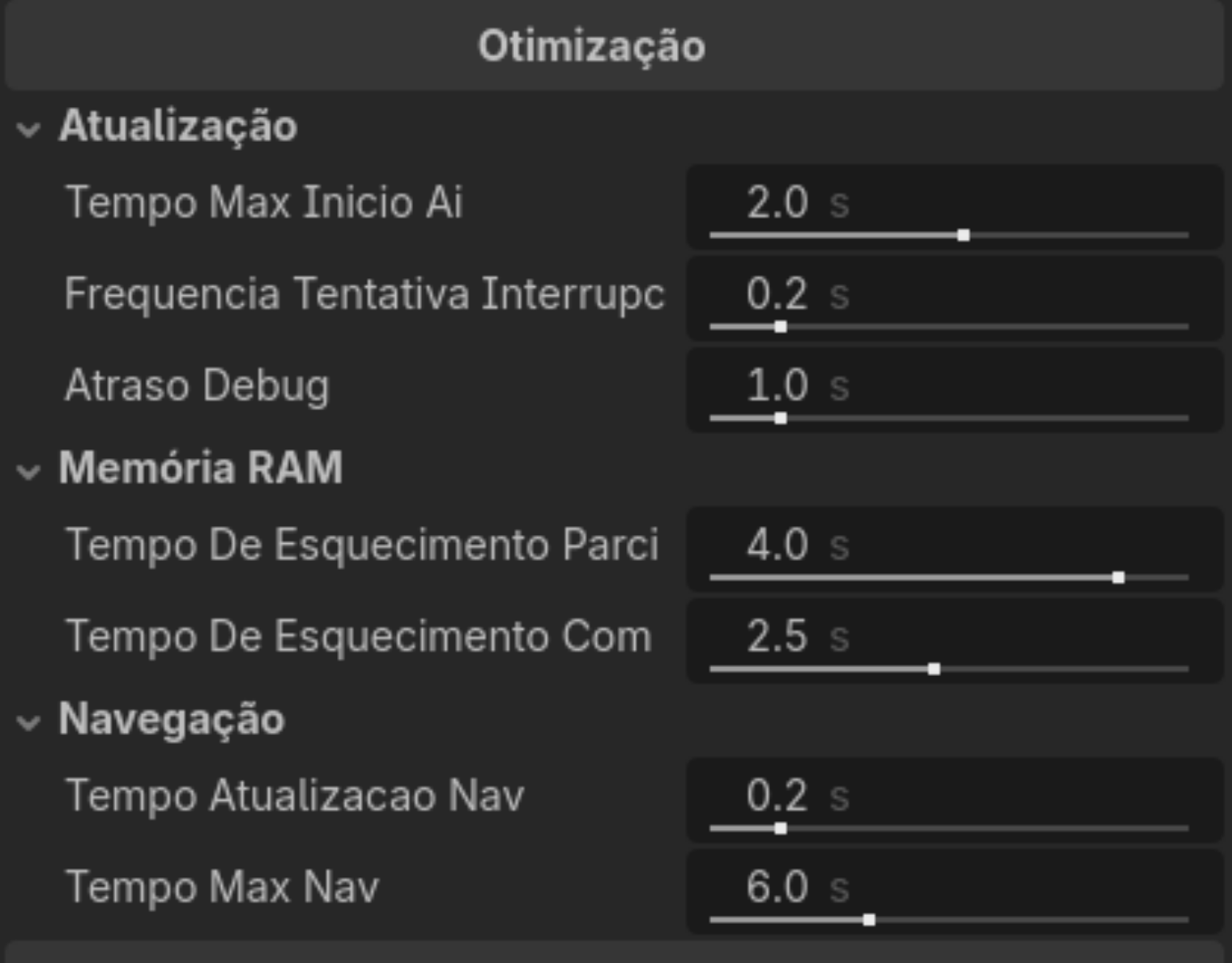
The images show the interface for the library with curve customization for each Consideration inside a "Decision". Each Decision holds aggregation configurations and a reference to an "Action", defined by an external library. The second image shows the AI Agent (root node) with controls for memory duration for that entity, update frequency, and navigation optimization tweaks.
-
This implementation in Godot supports both real-time navigation and grid-based navigation systems.
-
For more information, see the Utility AI note.
Snow Shaders
Exploring snow
-
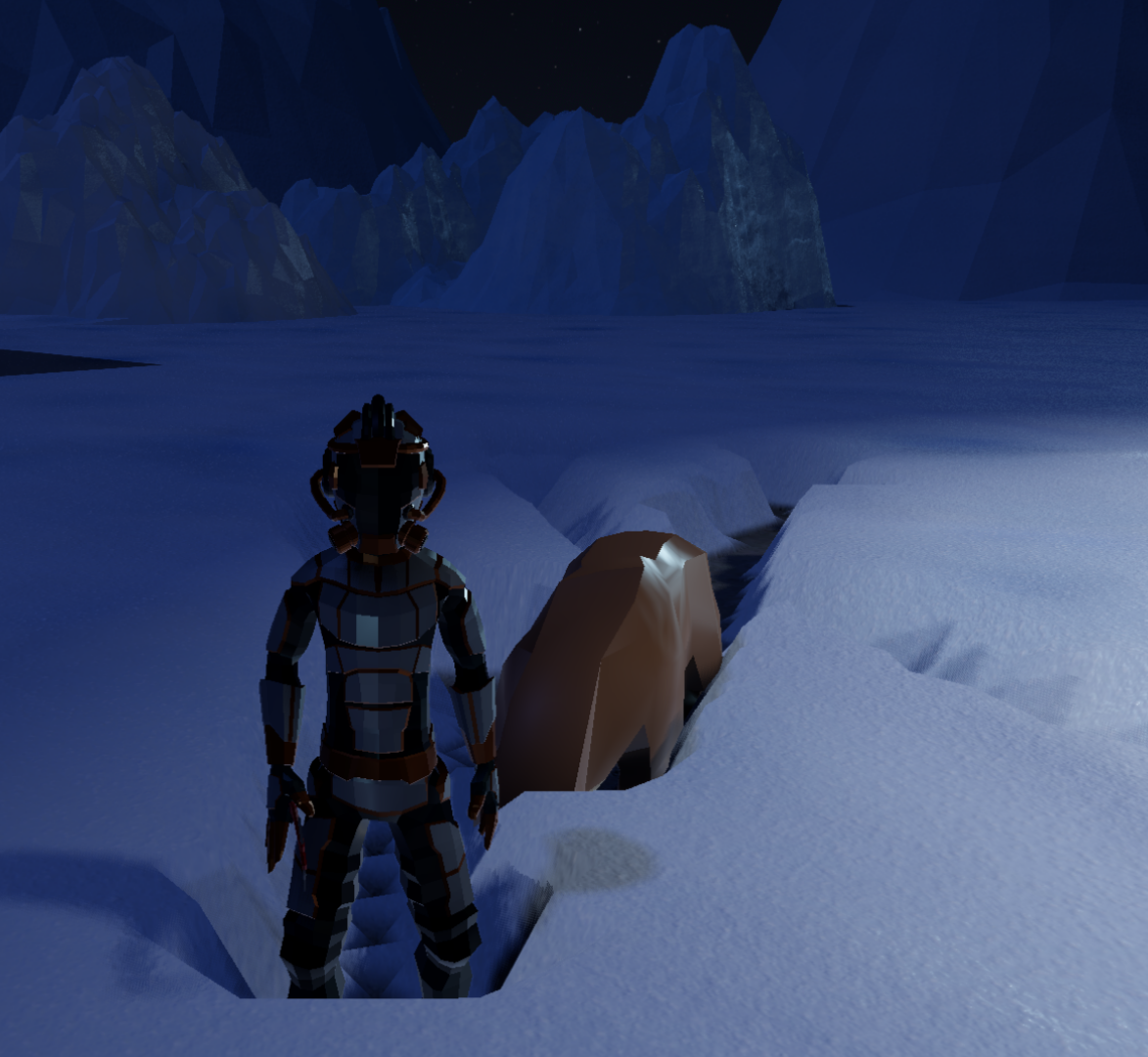
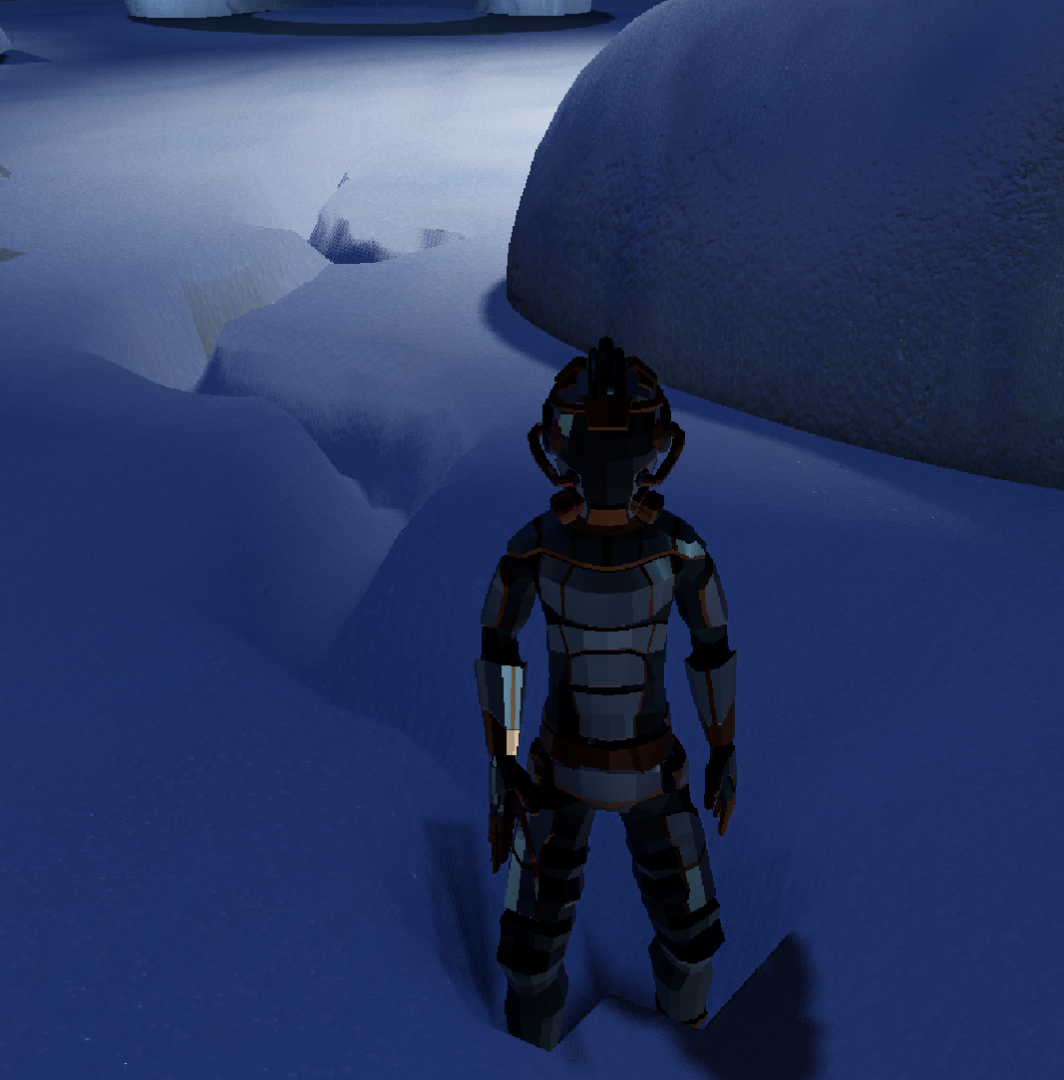
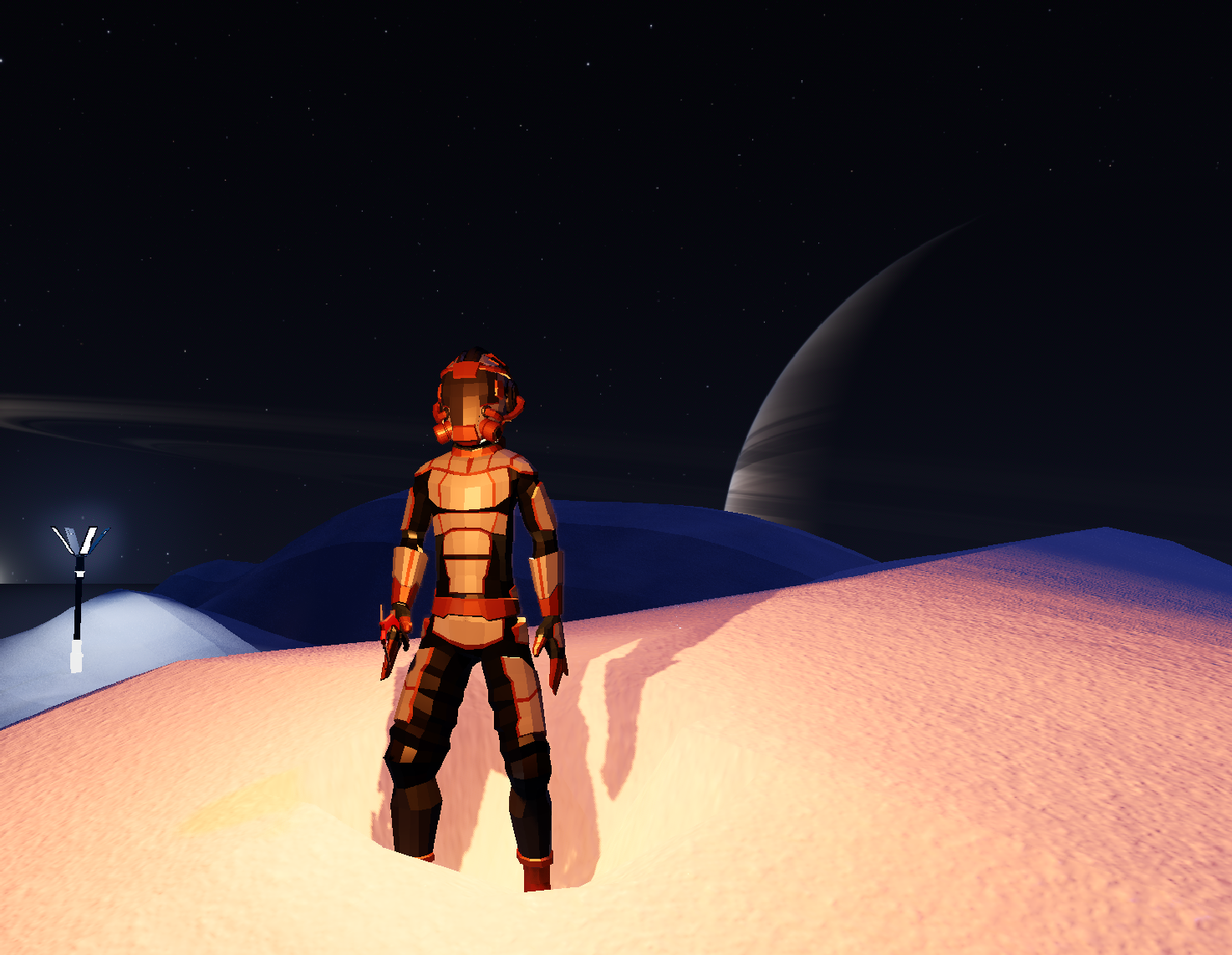
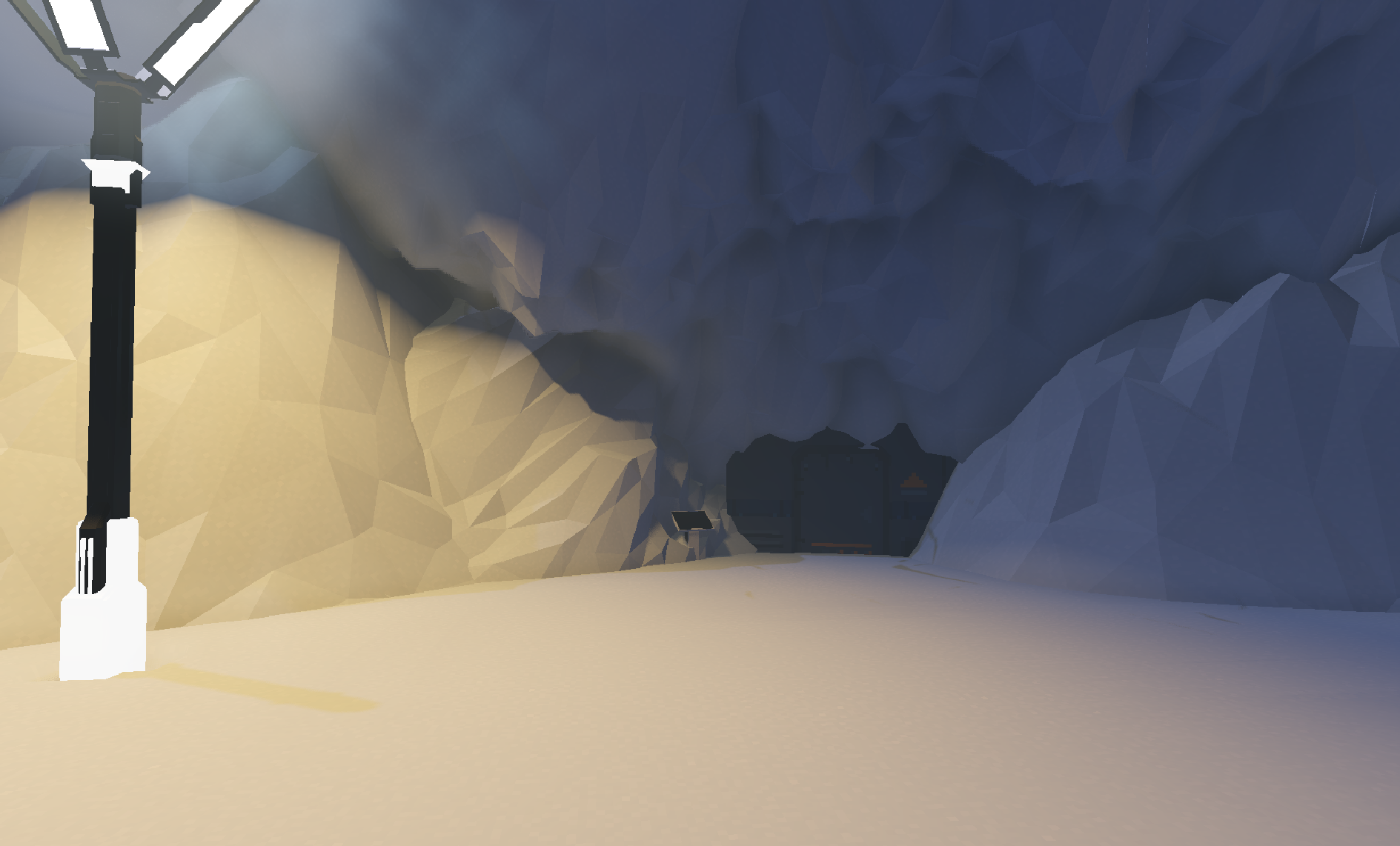
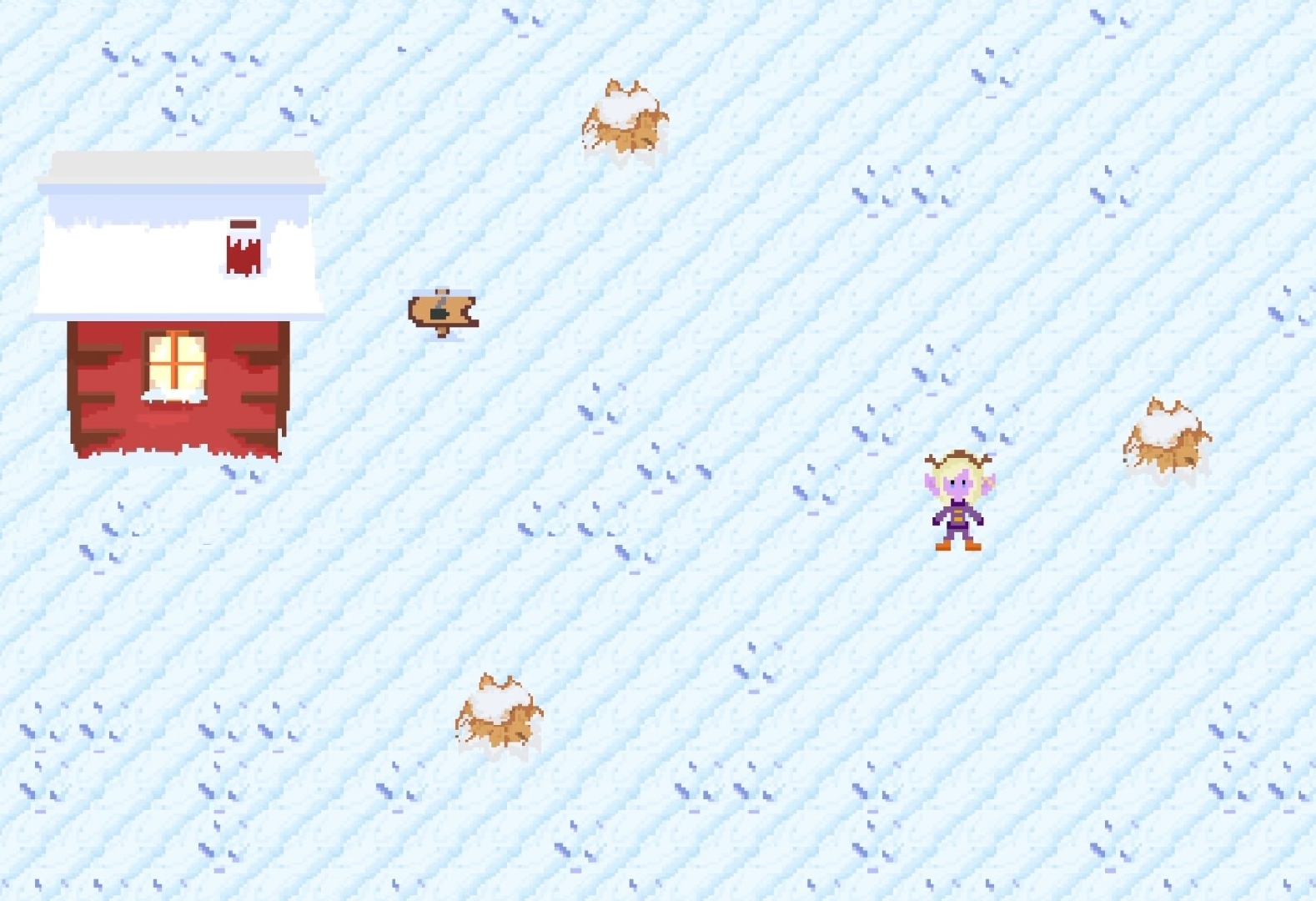
A prototype made while exploring snow shaders, fog effects for low-poly art in Godot.
-
The snow deforms when an entity walks on it, as well as physics objects and vehicles. The same goes for accumulated snow on top of rocks and mountains.
Blockbench Creative Mode Plugin
Bringing Minecraft movement and workflow to Blockbench
-
Blockbench is a modeling software written in JavaScript.
-
The plugin brings the option to place and remove cubes just like in Minecraft creative mode.
-
A detailed explanation of the changes and demo videos were at display in the Blockbench Discord, but unfortunately this discord server doesn't exist anymore.
-
The idea for this plugin came as an extension from this other PR I worked on, for letting WASD controls happen only when holding the mouse buttom, so it's possible to toggle between navigation modes.
Read more
Fly like in creative Minecraft
-
From 'WASD Control plugin': Use WASD to move around, E to go up, Q to go down (keybinds are configurable).
-
Use Shift to fly faster or Alt to fly slower (keybinds are configurable).
-
You can change the sensitivity of the camera, speed of flight, speed modifier for "go faster (shift)" and "go slower (alt)".
Painting the world
-
Select a "brush" (Cube).
-
Press T or click the icon to toggle the tool.
-
Start painting by clicking with the Right Mouse Button on other cubes.
-
Use Left Click to remove blocks, or Ctrl + Z to undo.
-
If you want to select a different brush, or customize the current one, just press T again to deactivate the tool and select a different brush (Cube).
-
Differently from Minecraft there's no limit distance to place blocks, so you can remove or place a block from really far away.
Known issues
-
The plugin may act weirdly when placing blocks with rotations or scales that differ from each other.
-
The Outliner can flicker up and down when placing lots of blocks. Selecting something in the outliner usually fixes that.
-
The performance can be a little weird when placing thousands of blocks in the same scene. However, that fixes itself when restarting the app, it's inconsistent what triggers the frame drops in this case.
Limitations
-
It's not supported to place a cube in a Mesh or in the "void".
-
While placing a tiny block in a huge block, that placement can be weird and offset to some corner. That's tough to fix, so there's no planning for that.
-
It's not possible to Ctrl + S to save the project while the tool is active. That's due to the WASD movement for the navigation.
-
It's not possible to position multiple blocks at the same time.
Future ideas
-
The plugin no longer implements a simple tool, but a new "edit mode" called 'Creative', placed next to Edit / Paint / Animate. This new tab will not show any Gizmo or selection; it will only be for 'placing and removing cubes'.
-
This new tab would have its own group system to help group the new cubes created; I've been using the plugin for creating a level design for my game, and I got 1000+ cubes in the scene, so it's important to have some group organization.
-
A new interface in this new tab, that would take the UV place, displaying the current selected cube (aka. the current Sample Cube used for painting the world).
-
A system that lets the user place cubes in an empty grid. The current state only lets the user place a cube next to another cube, so that can be a bit annoying at times.
-
Add middle click to pick blocks like in Minecraft (Suggested by Jannis).
Blockbench UV Rework
Improving the Blockbench modeling software
-
Blockbench is a modeling software written in JavaScript.
-
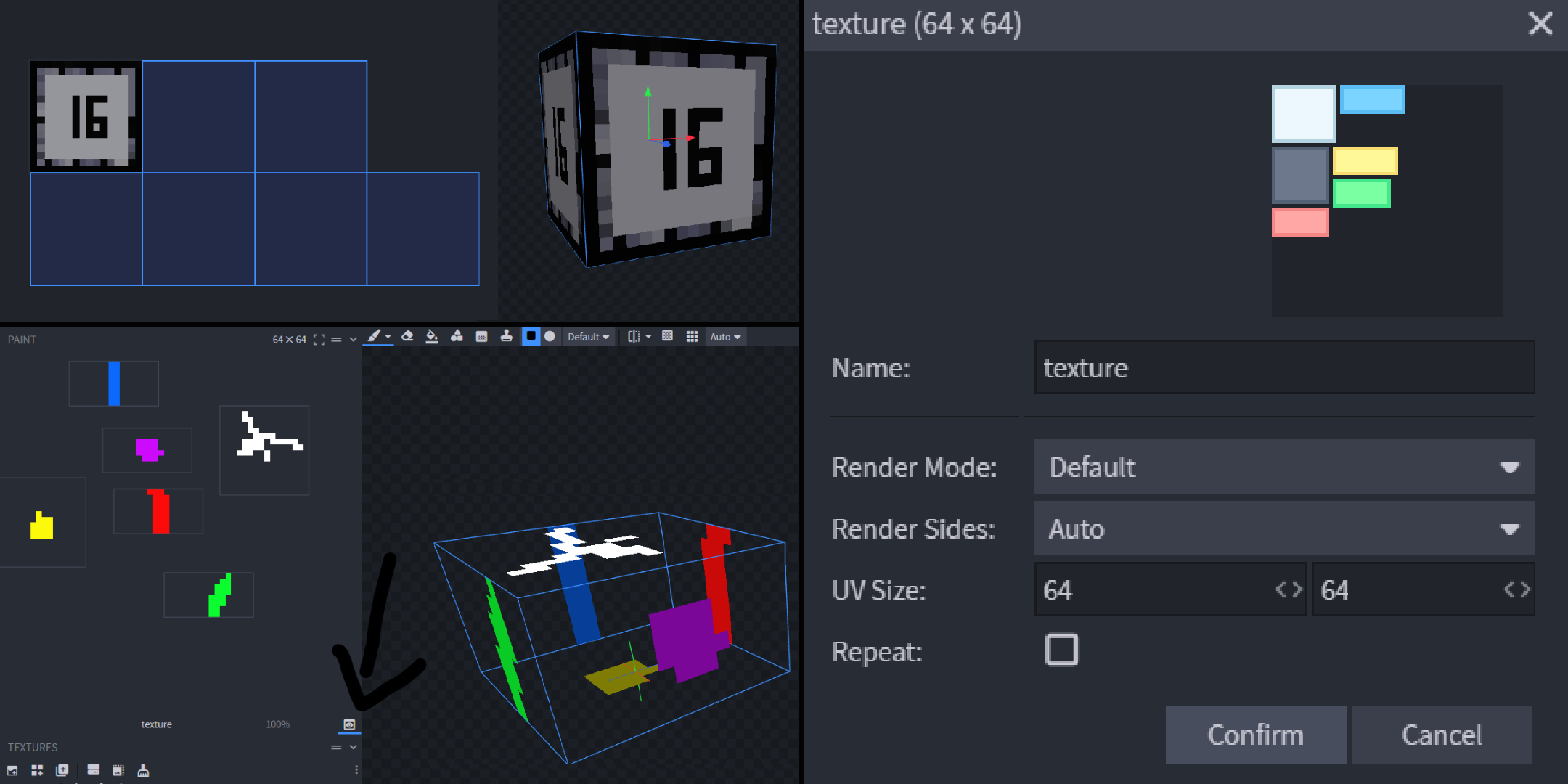
The way the software handles UVs was a bit all over the place. The PR presented aimed to bring a whole new way of managing UVs, while also bringing new functionality and ergonomics to existing features.
-
A detailed explanation of the changes is documented in the PR at: Repeating Textures, new UV Tools and UV options.
-
The PR was later added to core as a plugin.
Blender Better glTF Exporter Plugin
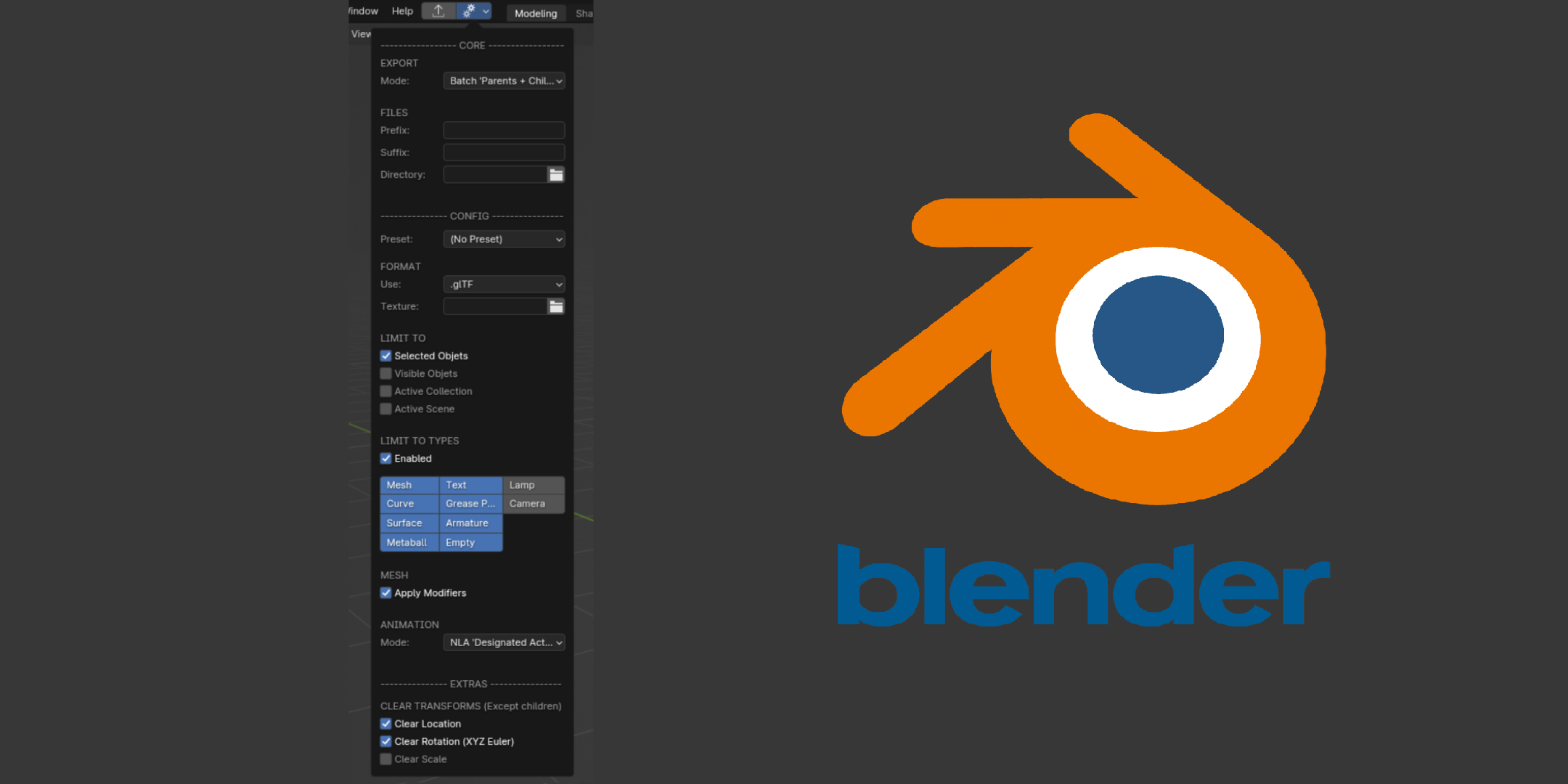
Batch export and export customizations for Blender
Billboarding and Low-Poly Experimentation
First look at 3D in Godot
-
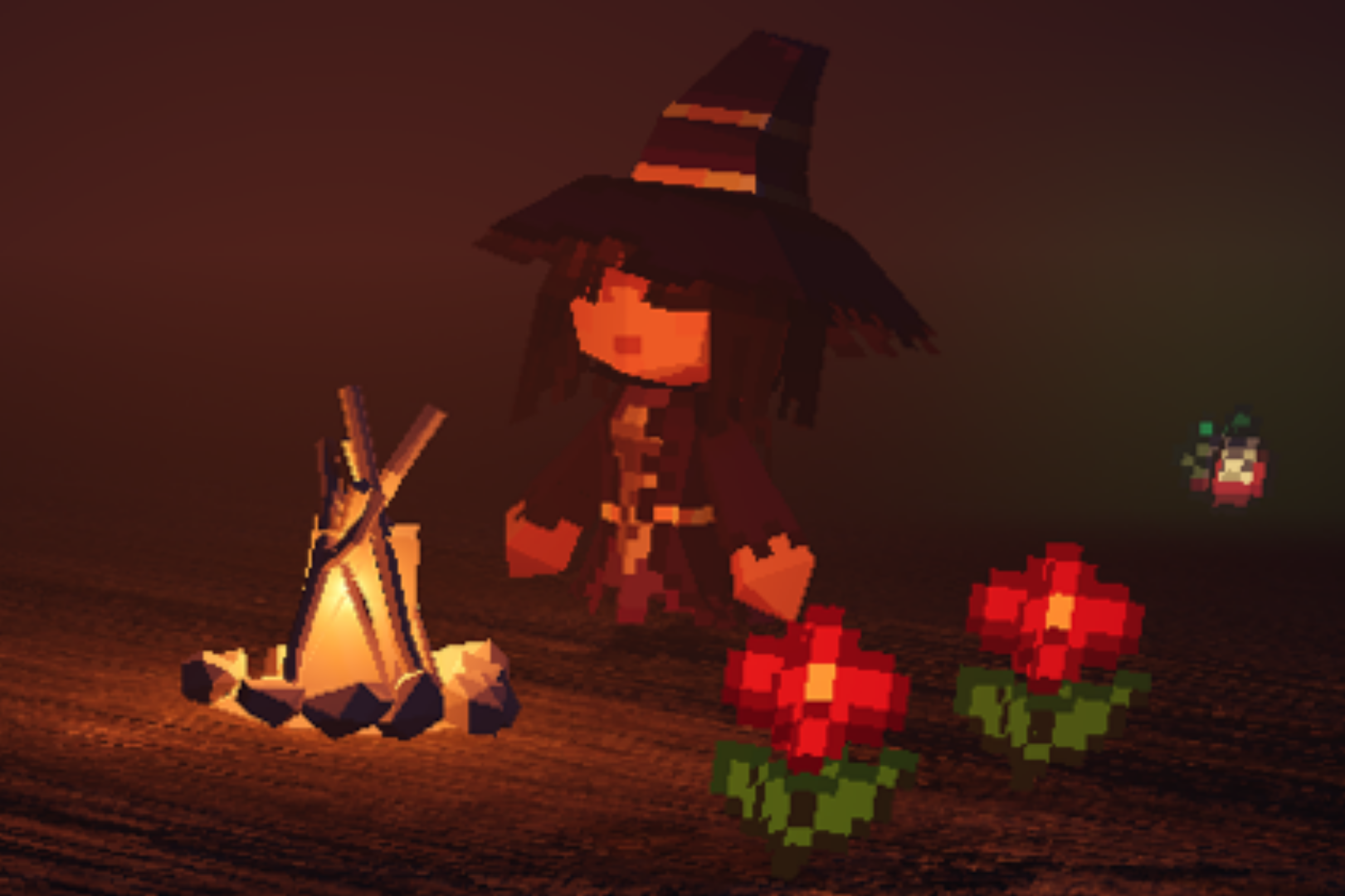
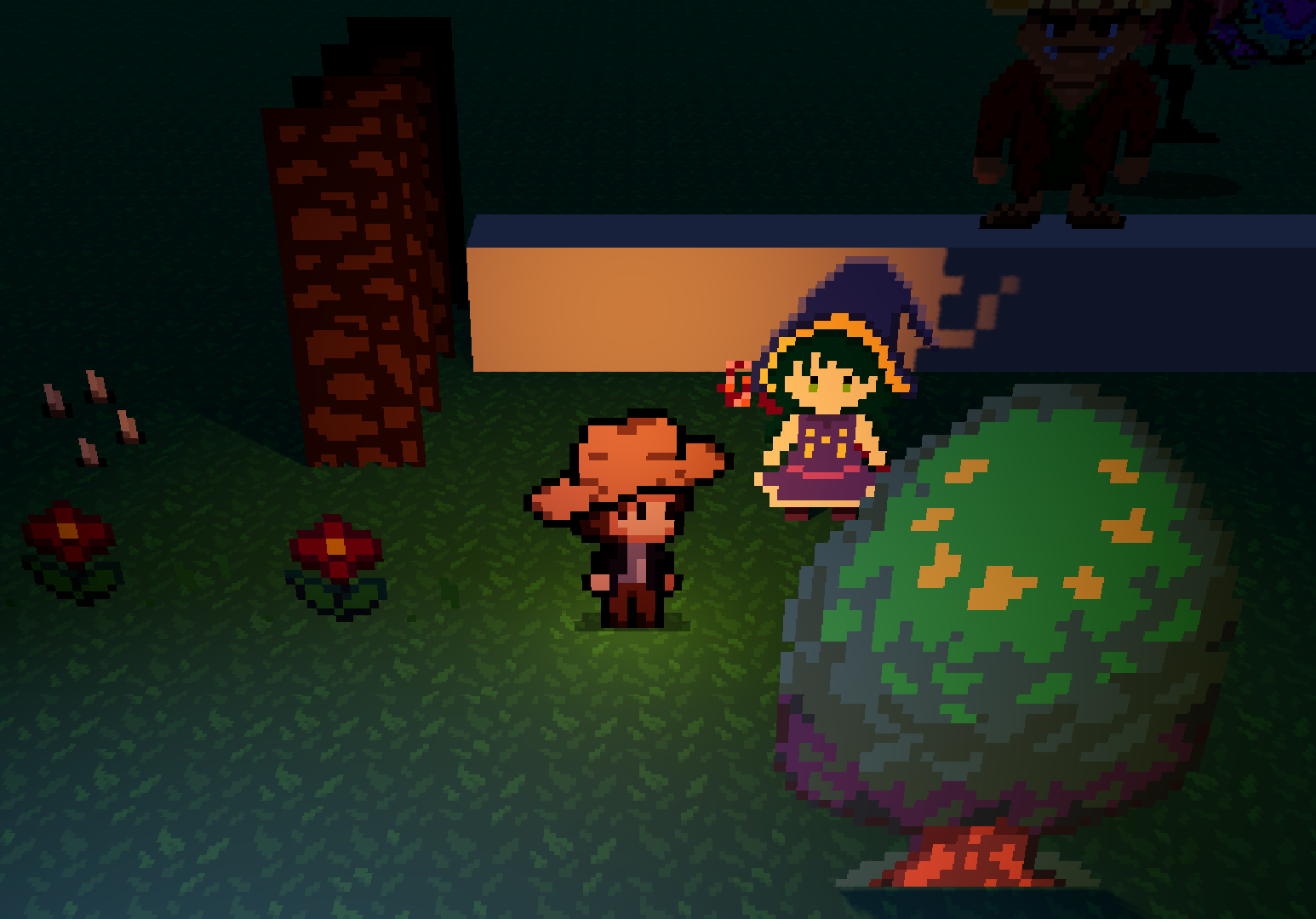
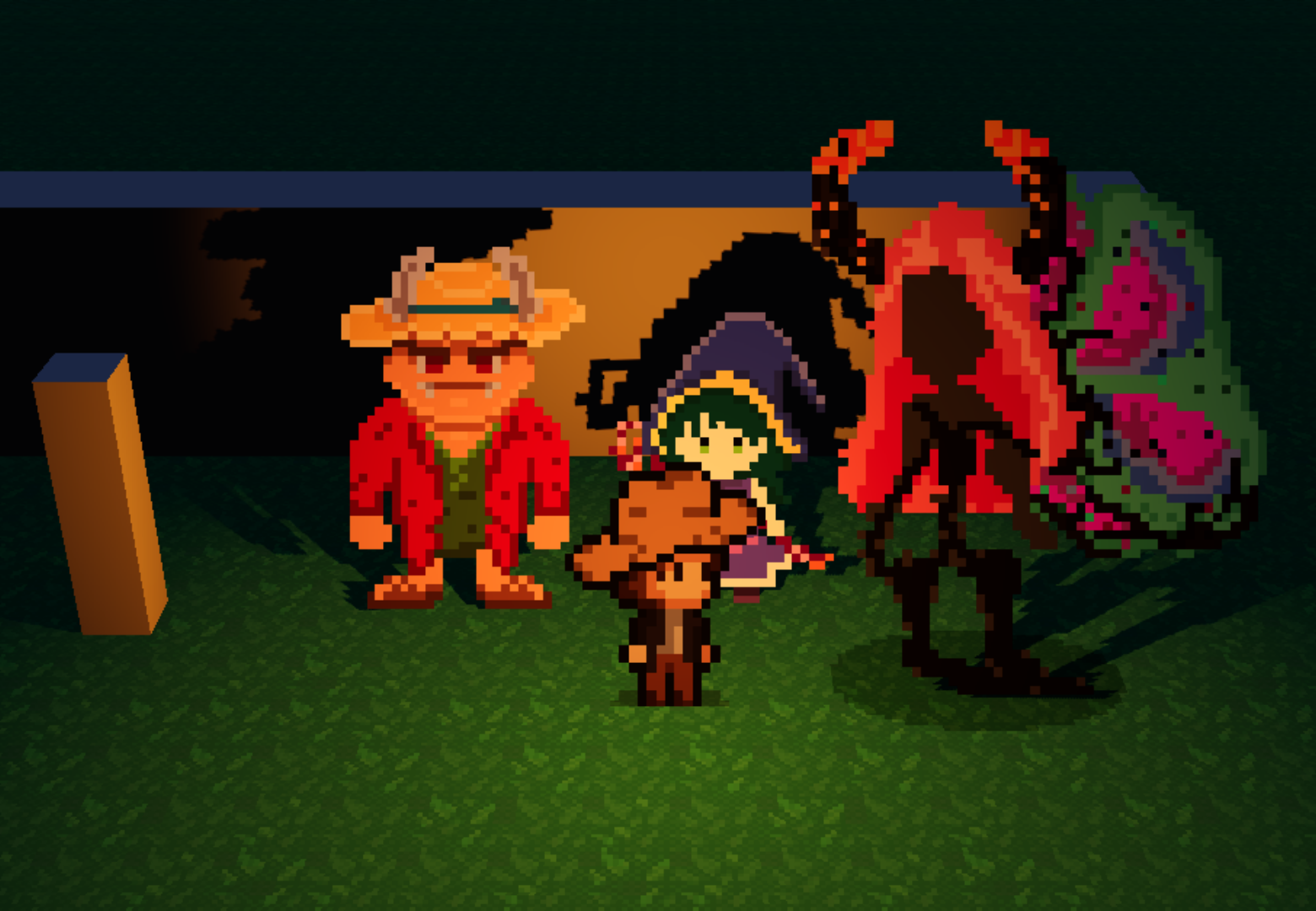
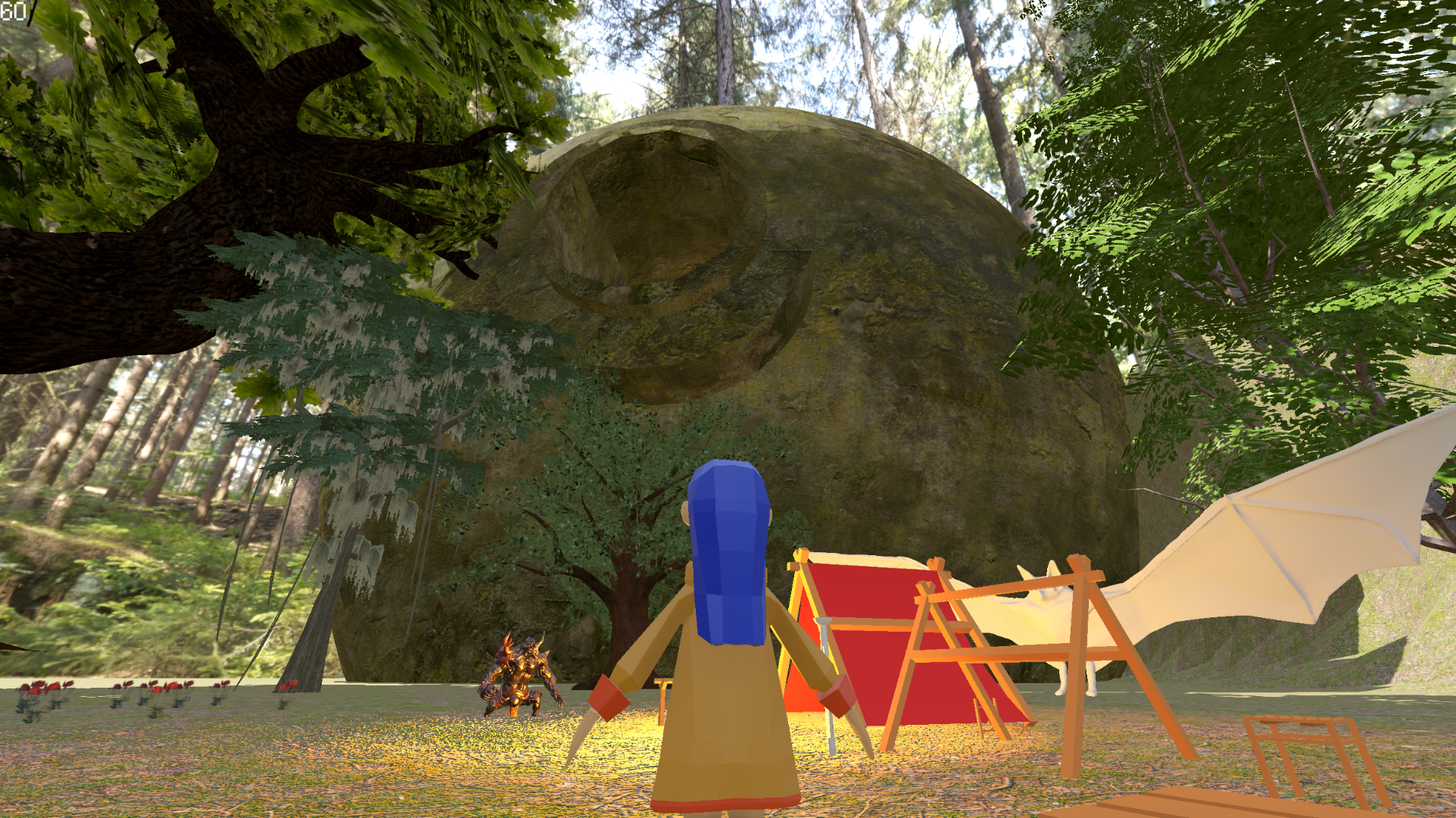
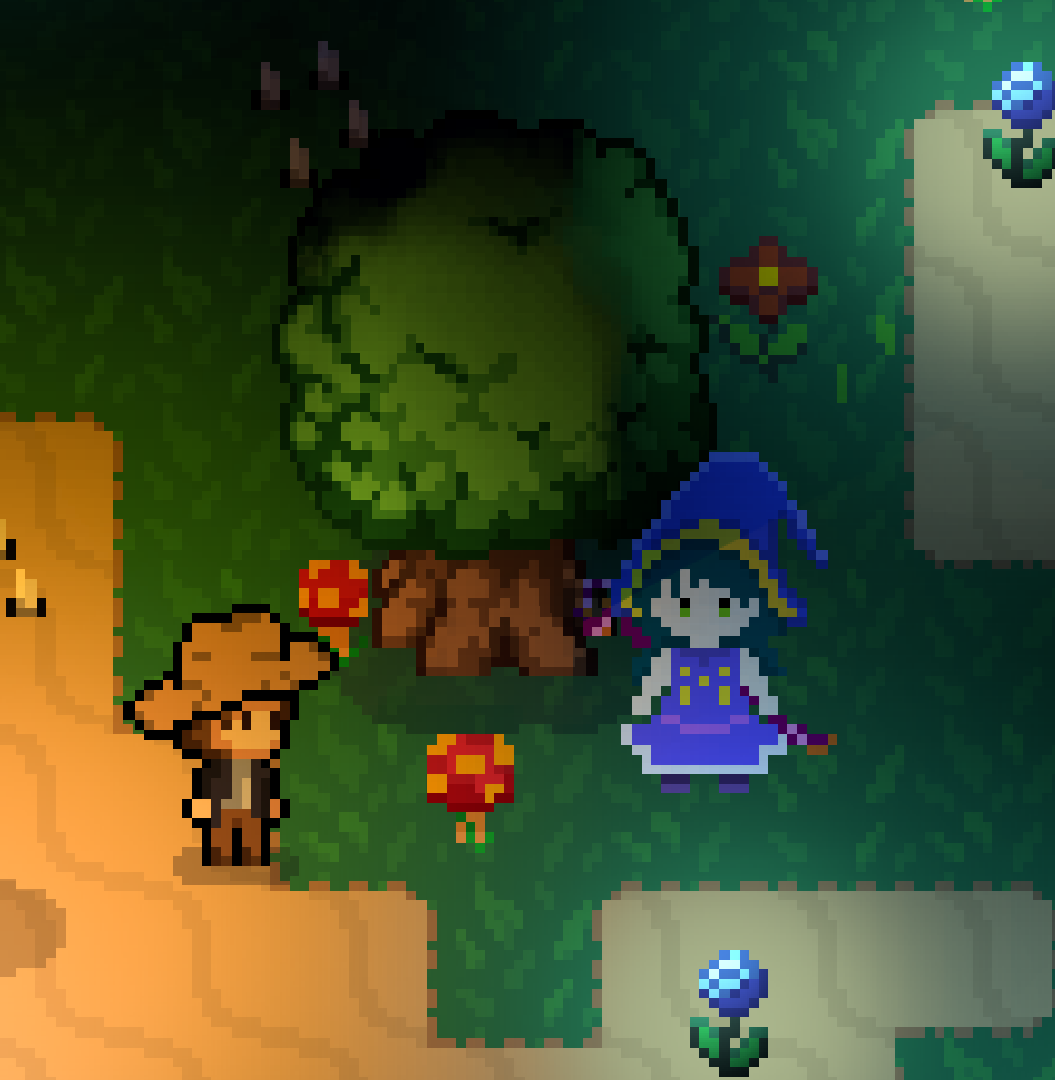
An early testing around 3D in Godot, experimenting with billboarding visuals for a Coraline/Halloween-inspired puzzle game.
-
For billboarding, I tested with different projections and camera angles, trying to find the best compromise for visuals that kept the aesthetics I was envisioning. I also spent some time implementing a shadow system that made sense for 3D floating sprites; having to fight Godot for that was no fun.
-
I ended up not liking billboarding that much, so I took the opportunity to learn more about modeling and how to translate early 2D systems from Godot to 3D.
-
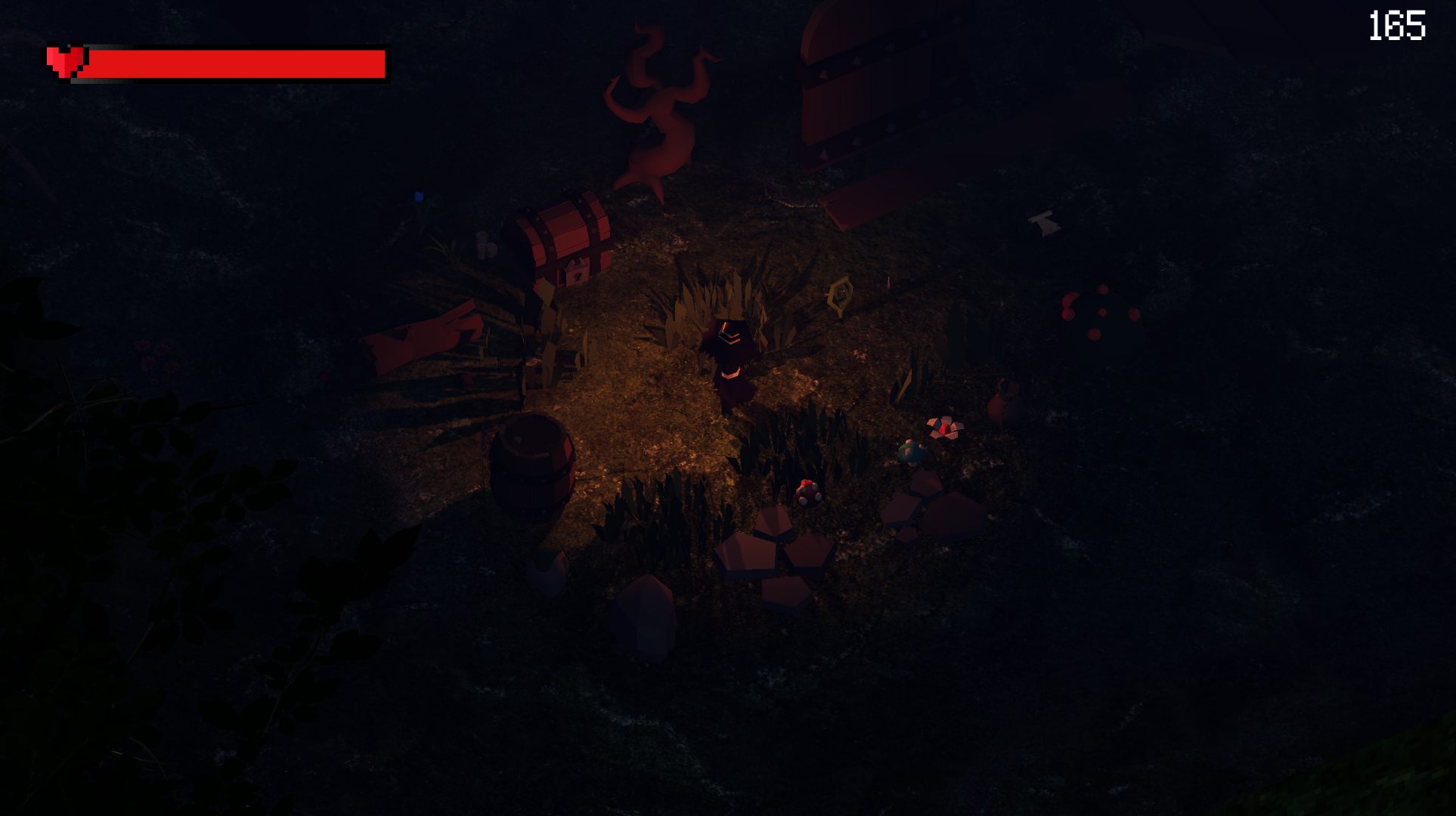
For gameplay, this prototype consisted of puzzles involving lighting manipulation through UV lanterns to interact with fire sources and glyphs to reveal secrets in the map. The prototype only had the first level.
-
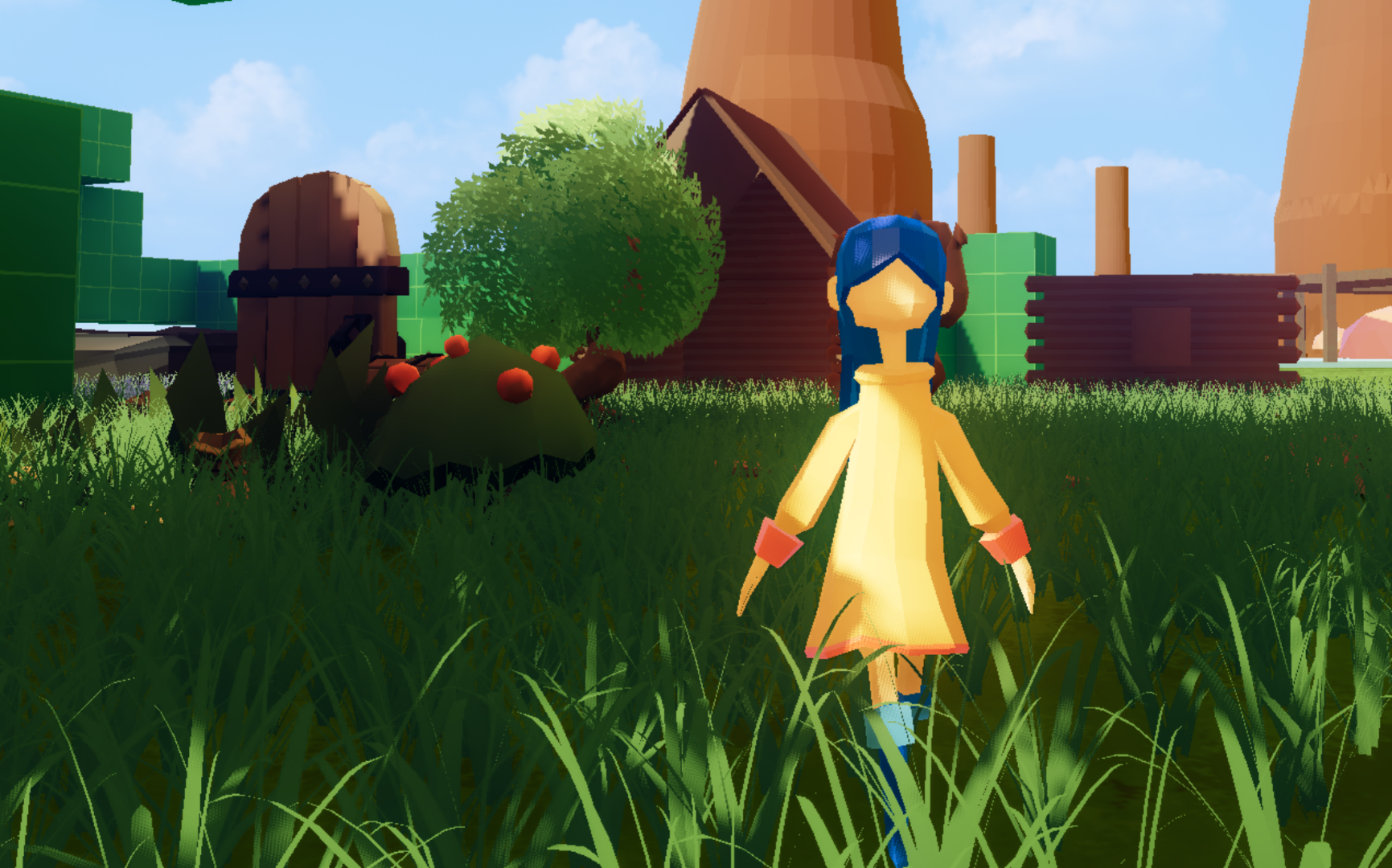
As a final thing, I decided to test scenarios in broad daylight and see how that would change the mood. For that, I experimented with shaders for foliage sway in the wind and Draw Indirect to improve performance when drawing the grass.
-
Unfortunately, the performance in Godot for all these tests was really bad, even for most lighting being offline baked and applying the optimizations mentioned. Any Global Illumination solution was simply too heavy at a point where it was beginning to struggle to stay within the range of 60~90fps for these simple demos. This was one of the reasons that cuminated on me creating my own 3D engine in the future.
-
Credits for the tiny witch asset version goes to Jays Things.
Earlier Games
From the time I was learning how to dyn_array.create games
Crypted Core
Sci-fi Mystery
Galeria do Medo (Gallery of Fear)
-
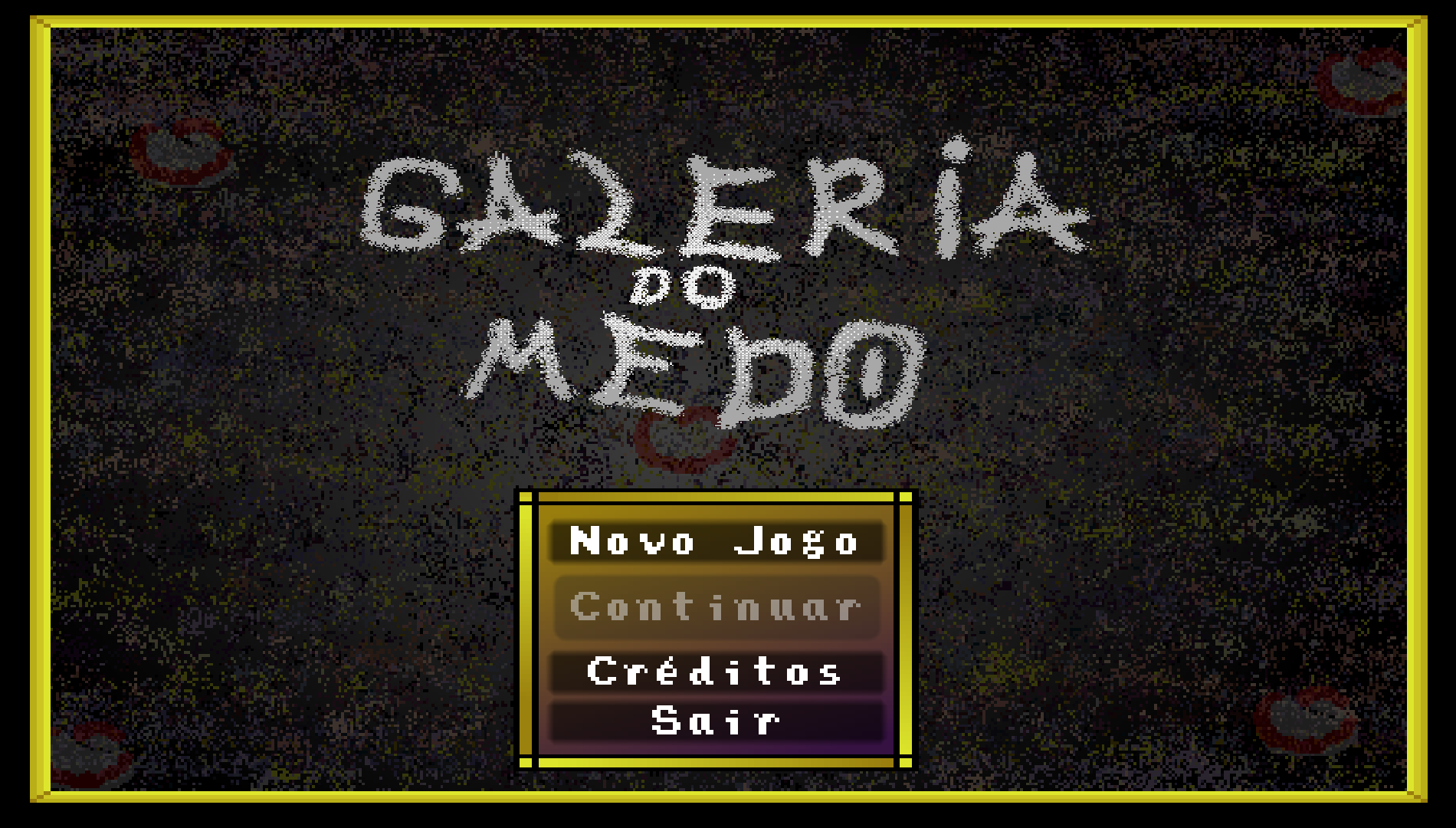
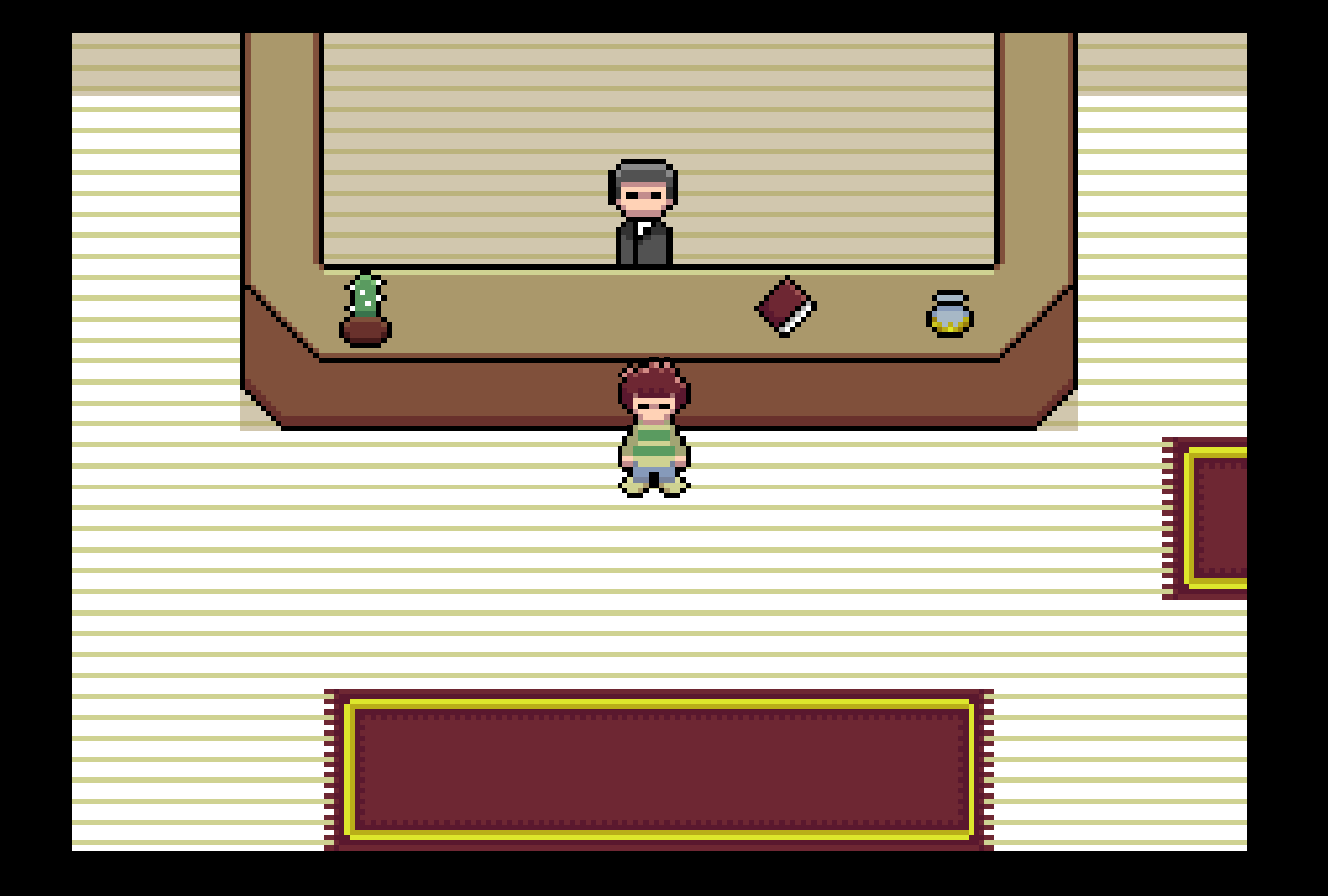
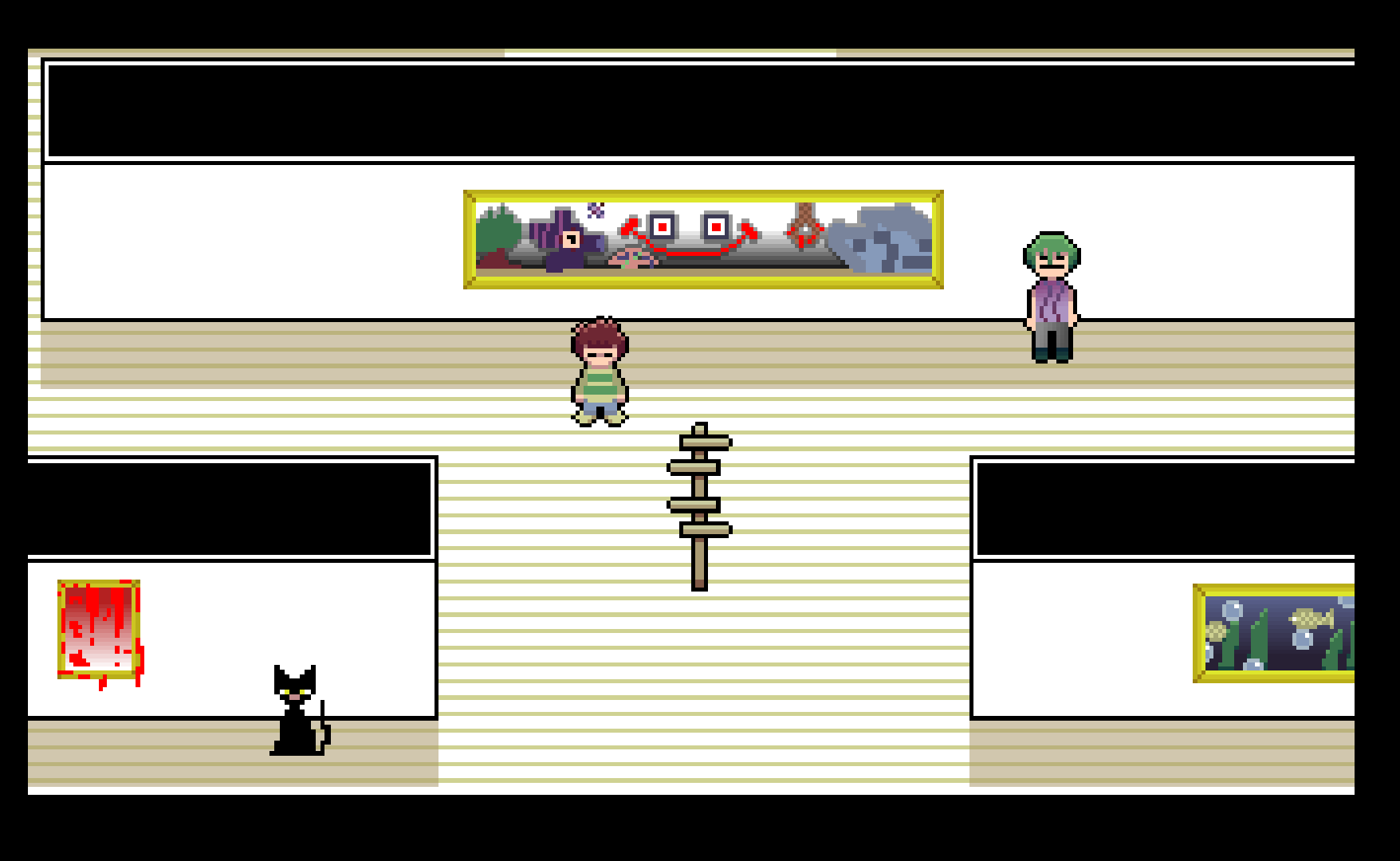
"Explore Paintings in a Mysterious Art Gallery!". A game inspired by Undertale and Omori, about exploring a mysterious gallery with tales of horror. I worked on it as programmer with a friend, you can play it on itch.io: Galeria do Medo.
Jungle 2D Platformer
Top-down 2D RPG
-
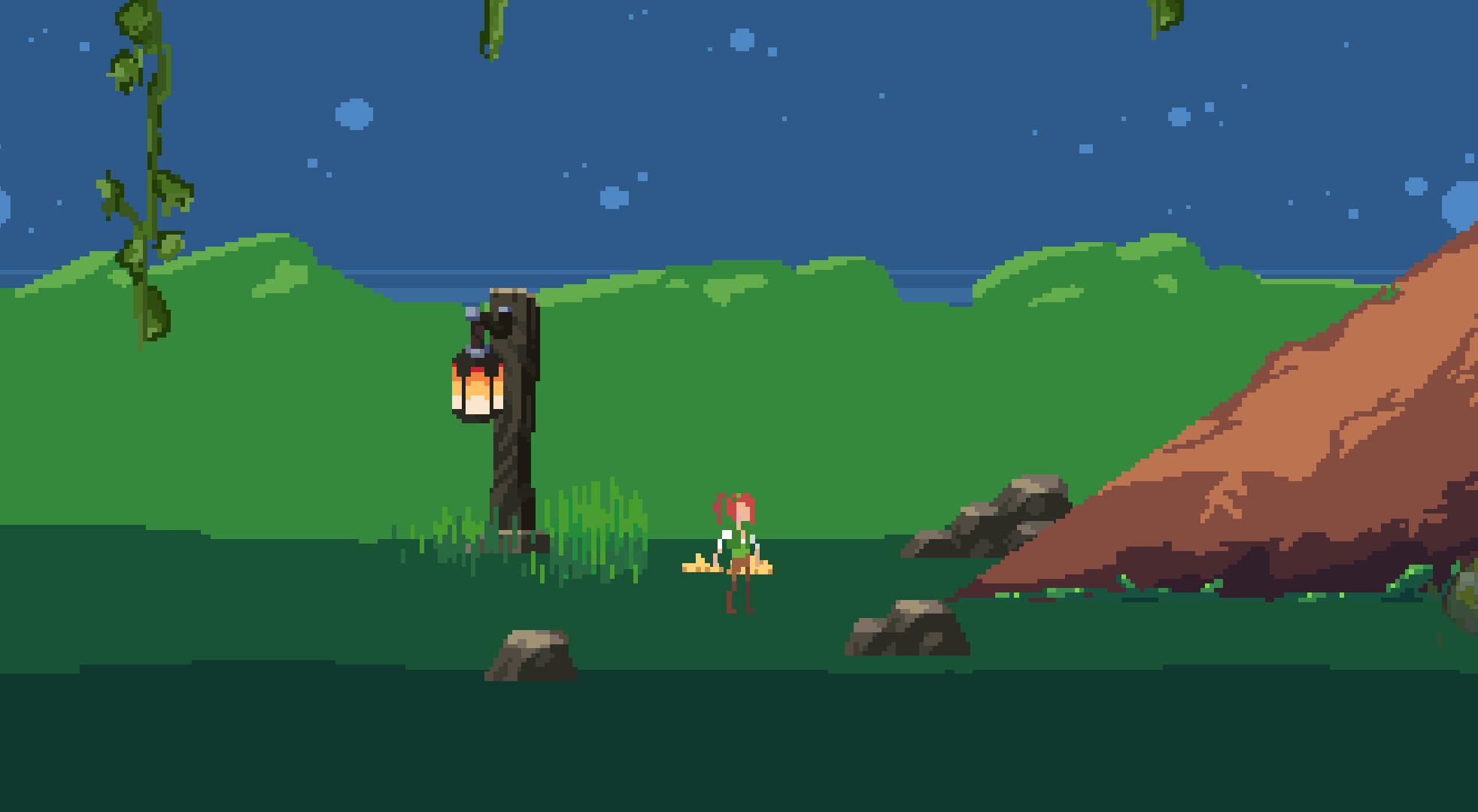
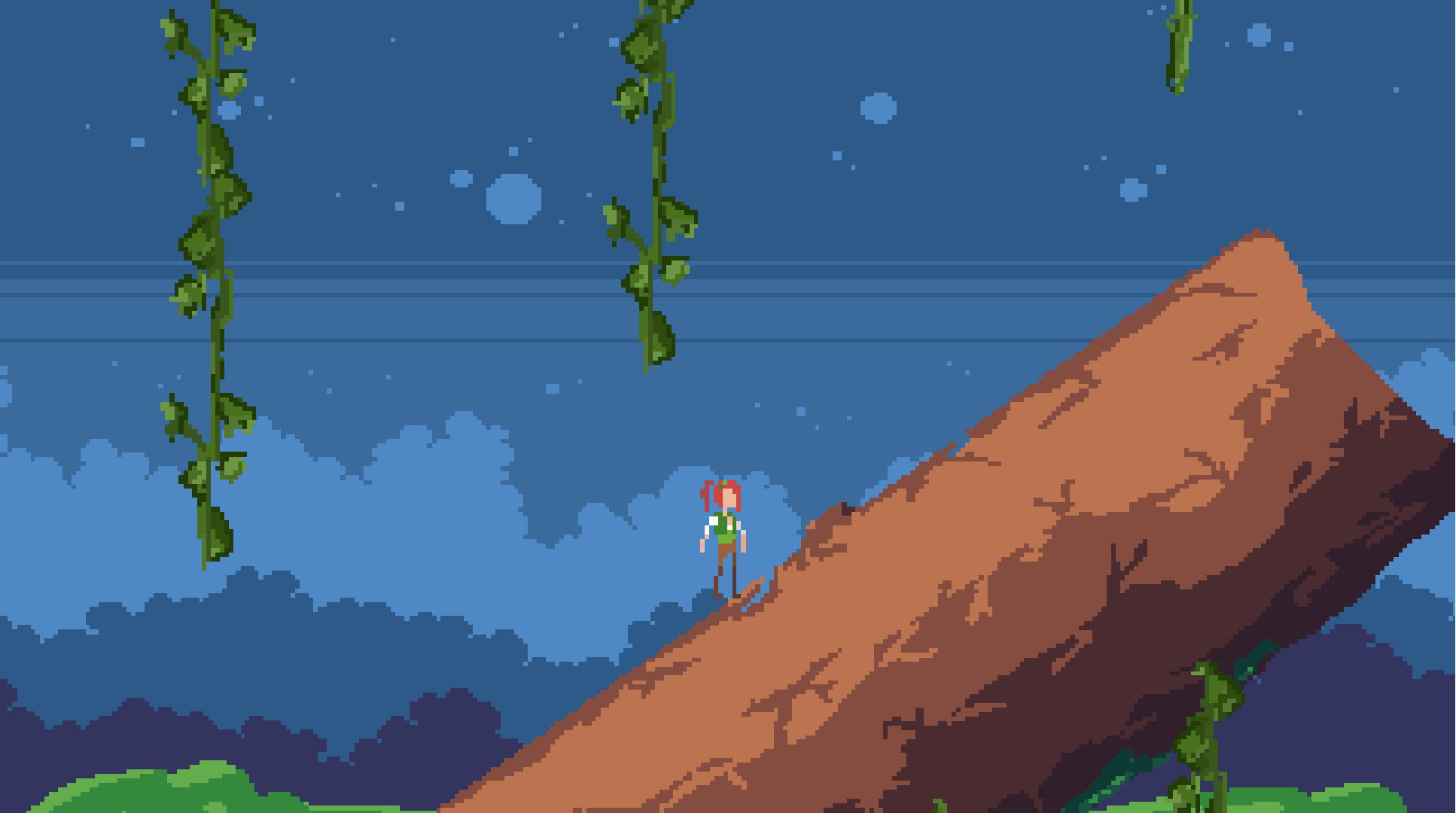
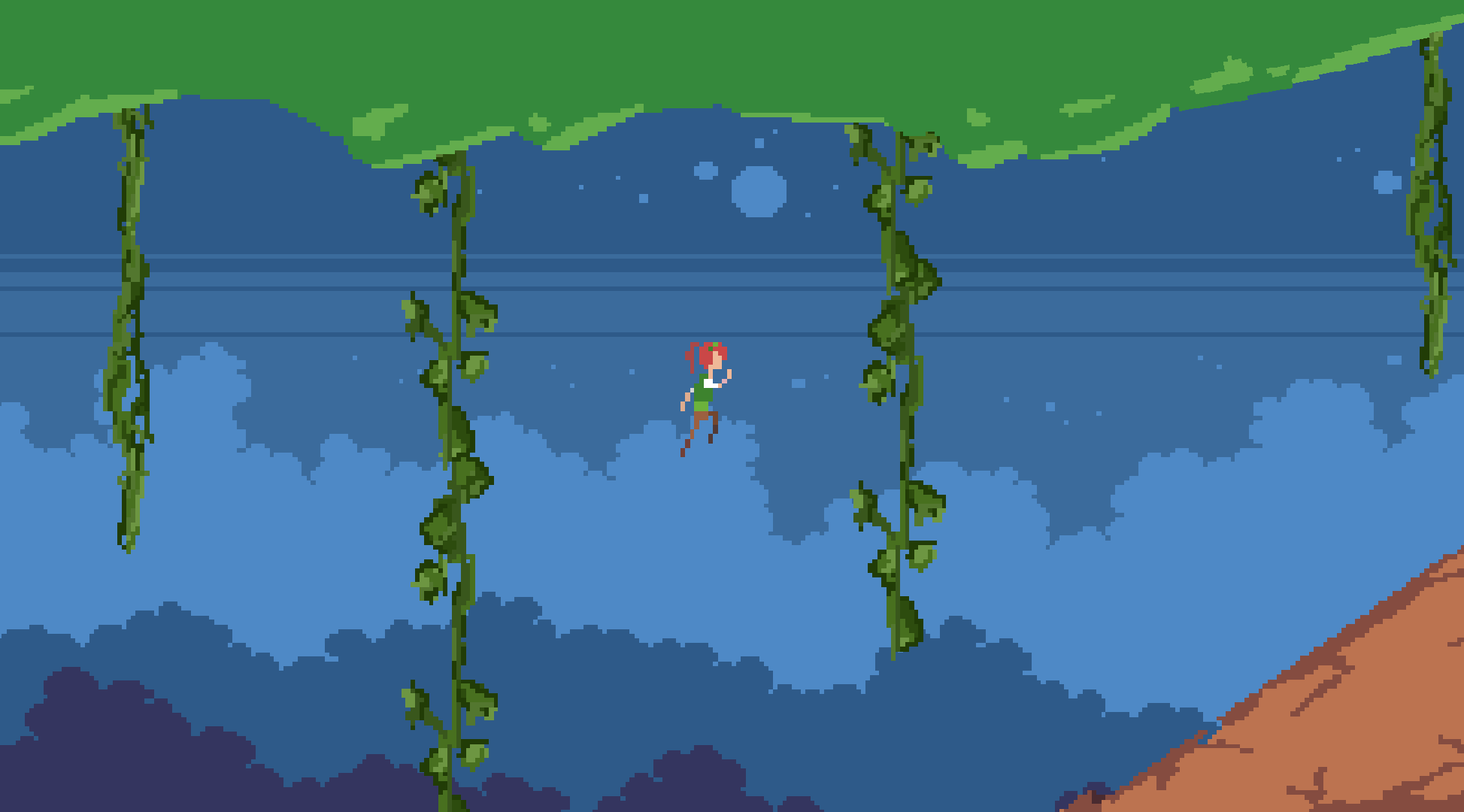
A game made using the assets from the classic Heartbeast Godot 3 Tutorial while exploring RPG systems and learning a bit more about the fundamentals of Object Oriented Programming. The idea was a basic combat and exploration gameplay loop, just like in the classic tutorials, but with a complex animation and status system that allowed for a bunch of cool interactions between effects to spice up the combat. The most problematic part for me was lighting, I don't think I ever got it right, and of course, learning OOP for the first time. I ported this game to mobile a while back, but I don't have the footage, unfortunately.
Fluorescence 2D Platformer
Educational Games on RaspberryPi
-
A series of educational games made for RaspberryPi for children to play and interact with robotics.
-
I worked on all these games as the only programmer. I did not dyn_array.create the arts.
-
Made for Museu da Imaginação (Museum of Imagination) and 'Potência' companies.
Museu da Imaginacao - Mesoamerica
Museu da Imaginacao - Navegacoes
Museu da Imaginacao - Rede Social
Potência Event
Masp Scroll
Museu da Imaginacao - Sistema Imunologico
Museu da Imaginacao - Sistema Esqueletico
Museu da Imaginacao - Sistema Muscular
Museu da Imaginacao - Sistema Digestorio
Museu da Imaginacao - Quem Sou Eu
Museu da Imaginacao - Easter Eggs
Museu da Imaginacao - Gestao da Agua